Product photos to transparent PNG in one click
Upload a product photo. AI removes the background, text and watermarks and exports a transparent PNG with clean edges. Switch to "White main image" to export straight to marketplace specs.
Drop or paste an image · JPG / PNG / WEBP, up to 10MB
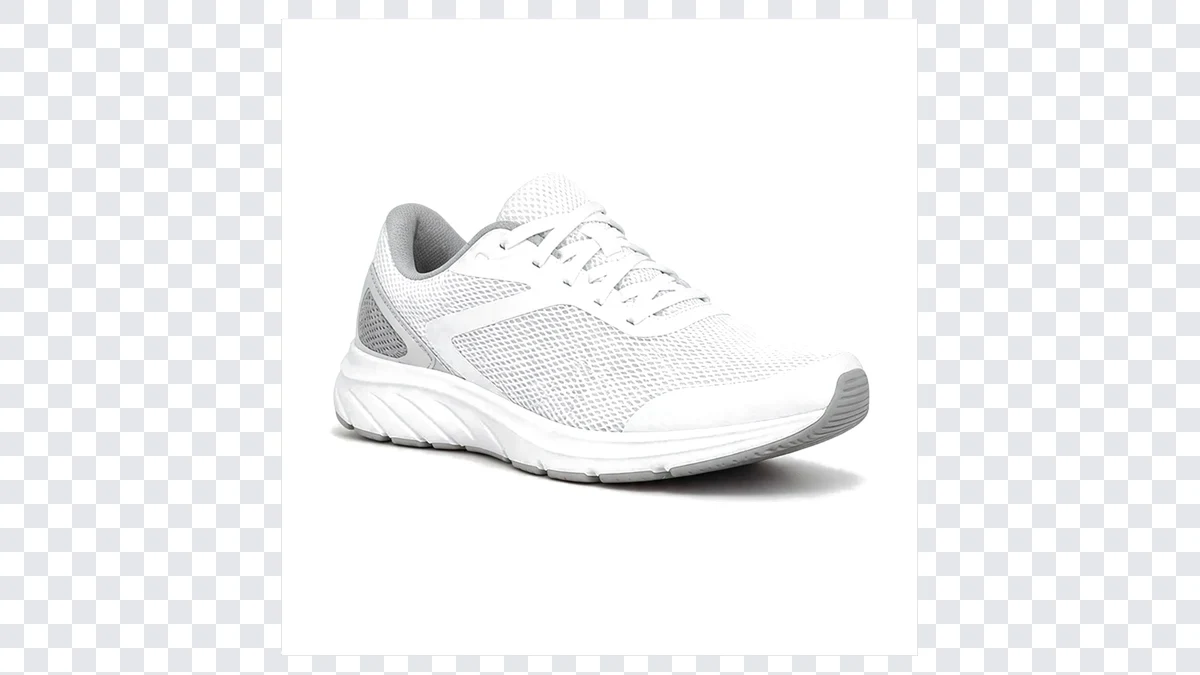 BeforeTransparent PNG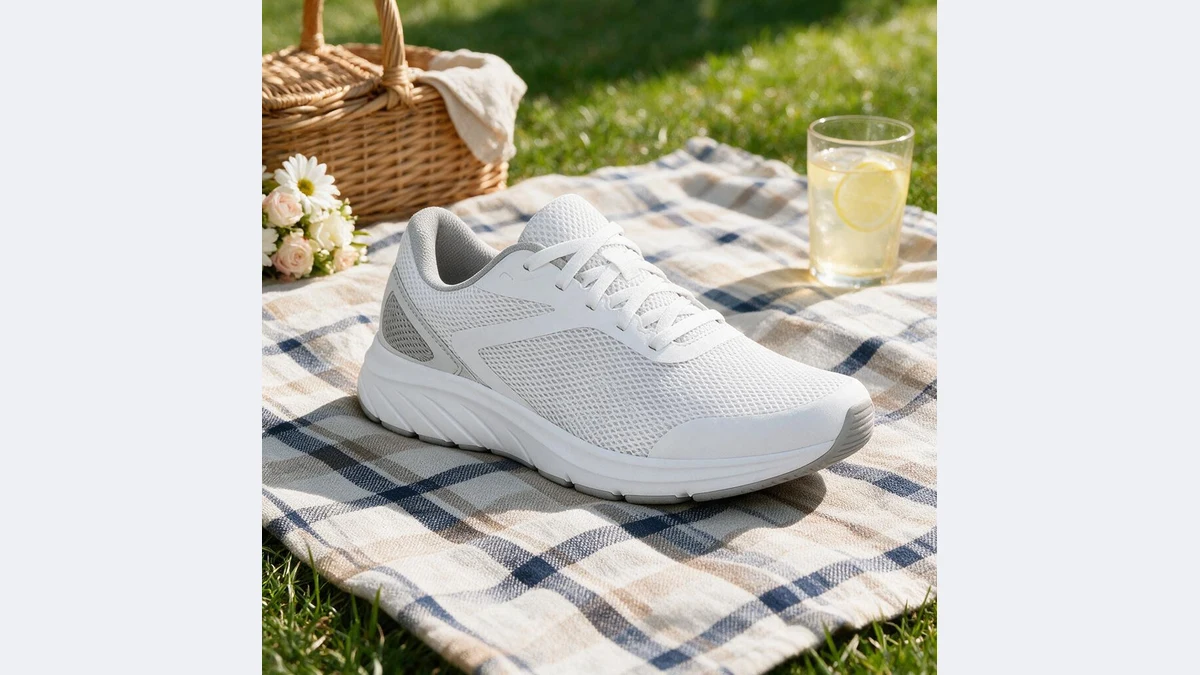
Clean cutouts for every kind of product
Edges are repainted by the model: laces, fur, glass and metal reflections without fringing or leftover color
BeforeTransparent PNGYour AI background remover
Not pixel deletion but edge repainting: cutouts you can drop on any background, main image or detail page
BeforeTransparent PNGEdges repainted by the model, not hard cut
AI understands the shape, material and lighting of the product, repaints it onto pure white, then keys the white to transparent. Lace gaps, fur and glass refraction, the places where cutouts usually fringe, come out clean.
White areas inside the product are fully preserved, so white shoes and bottles are not hollowed out.
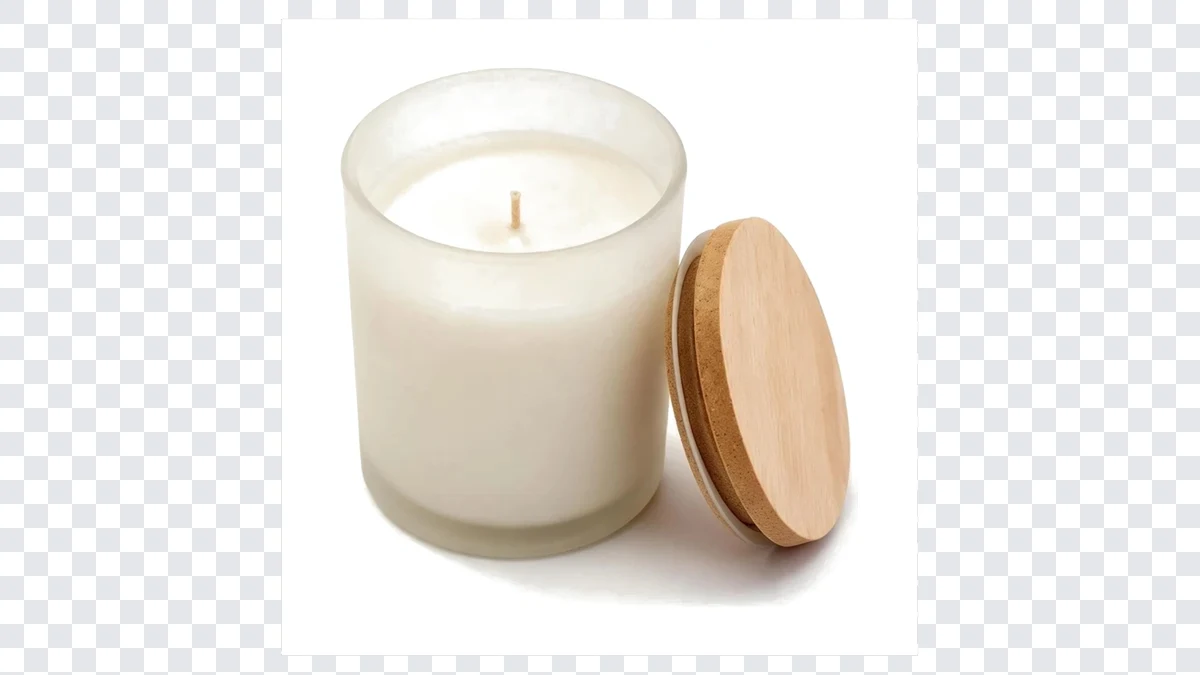 BeforeTransparent PNG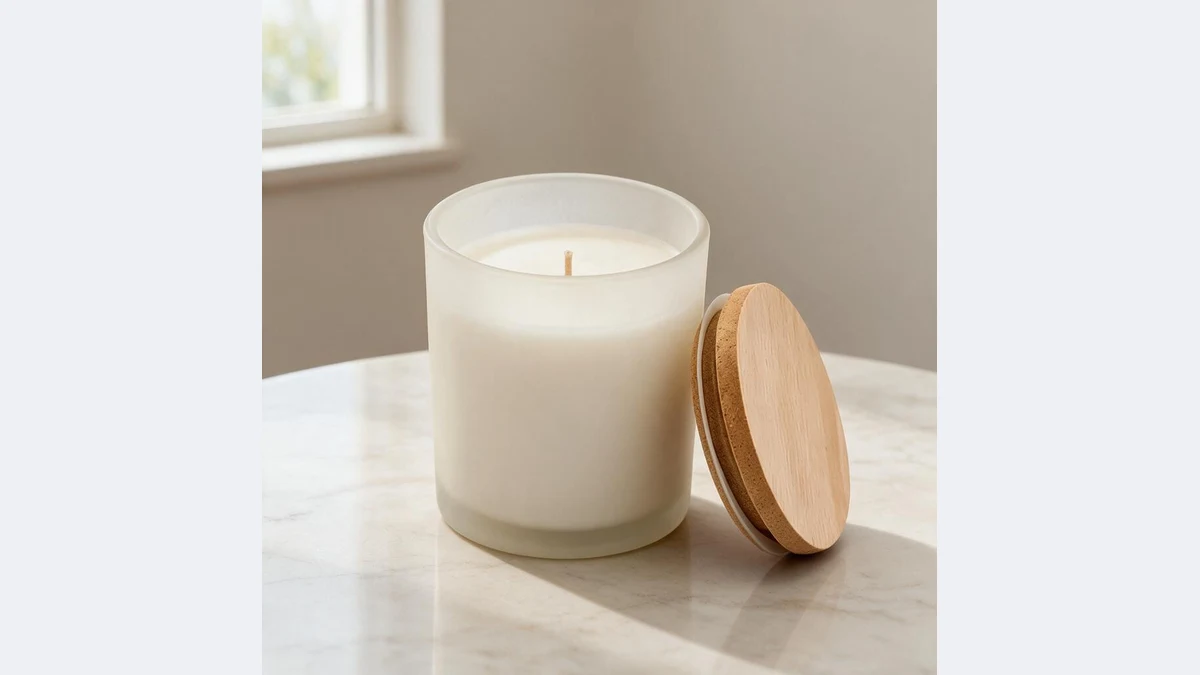
Text, logos and watermarks removed too
Promo text, logos, watermarks and stickers on supplier or old campaign photos are removed in the same pass, so there is no separate watermark step.
Brand names printed on the product or packaging are kept.
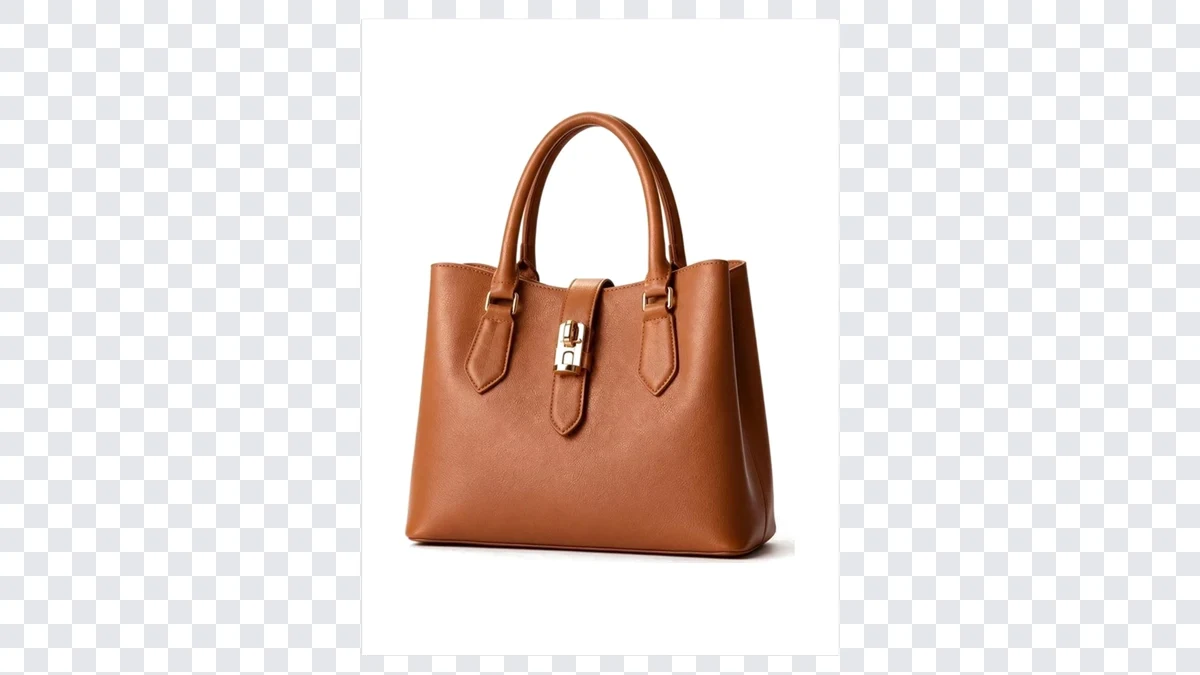 BeforeTransparent PNG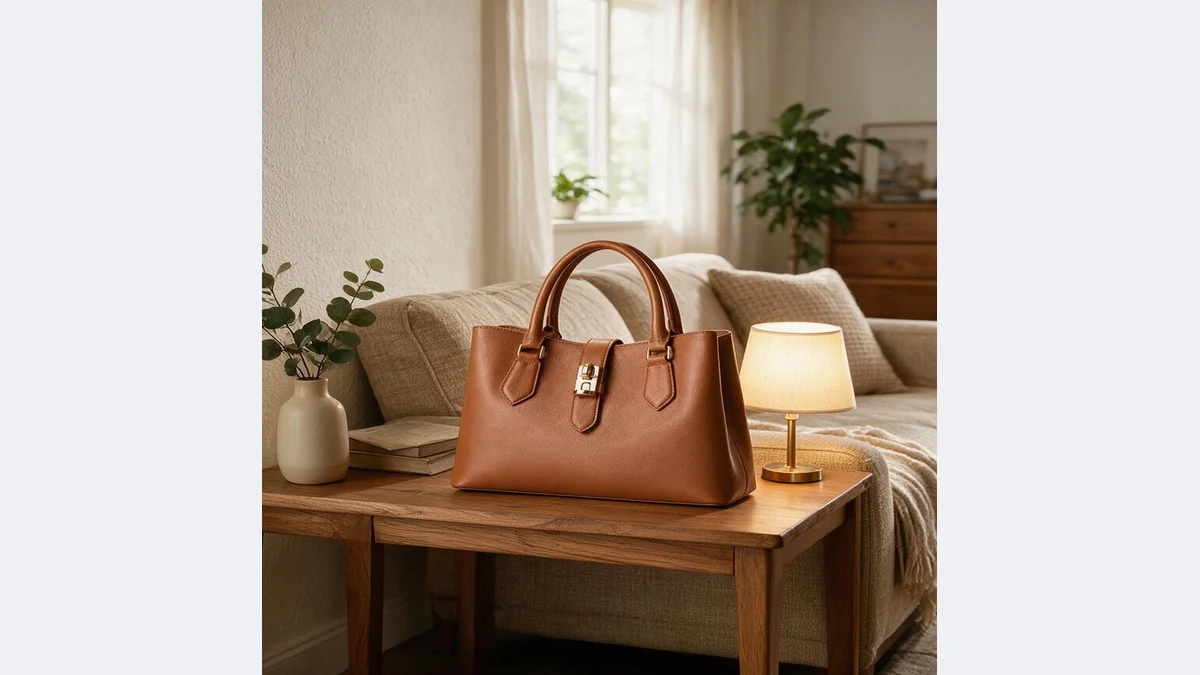
Switch between transparent PNG and white main image
Use the transparent PNG for scenes, posters and detail page collages. Switch to "White main image" to export a listing-ready main image at Amazon 2000×2000, TikTok Shop 3:4 and other specs.
Two outputs from the same photo, each in under a minute.
Where a clean cutout pays off
Anything that starts with "take the product out of the photo" starts with a transparent PNG
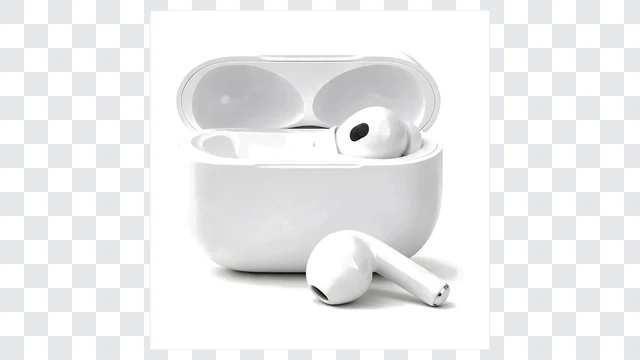 BeforeTransparent PNG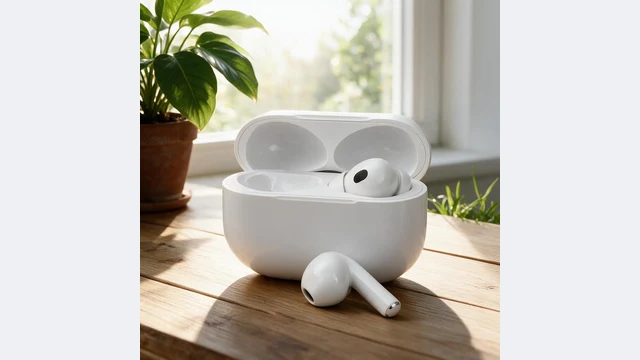
Detail page collages
Cut out several products and lay out comparison and bundle images freely
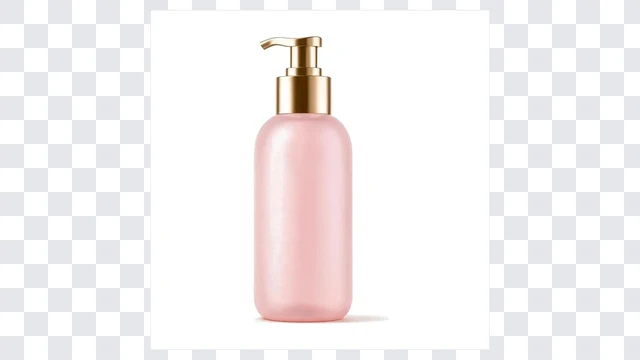 BeforeTransparent PNG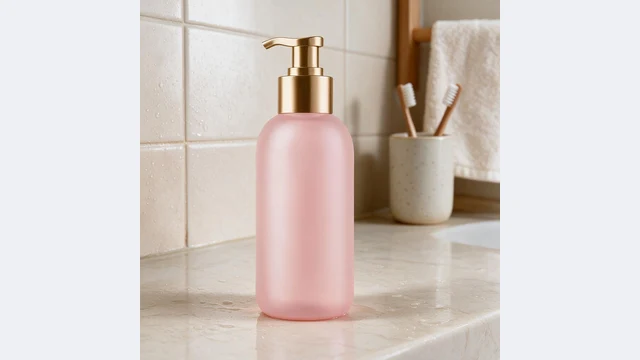
Posters and ads
Drop the product onto holiday and promo backgrounds without visible seams
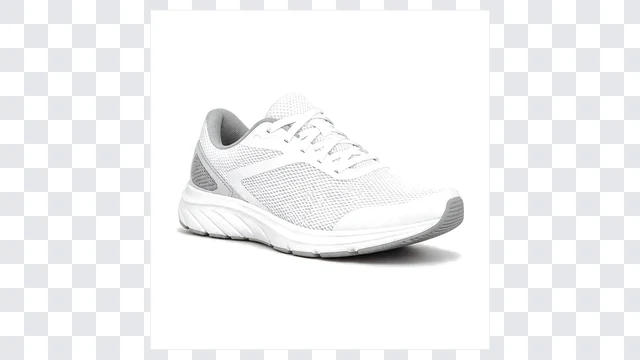 BeforeTransparent PNG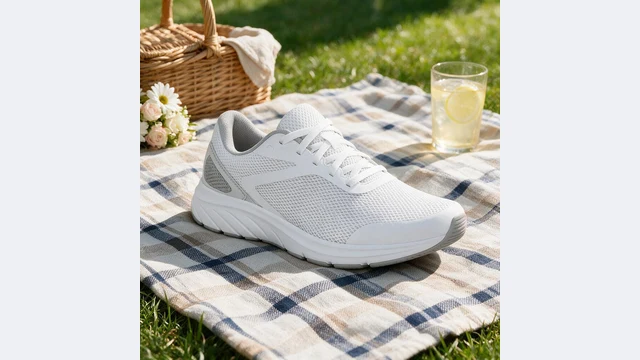
New scene backgrounds
Cut out first, then run Product Scene to get a whole set of lifestyle shots
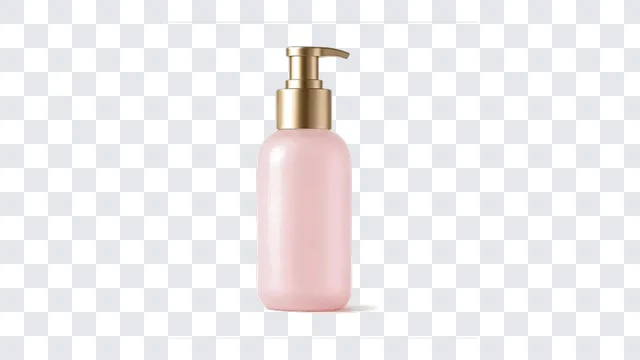 BeforeTransparent PNG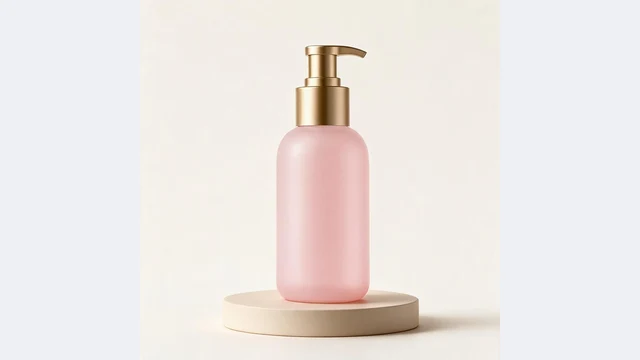
White main images
Switch to white main image and list straight away at platform specs
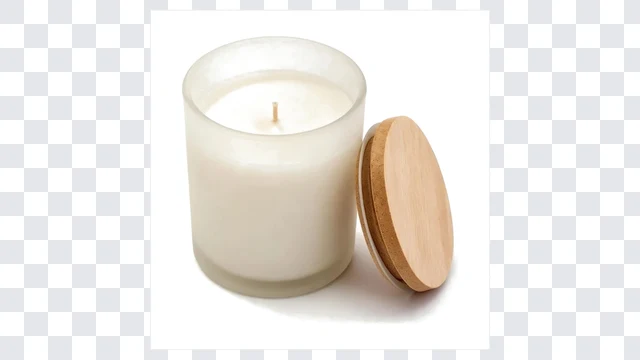 BeforeTransparent PNG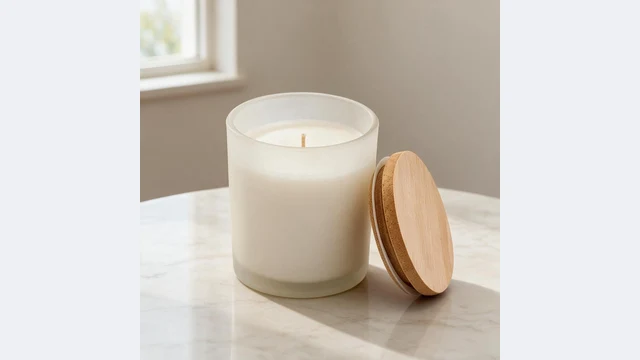
Supplier photo cleanup
Watermarked, logo-stamped supplier photos cleaned during the cutout
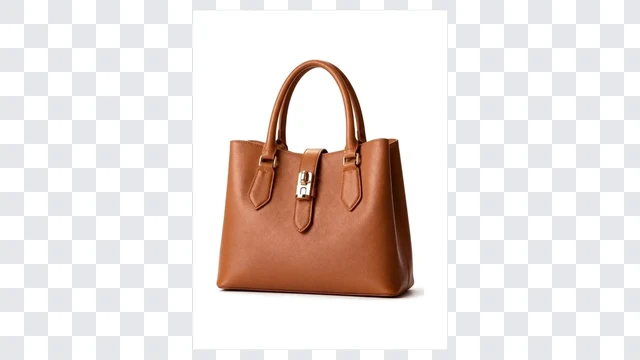 BeforeTransparent PNG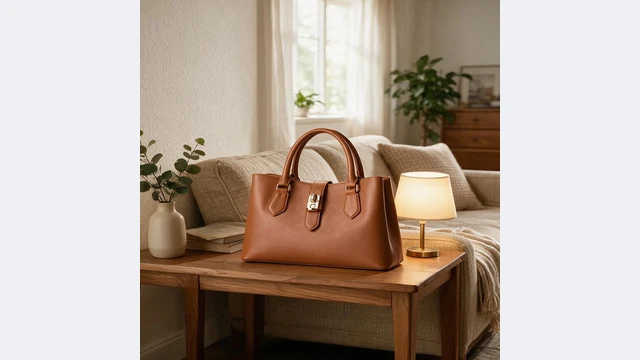
Social assets
Stickers, covers and collages all start from a transparent PNG
PixGT background remover FAQ
A classic cutout deletes background pixels and often leaves fringing around laces, fur, glass and shadows. PixGT first repaints the product onto a pure white background with an image model, handling edges, shadows and blemishes, and then keys the white to transparent. The edge you get is one the model painted, not a hard cut. Text, logos and watermarks are removed in the same pass.
A 1600×1600 transparent PNG with the product centered at about 85% of the frame. If you need a marketplace main image instead, switch the output to "White main image" and export to Amazon 2000×2000, TikTok Shop 3:4, Temu or Shopee pixels.
No. Transparency is keyed only from white areas connected to the image border. White parts inside the product, such as a white shoe or bottle, are not connected to the background and stay intact. In rare cases where a white part touches the border, re-upload with a little margin.
The transparent PNG has no shadow so it drops onto any background. For a white background image with a natural shadow, switch to "White main image" and keep the default shadow setting.
JPG, PNG, WEBP, HEIC and other common formats up to 10MB. Scenes, text and watermarks in the source are all handled together.
More tools
Try the PixGT background remover now
Sign up and get 70 free credits. Beyond cutouts, main image compliance, watermark removal, upscaling and product sets all live in the same workspace.