One photo, every colorway
Pick a color and upload the product photo. AI changes only the color: leather grain, fabric folds, metal shine and the background stay put. Shoot one color and generate the rest.
Drop or paste an image · JPG / PNG / WEBP, up to 10MB
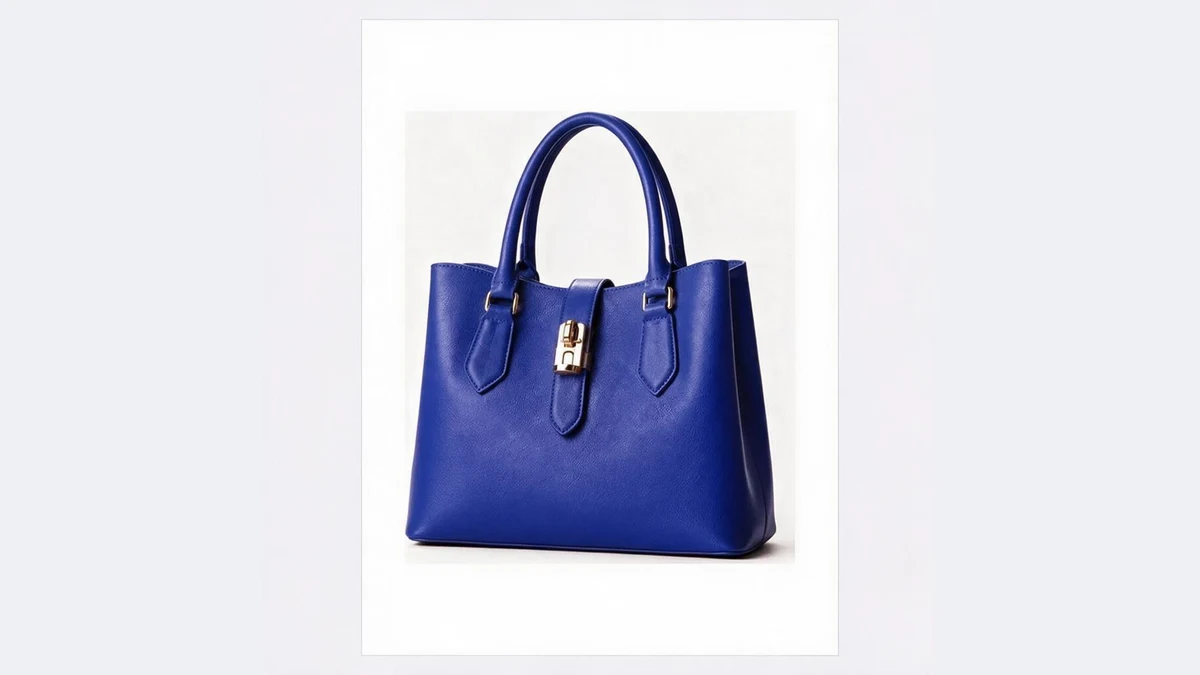 OriginalRecolored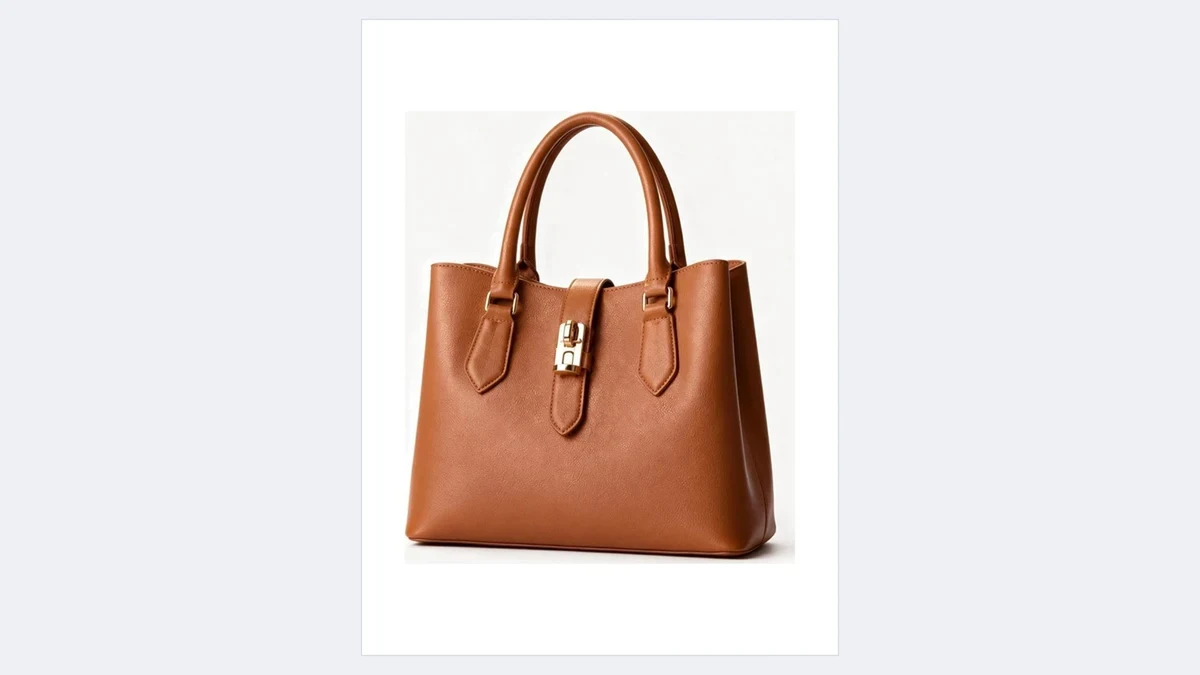
Leather, fabric and plastic all recolor
The color changes; texture, folds, gloss and background do not
OriginalRecoloredYour AI color changer
Stop shooting every SKU color: shoot one, generate the rest
OriginalRecoloredColor only, material untouched
AI separates the color layer from the material layer and replaces only the color. Leather pores, knit texture and metal reflections survive the change.
Generated colorways sit next to real photos of other colors without standing out.
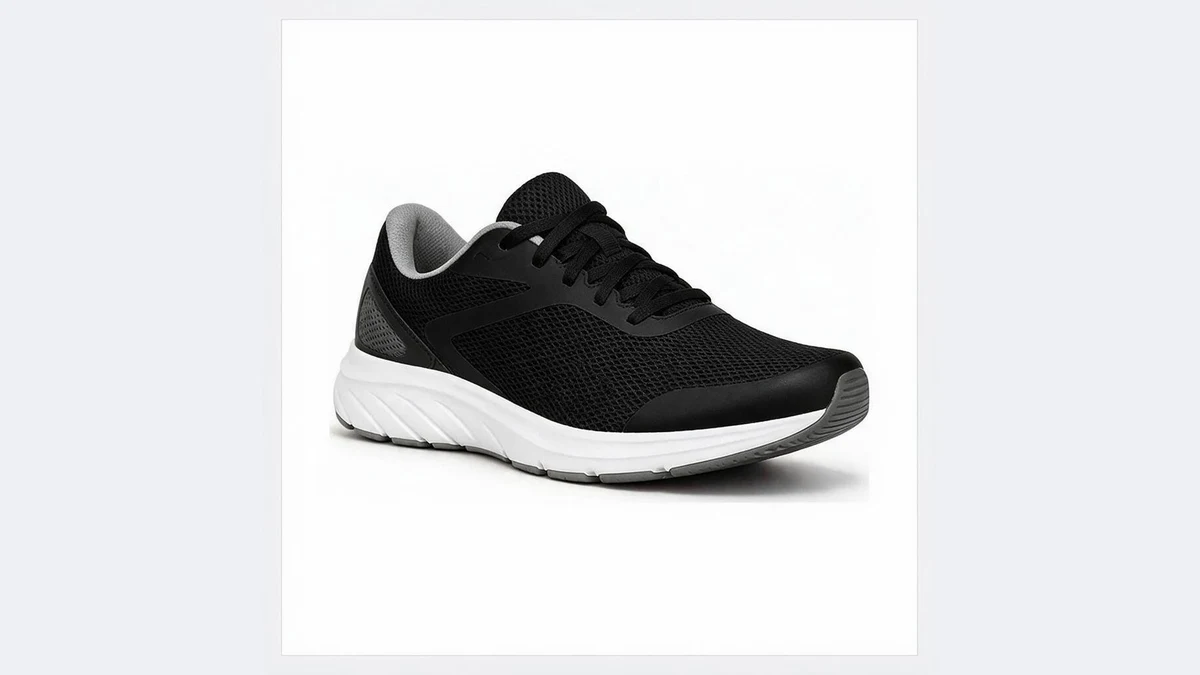 OriginalRecolored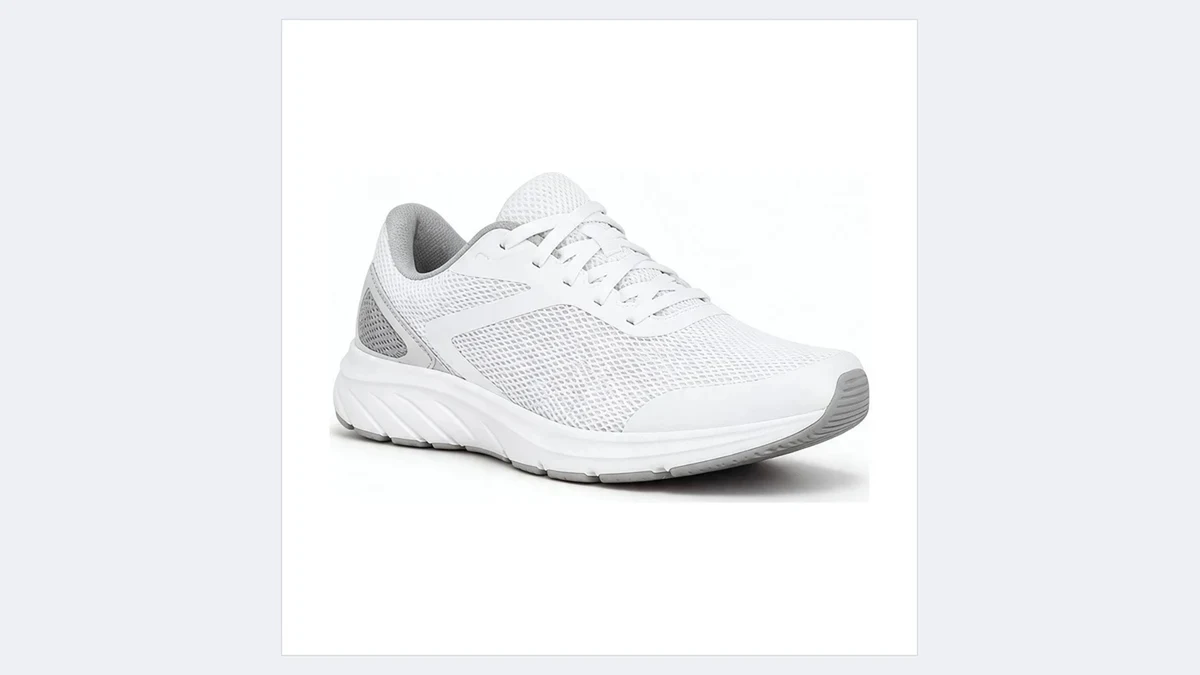
Background and lighting stay the same
Only the product changes. Background, table and shadow are untouched, so a set of colorways looks consistent on the detail page.
Photos with a scene work too, no cutout needed.
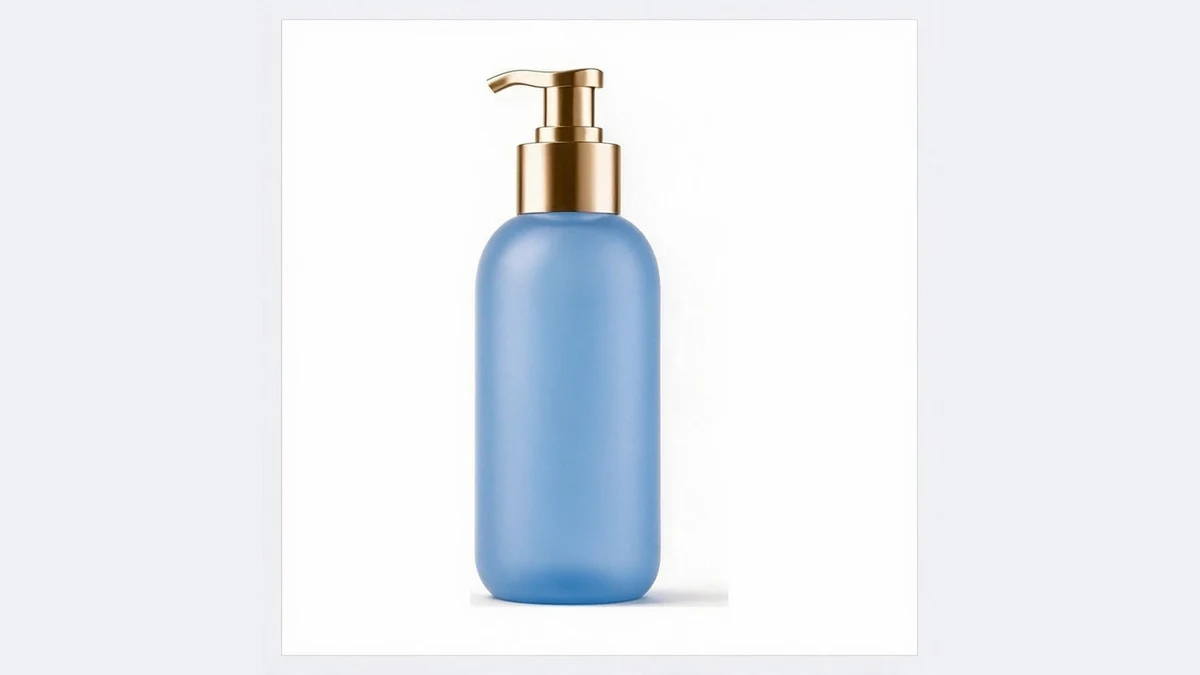 OriginalRecolored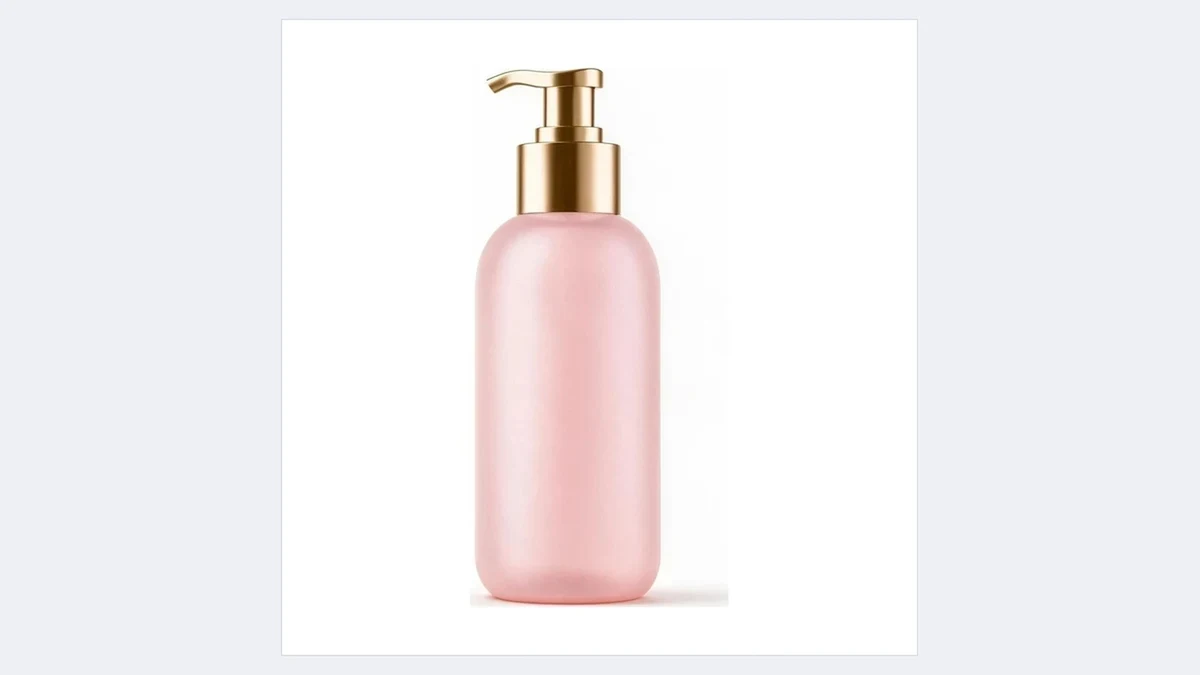
Seven common colors plus any hex
Black, white, navy, red, beige, sky blue and forest green in one click; in the full workspace, enter your brand hex for an exact match.
Partial recolors (laces, clasp, collar) are possible by naming the part.
Recolor these in one click
Any product sold in several colors only needs one shoot
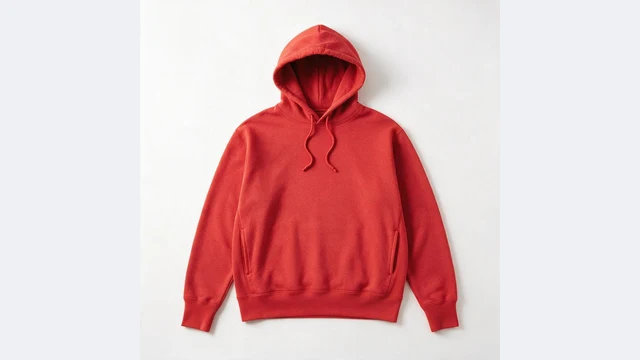 OriginalRecolored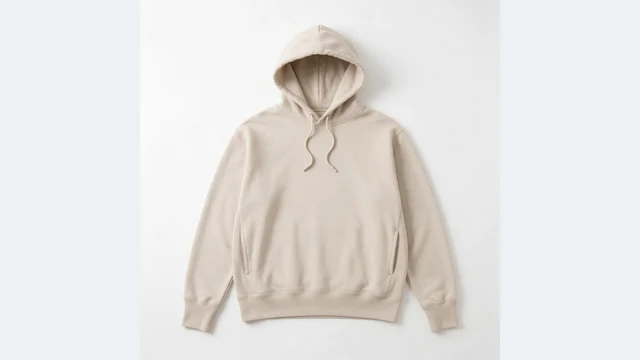
Apparel colorways
Shoot one tee, hoodie or jacket, generate the other colors
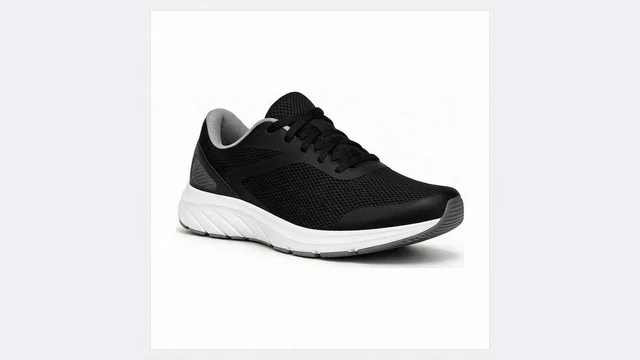 OriginalRecolored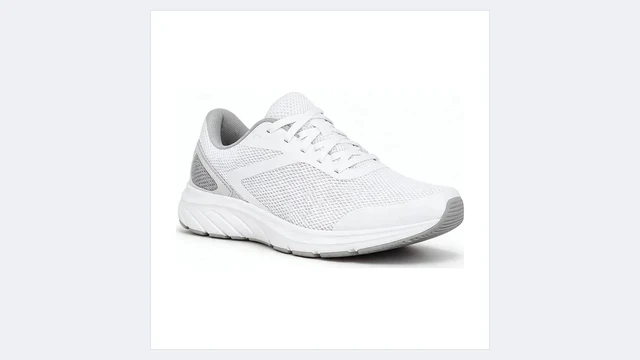
Footwear colors
Black, white and grey versions of one shoe before samples arrive
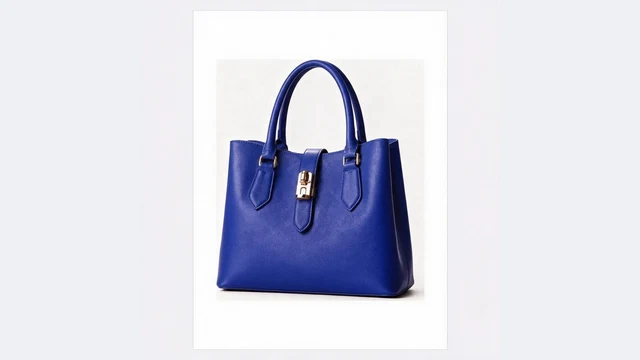 OriginalRecolored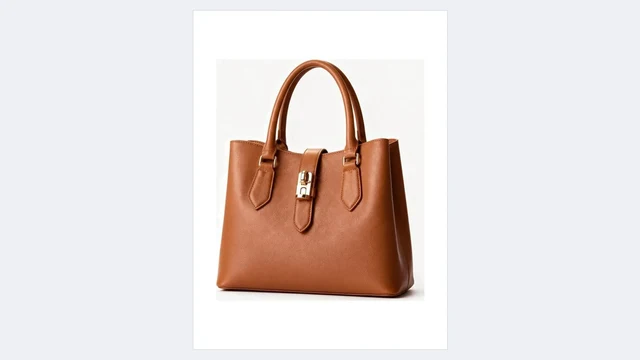
Bags and leather goods
Grain preserved, every color from one bag
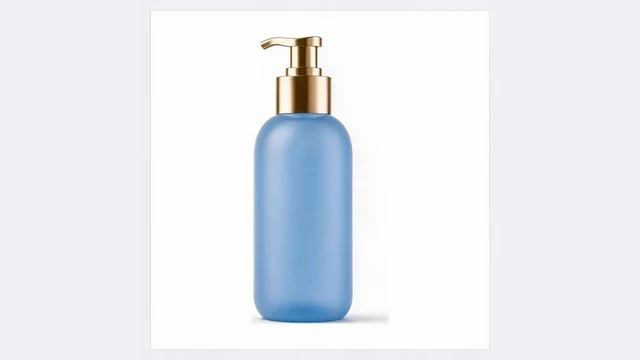 OriginalRecolored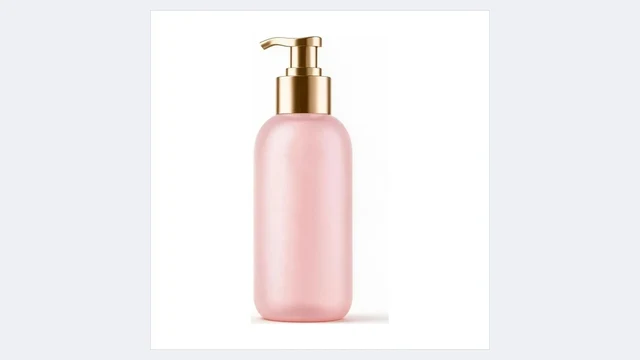
Beauty packaging
Different shades of the same bottle line, fast
OriginalRecoloredTest before producing
List generated colors to see which sells, then order stock
OriginalRecoloredAd A/B tests
The same creative in a few colors to see which clicks
PixGT color changer FAQ
No. AI changes hue and brightness only. Leather grain, fabric weave, metal reflections and glass transparency are kept, so it reads as the same item in another color.
This page recolors the whole product. To change only the laces, the clasp or the collar, open Recolor in the full workspace and name the part.
Yes. This page offers seven common colors; in the full workspace you can type a hex value such as #1F3A93.
Yes. White keeps the shadow and texture gradations instead of flattening to pure white; black keeps highlights and outlines.
Members can use batch mode in the tool: the same photo in several colors, or several photos in one color, submitted together and downloaded as a zip.
More tools
Try the PixGT color changer now
Sign up and get 70 free credits. Beyond recoloring, scenes, main image compliance and extending all live in the same workspace.