One accessory photo, a real try-on shot
Pick the framing and upload the accessory photo. AI puts the necklace, glasses or watch on a model with the same material shine and proportions, ready to list in under a minute.
Drop or paste an image · JPG / PNG / WEBP, up to 10MB
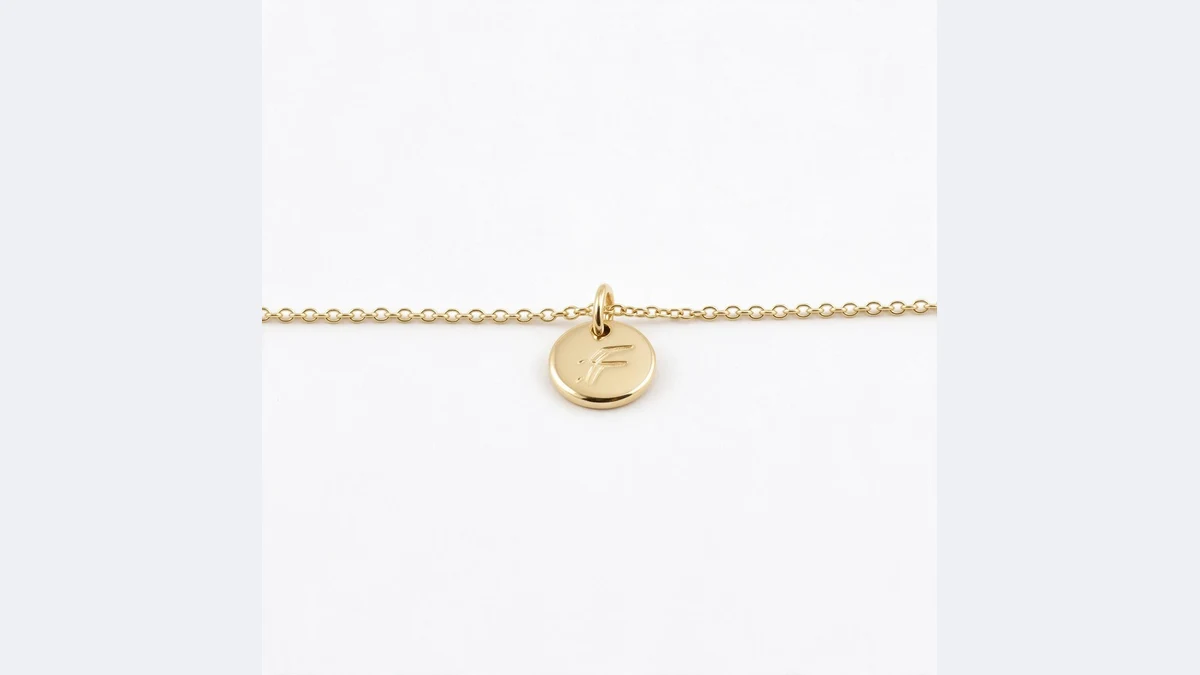
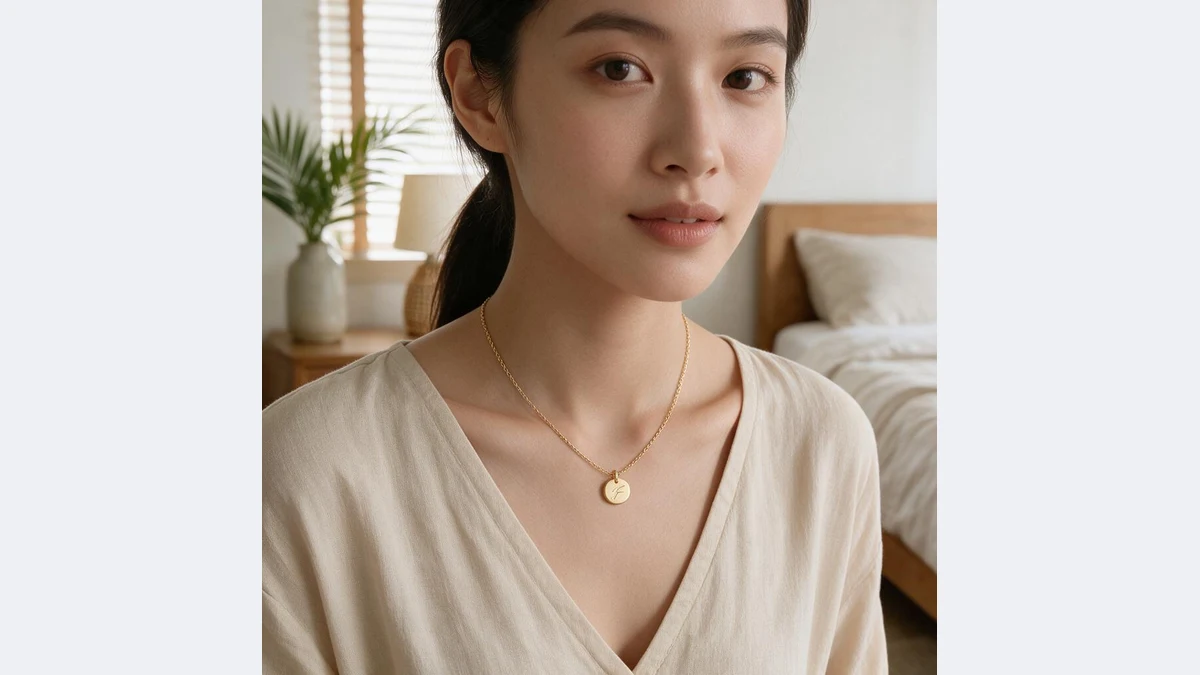
Necklaces, glasses and watches
The same accessory worn by a model, with material shine and proportions matching the original
Your AI try-on assistant
No model, no studio: one accessory photo, every worn shot
Material and shine reproduced
Metal reflections, gem refraction and lens transparency are rebuilt from the original material, with natural light transitions on the body. It is not a paste.
Pendant shape, chain thickness and frame outline match the original.
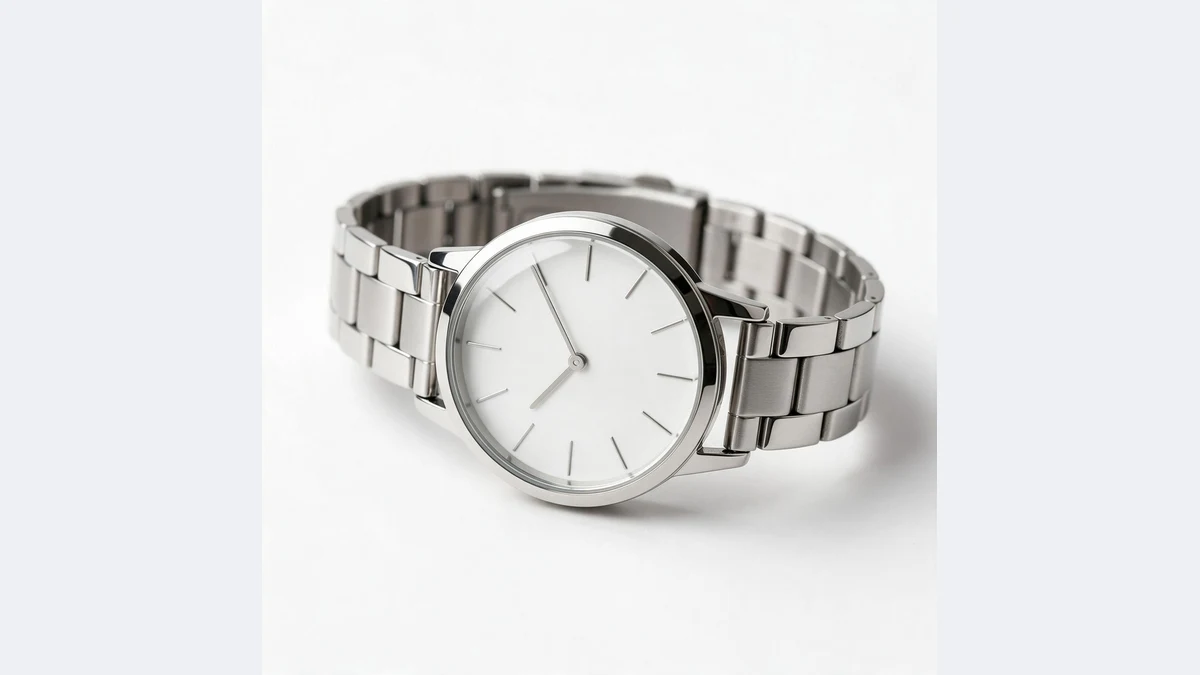
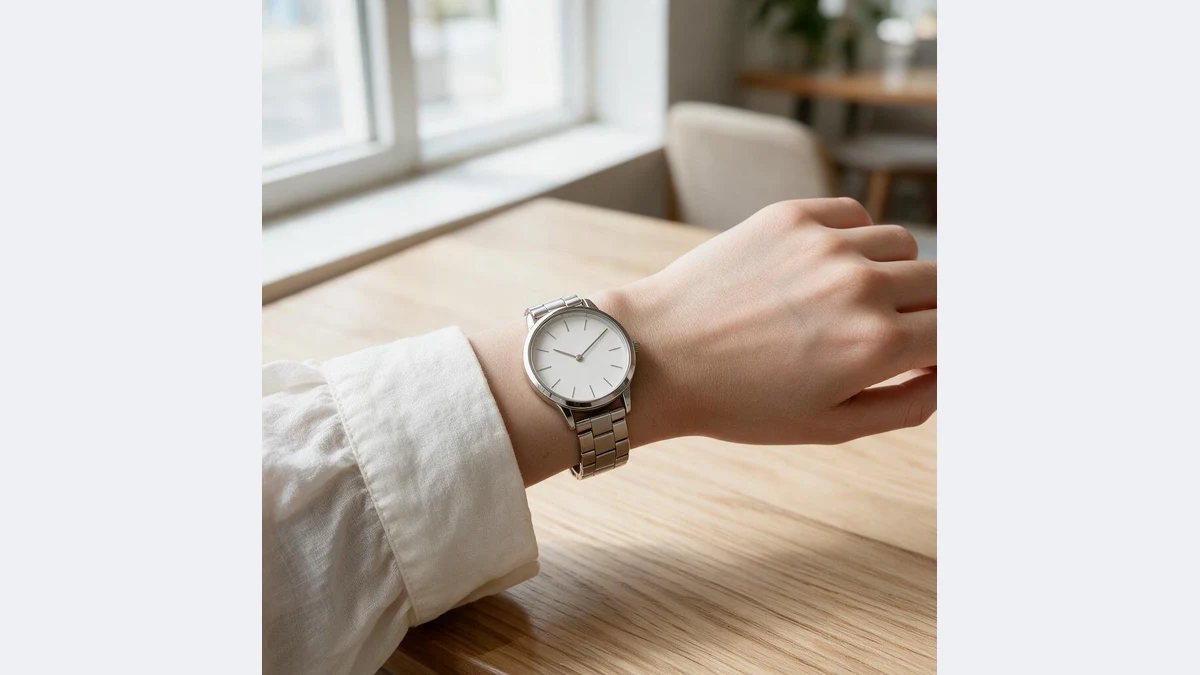
Real-world proportion and placement
Necklaces sit at the collarbone, watches hug the wrist, glasses fit the face. Size is estimated by accessory type so it reads as a real photo.
Pose and framing are chosen by type as well.
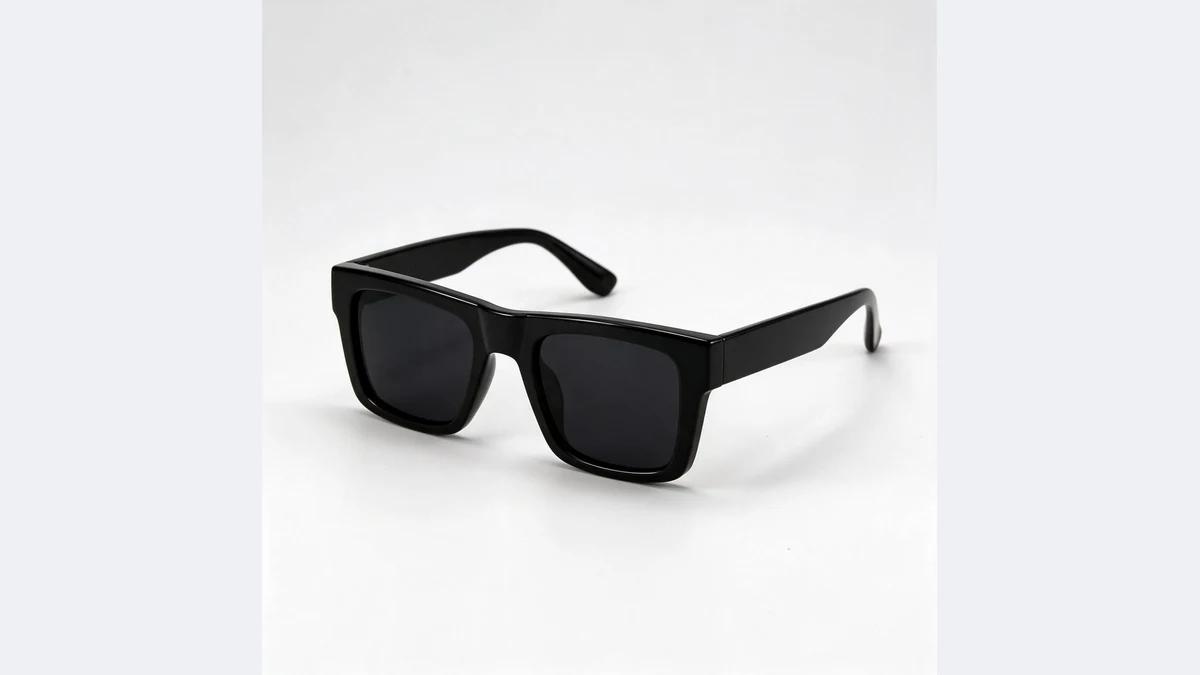
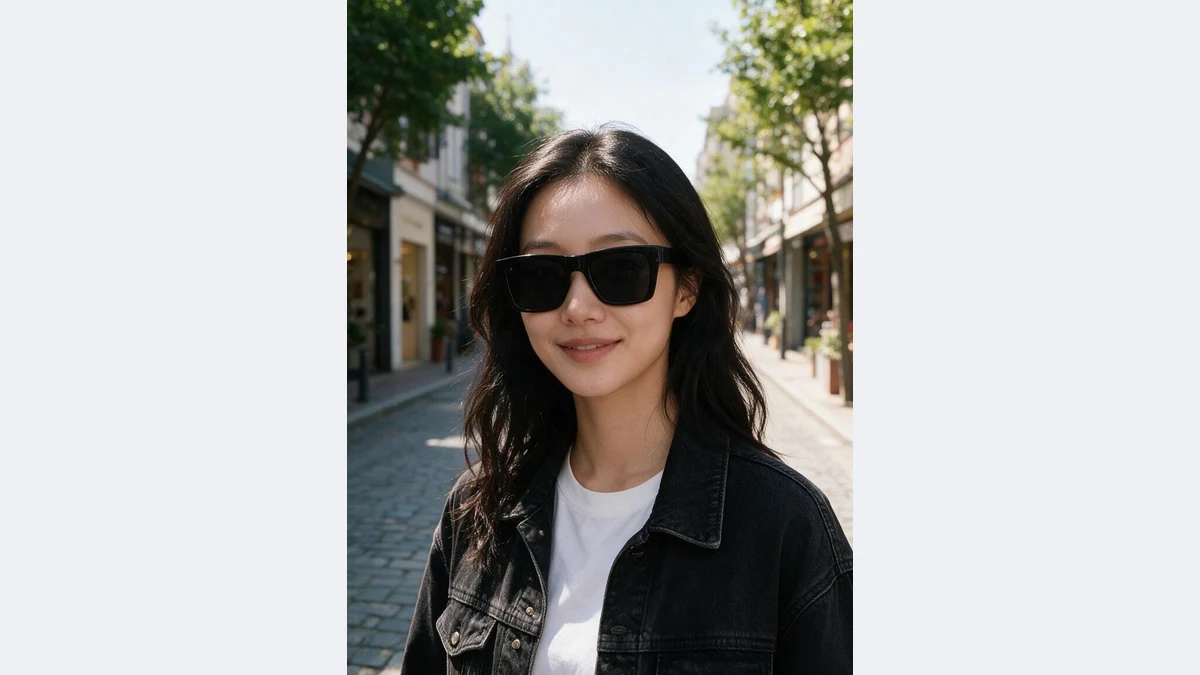
Close-up or half body as needed
Close-ups show detail for secondary images; half body adds outfit context for detail pages and social posts.
Both framings for one accessory complete the model image set.
Try-on shots for every accessory
Any accessory that only has a white background photo can skip the model shoot
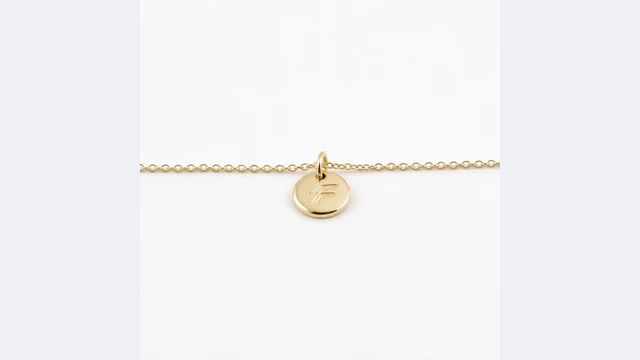
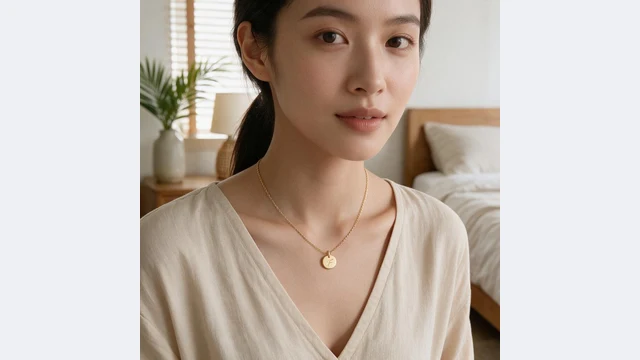
Jewelry
Worn close-ups of necklaces, earrings and bracelets that show real size
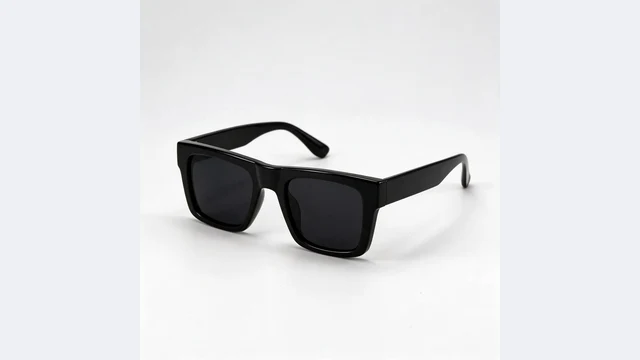
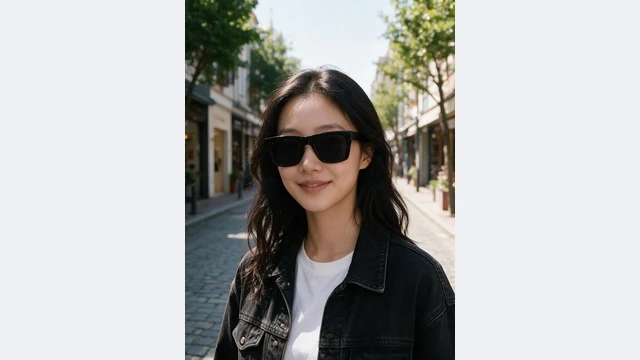
Glasses and sunglasses
On-face shots that show frame proportions at a glance
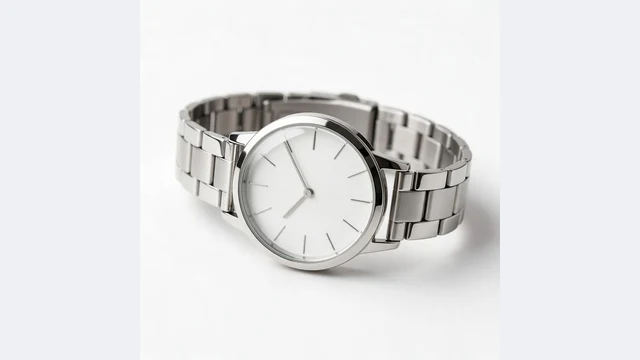
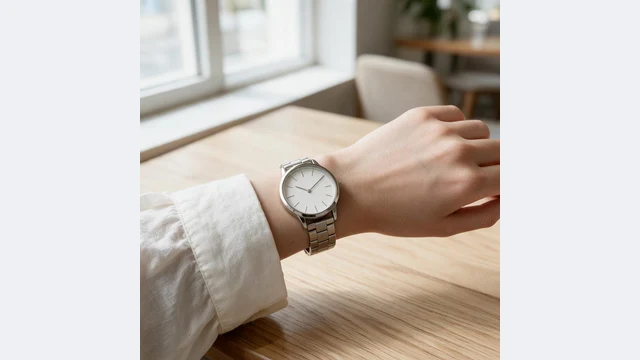
Watches and bands
On-wrist shots that show dial size and strap texture
Hats and scarves
Half body worn shots with outfit context
DTC product pages
White background, worn and scene shots make a complete page
Social posts
Worn shots ready for Instagram and Pinterest
PixGT jewelry try-on FAQ
No. AI uses your product photo as the reference: pendant shape, chain thickness, frame outline and dial details are reproduced, just worn on a model with matching light.
Necklaces, earrings, bracelets, rings, watches, sunglasses, optical frames, hats and scarves. AI picks the framing by type: close-up for necklaces, earrings and glasses; half body for hats and scarves.
On this page the model is random. In the full workspace, Accessory Try-On lets you pick from the model library, upload a reference, describe gender, ethnicity and age, or use your own model photo.
AI estimates real size by accessory type: pendants near the collarbone, watches on the wrist, glasses fitted to the face. For unusual sizes such as oversized earrings or very fine chains, review the result; the full workspace lets you add a note.
Yes. The model is an AI-synthesized person with no likeness rights involved, suitable for listings, ads and social posts.
More tools
Try PixGT jewelry try-on now
Sign up and get 70 free credits. Beyond try-on shots, scenes, recoloring and main image compliance all live in the same workspace.