One flat lay, a real on-body shot
Pick the scene and upload the garment photo. AI dresses a model in it with the same cut, fabric and print, ready to list in under a minute.
Drop or paste an image · JPG / PNG / WEBP, up to 10MB
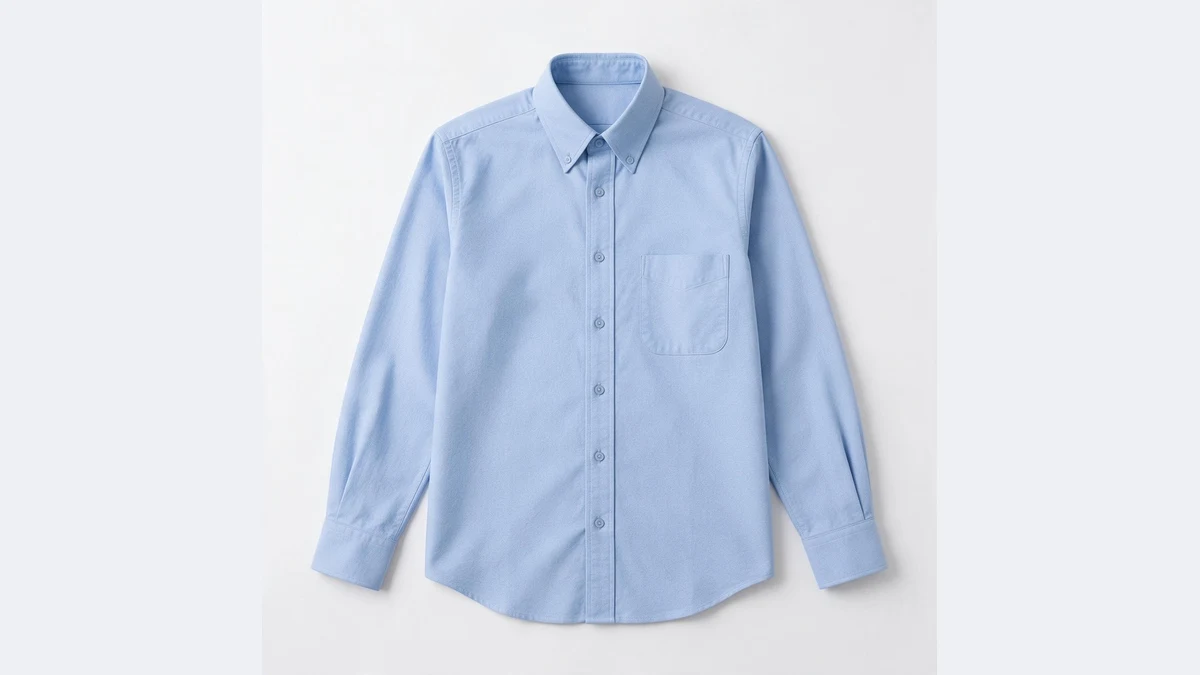
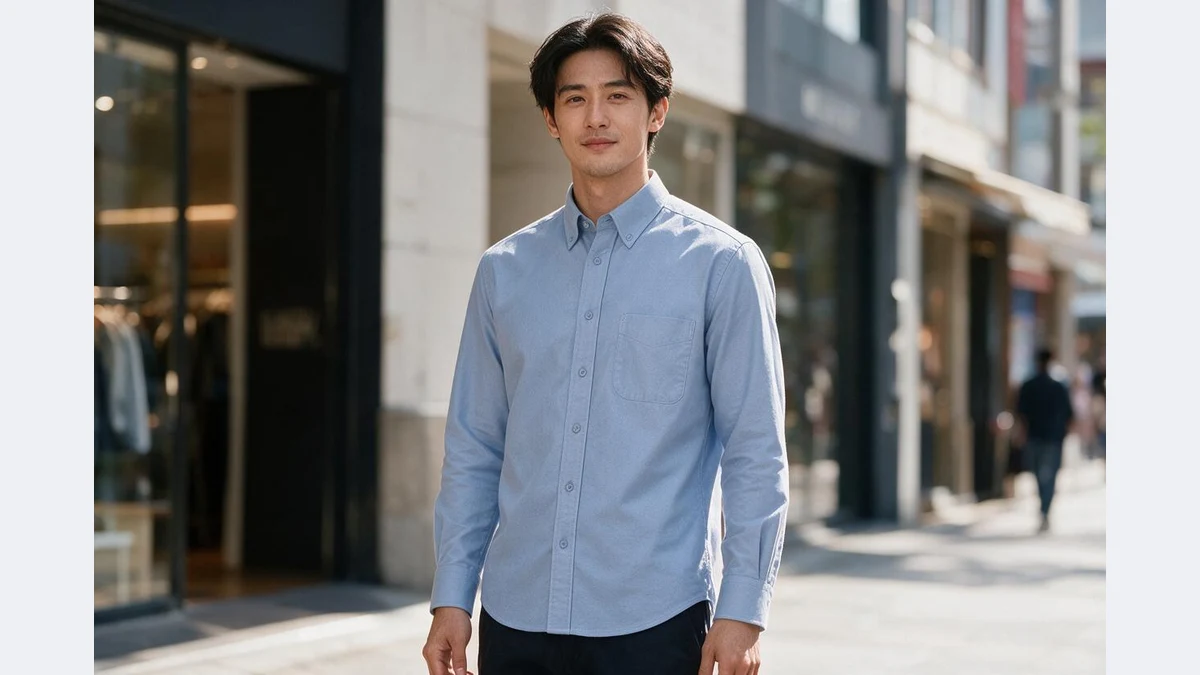
Flat lay to on-body, any scene
Cut, fabric and print match the original; model and scene look real
Your AI try-on assistant
No model, no studio: one flat lay, every on-body shot
Cut and fabric reproduced
Neckline, sleeve length, hem, fabric texture and print placement follow the original; folds and drape match the fabric.
The garment buyers see on a body is the one in your flat lay.
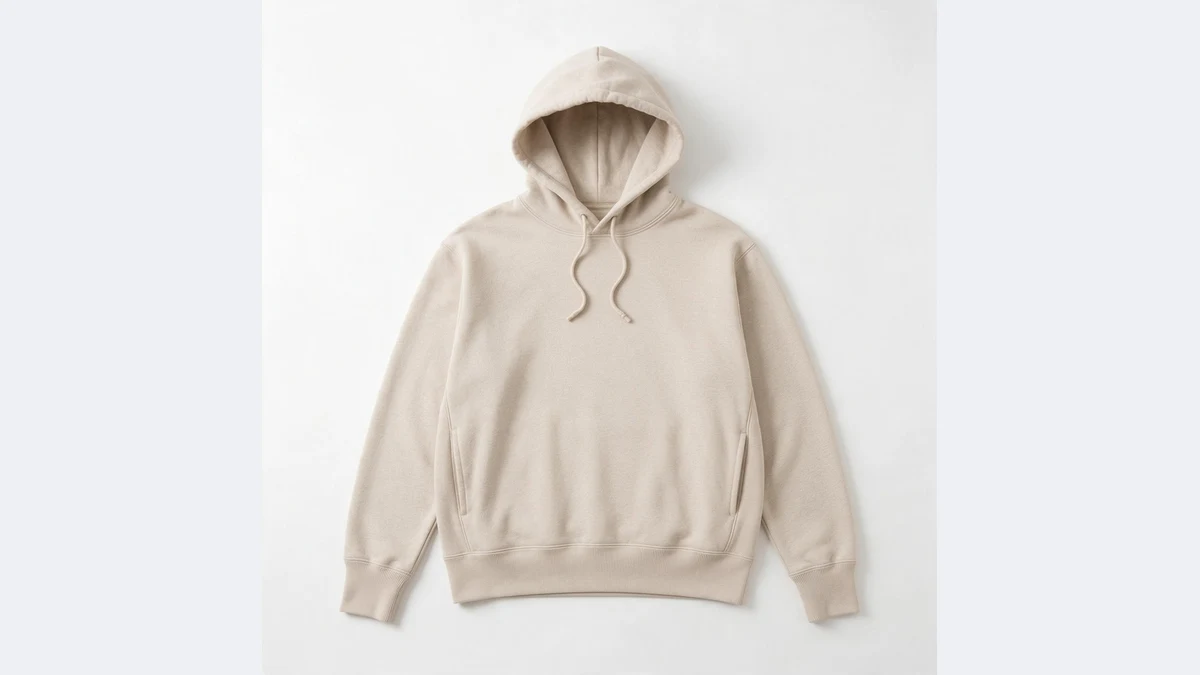
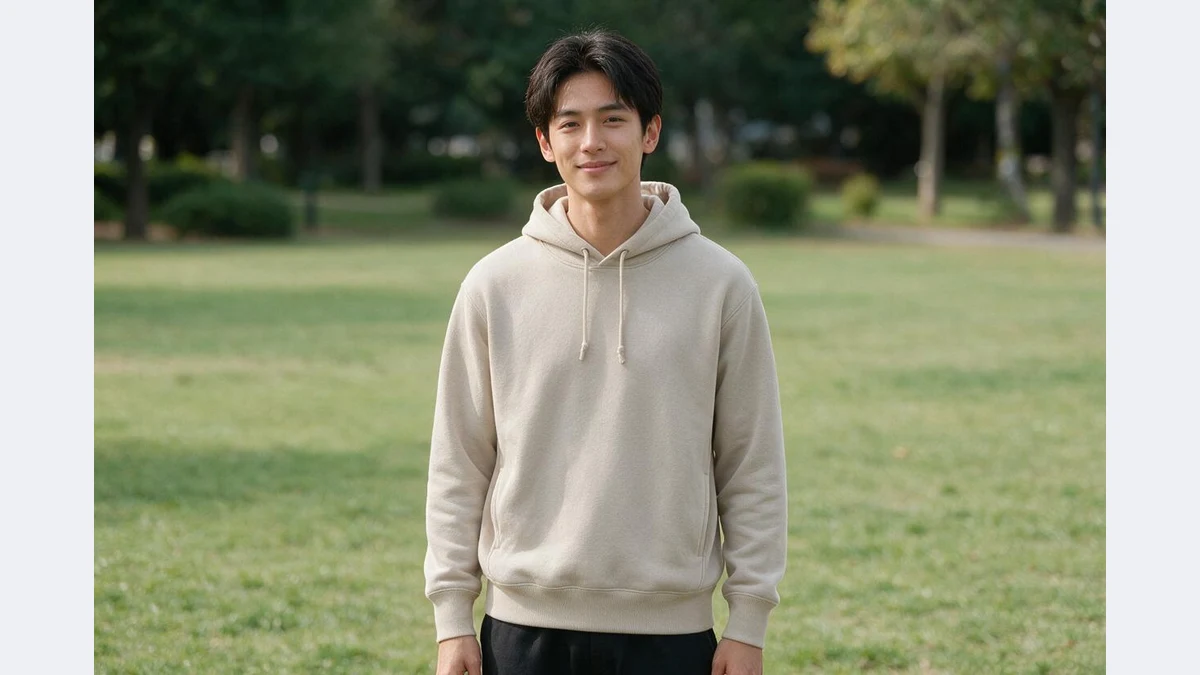
Model, pose and scene matched
AI picks a model and pose to suit the garment and lights it for the scene: shirts in a business street look, hoodies in a casual park look.
Set model, pose and scene in the full workspace, or dress your own model photo.
Six scenes in one click
Street, park, cafe, studio, office and beach. The same garment in a few scenes completes the model set for a detail page.
Members can batch a whole SKU list.
On-body shots for every garment
Any garment that only has a flat lay or hanger photo can skip the model shoot
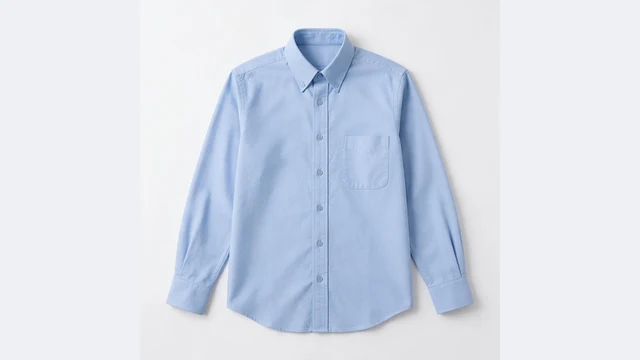
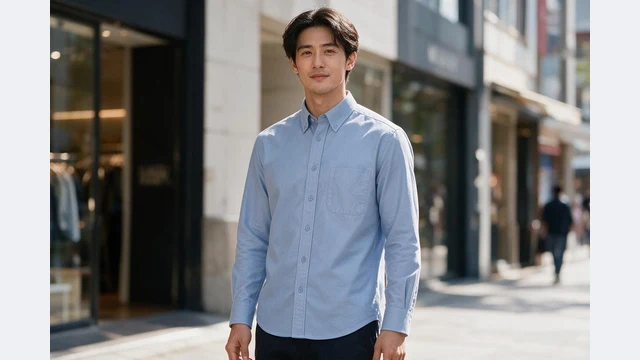
Launch images
Shoot the sample flat, get on-body shots the same day, list without waiting for a model
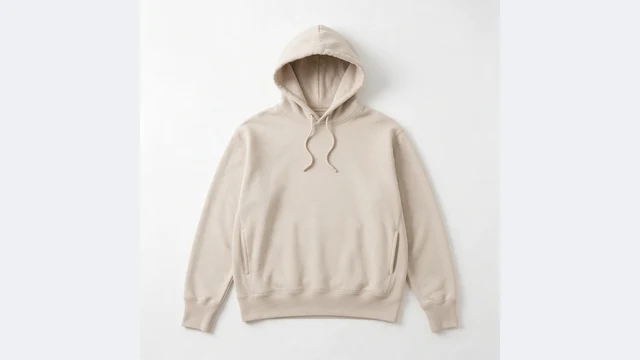
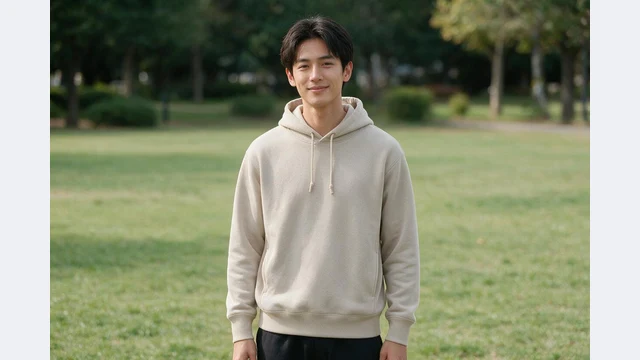
Detail page model set
One garment across scenes and poses
Supplier photos to model photos
Flat lays from your supplier become your own model images
Colorways on body
An on-body shot for every recolored version
Market localization
Swap the model for each target market afterwards
Ads and social
Street-style on-body shots ready to run or post
PixGT virtual try-on FAQ
No. AI uses your garment photo as the reference: cut, neckline, sleeve length, fabric texture and print placement are reproduced, with folds that match real wear.
Either. A front flat lay is the most reliable; hanger and mannequin photos work too. Upload back or detail views in the full workspace for a closer match.
On this page both are random. In the full workspace, Try-On lets you pick from the model library, upload a reference, describe gender, ethnicity and age, set a pose, or dress your own model photo.
This page takes one garment at a time. The full workspace accepts top and bottom together and styles them as an outfit.
Yes. The model is an AI-synthesized person with no likeness rights involved, suitable for listings, ads and social posts. Some marketplaces require AI-model disclosure; follow their rules.
More tools
Try PixGT virtual try-on now
Sign up and get 70 free credits. Beyond try-on, model localization, recoloring and main image compliance all live in the same workspace.