Online AI Image Translator
Translate the text on infographics, spec sheets and size charts into your target language while the fonts, layout and background stay exactly as they were. No designer, no re-layout, ready to upload.
Drop or paste an image · JPG / PNG / WEBP, up to 10MB
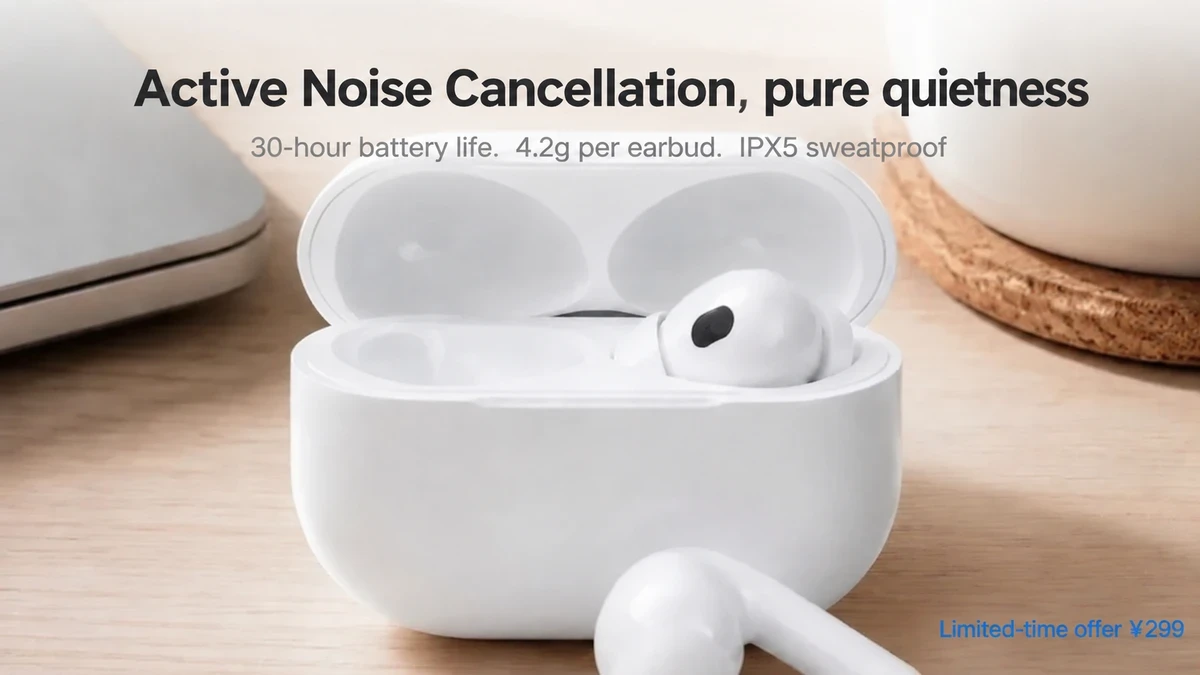 SourceTranslated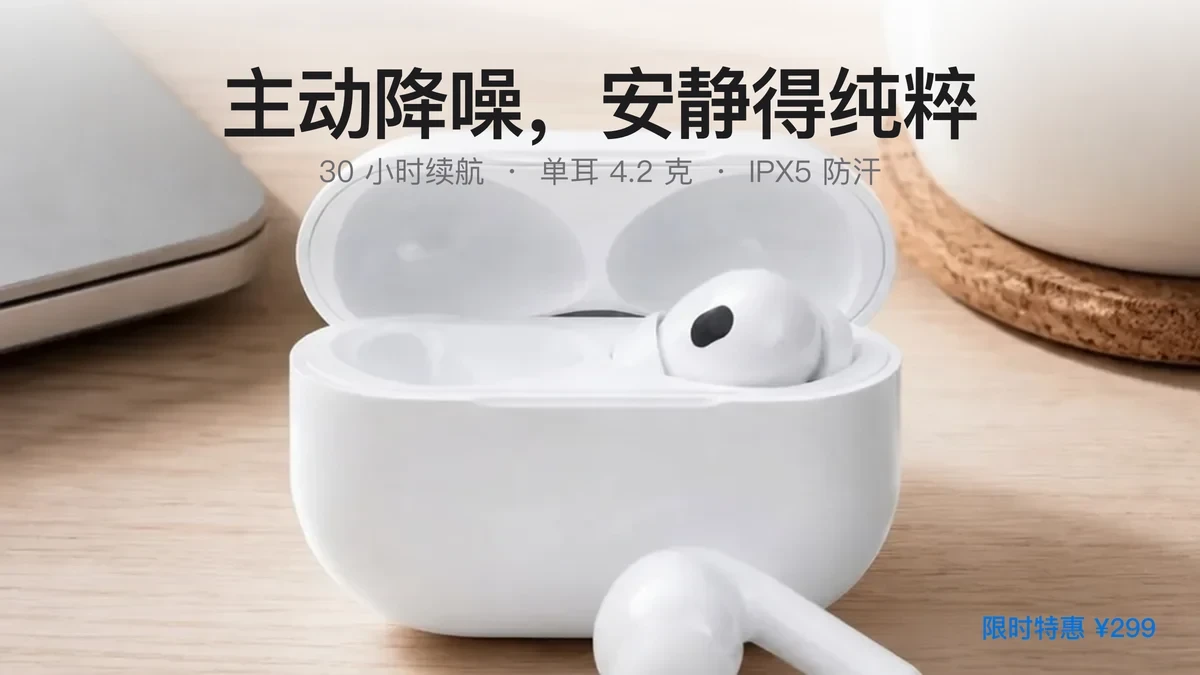
Every kind of listing image translates
Feature callouts, spec tables, size notes, paragraphs, promo posters and step guides all come back with the original fonts and layout
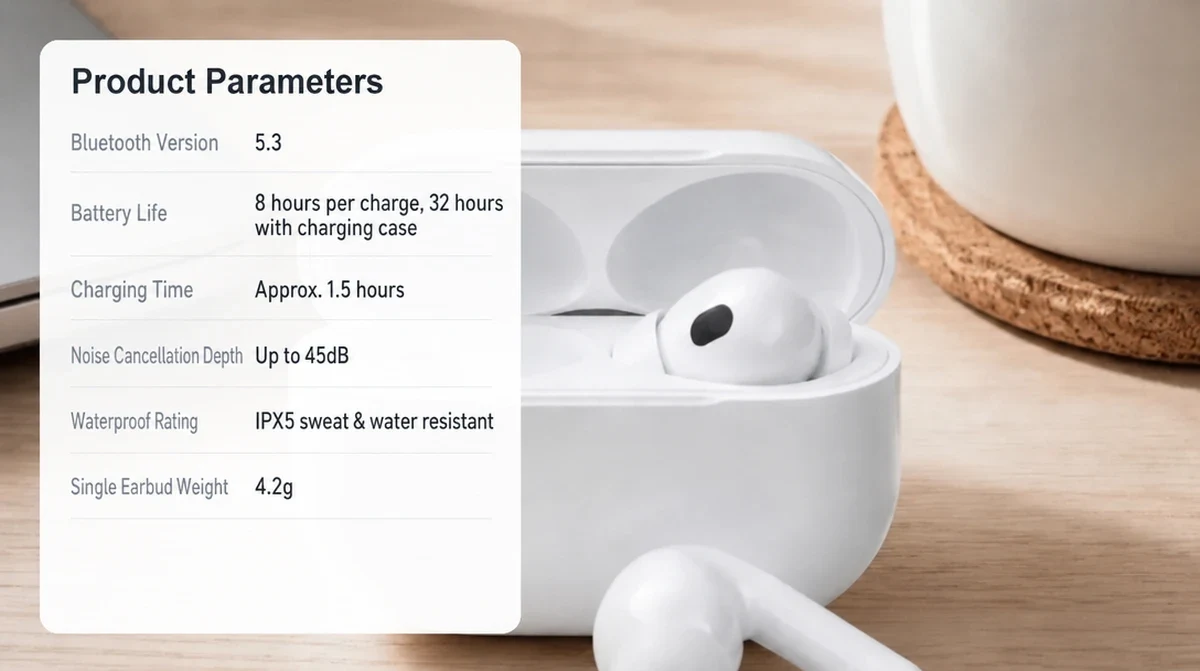 SourceTranslated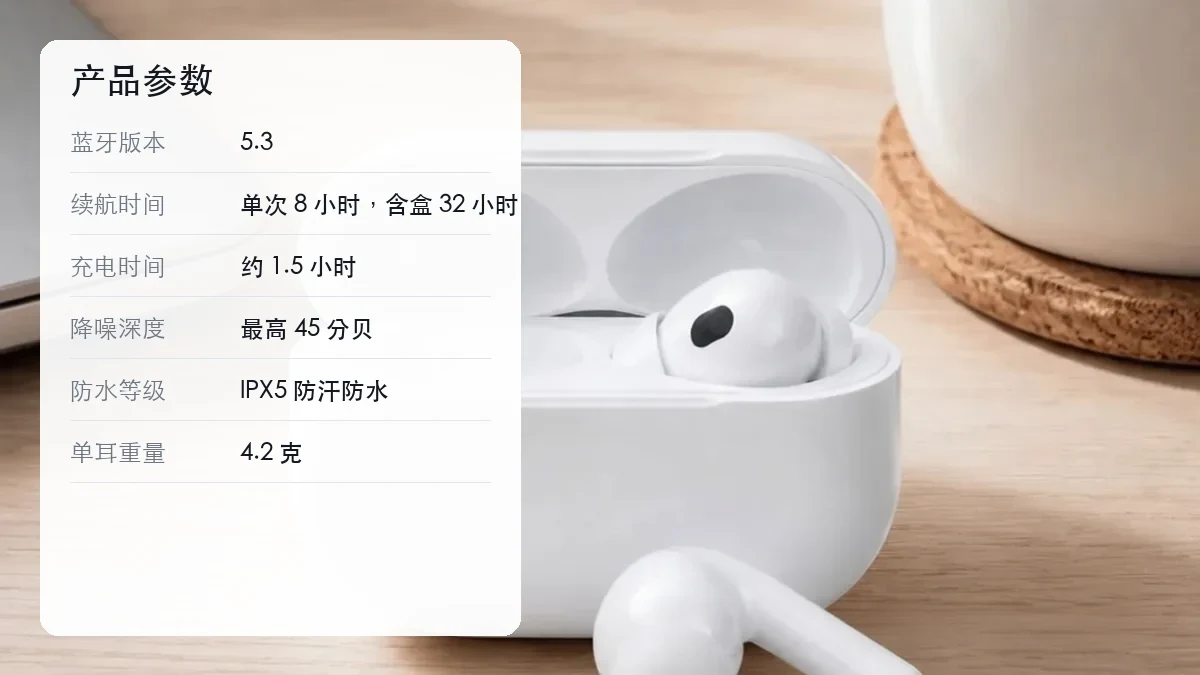
Your AI image localization assistant
No designer, no translation agency: one image becomes one language version in minutes, ready for your overseas store
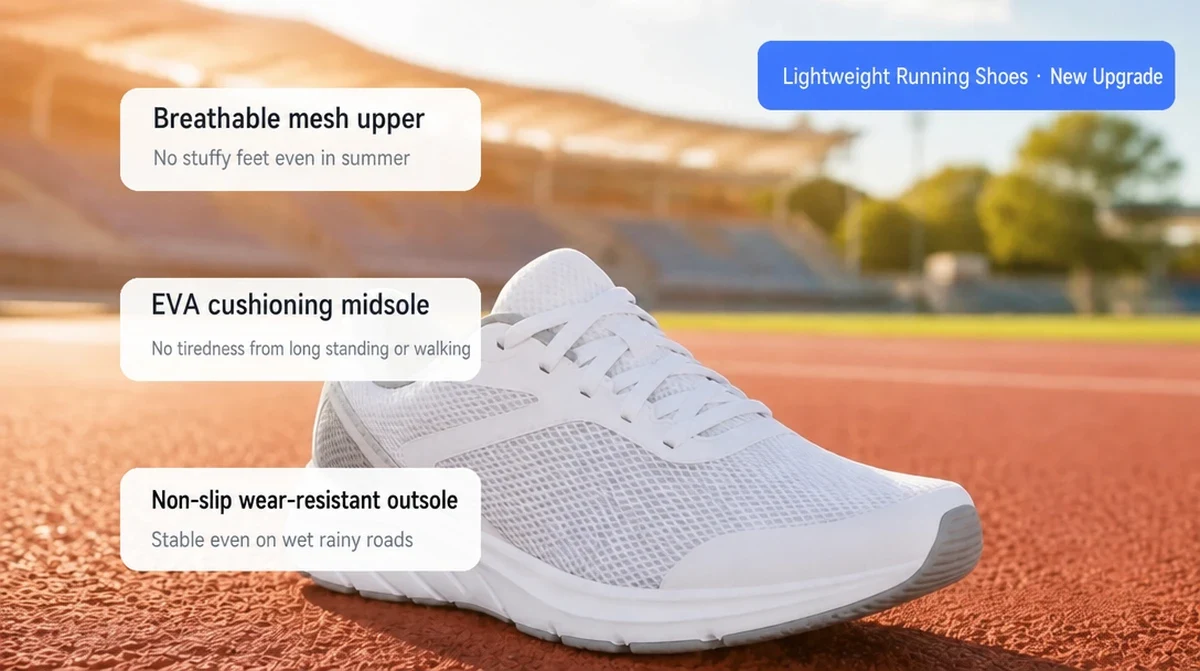 SourceTranslated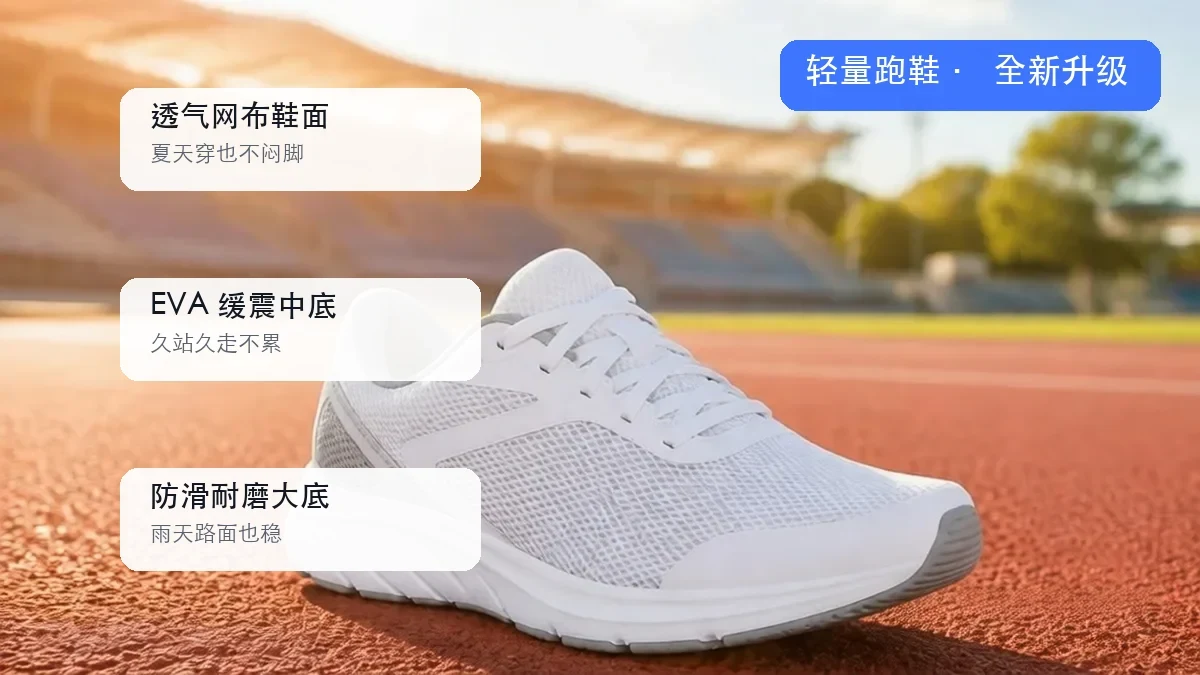
Fonts, layout and background stay exactly as designed
Translation is not erasing text and pasting a line back. The AI keeps the original font style, size, color and alignment, places the translation where the source text was, and rebuilds the background behind it from the surrounding texture.
Callout boxes, tables and rounded labels do not move. Put the result next to the source and the only difference is the language.
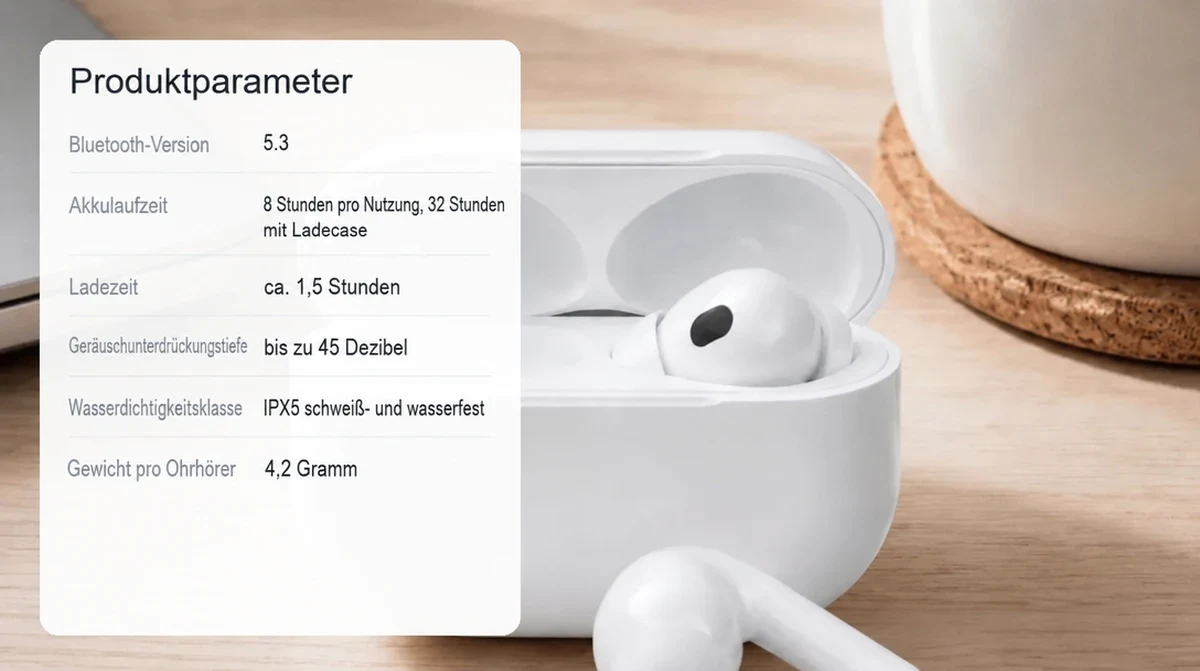 SourceTranslated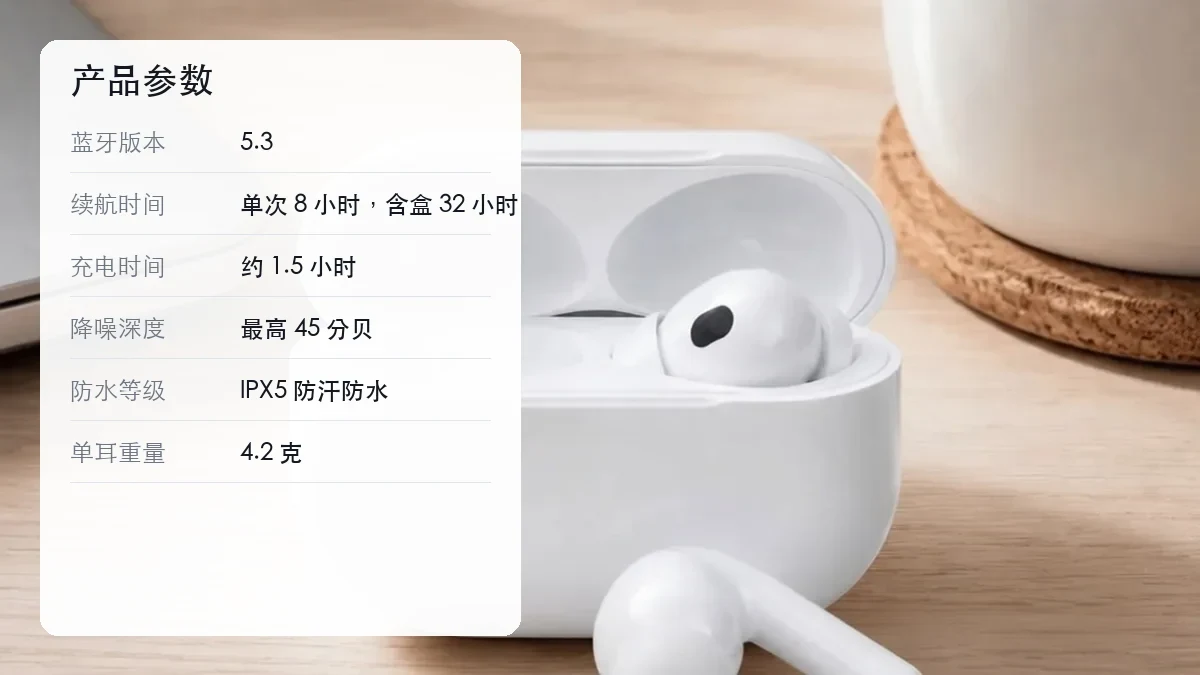
E-commerce tone, with specs and brand names left alone
A large language model translates line by line in e-commerce copywriting tone: concise, persuasive and close to the original length, without the stiff machine-translation feel.
Pure numbers, prices, model numbers and brand names are preserved, and units follow the target market's conventions, so a German shopper sees a spec table written the way they expect.
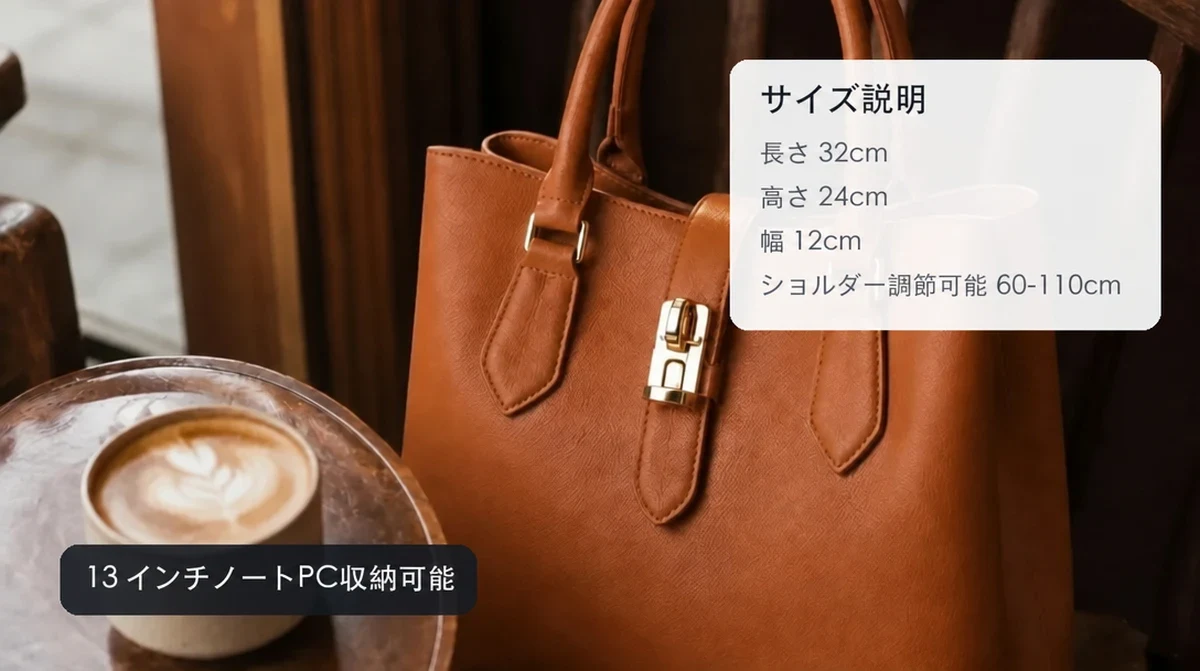 SourceTranslated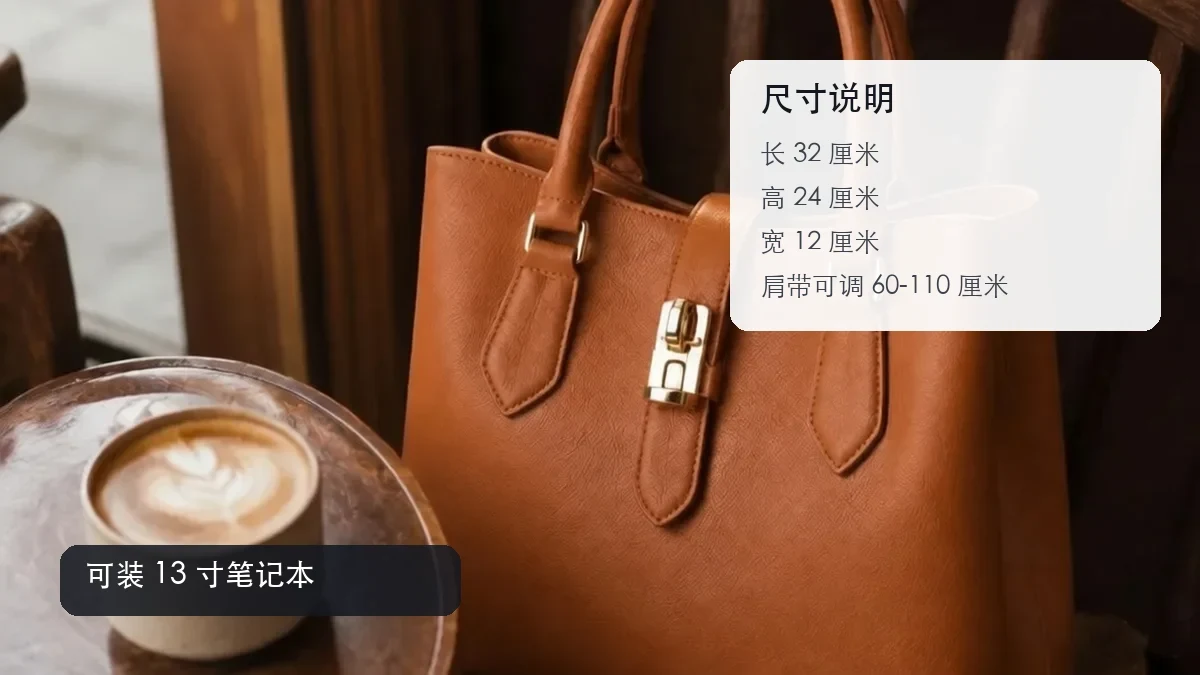
16 languages for the major marketplaces
English, Japanese, Korean, German, French, Spanish, Portuguese, Russian, Arabic, Thai, Indonesian, Vietnamese, Malay and Traditional Chinese are all one click away.
Run the same source image once per market and the multilingual listing images for Amazon, Shopee, Lazada, TikTok Shop and Mercado Libre are done.
Translate once, use on every marketplace
Any text-heavy image is faster to translate than to rebuild with a designer
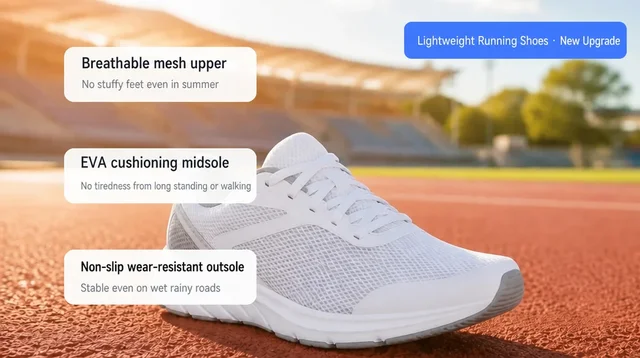 SourceTranslated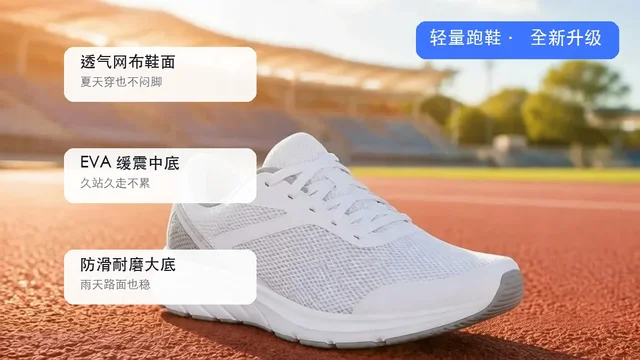
Feature callouts
Above-the-fold feature notes keep their boxes and pointer lines in place
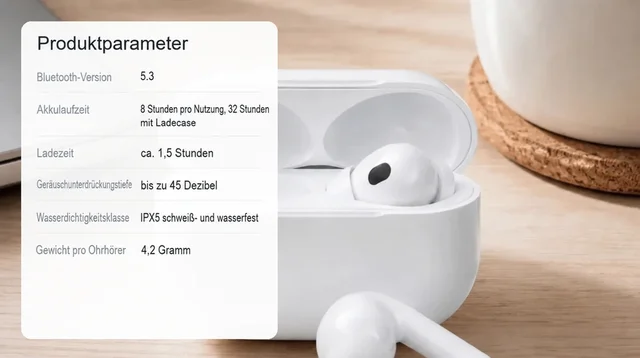 SourceTranslated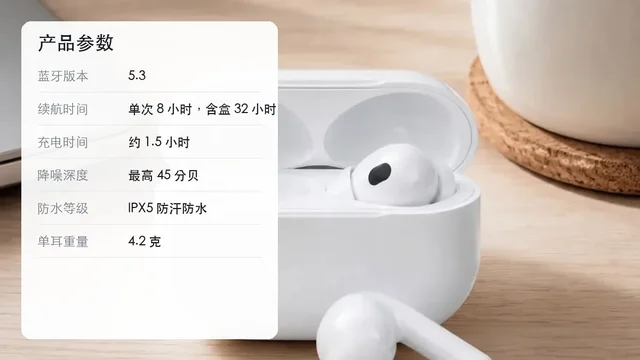
Spec comparison tables
Specs, materials and battery life: numbers stay, words translate
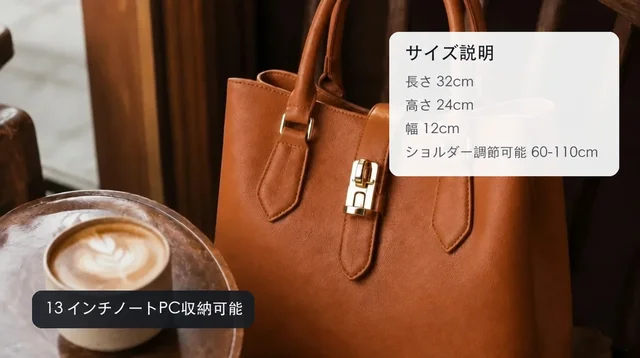 SourceTranslated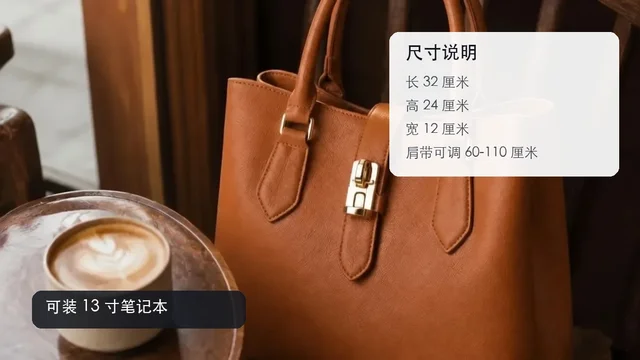
Size charts and dimensions
Apparel and bag sizing translated so shoppers stop returning items they misread
 SourceTranslated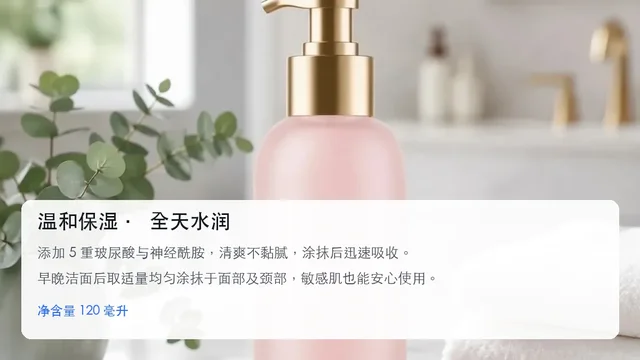
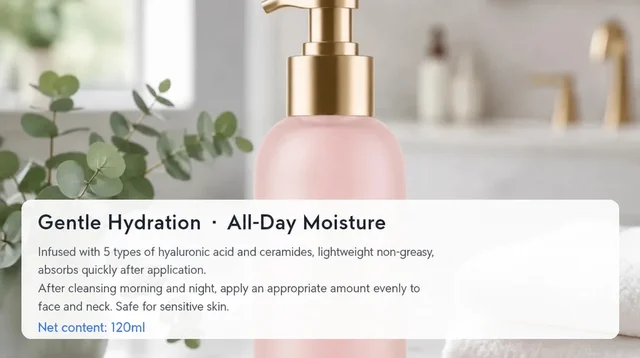
Detail paragraphs
Ingredients, benefits and usage notes flow back into the original paragraph area
 SourceTranslated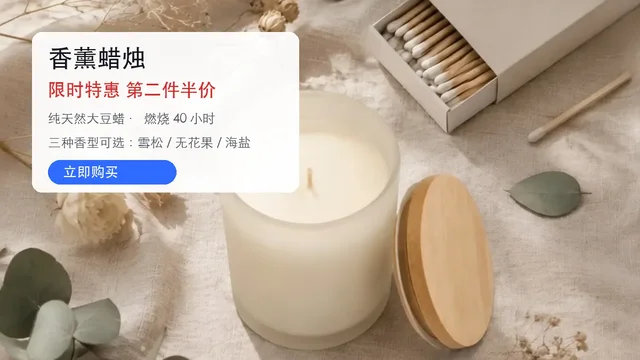
Promo posters
Headline, subline and button translated in one pass without redesigning
 SourceTranslated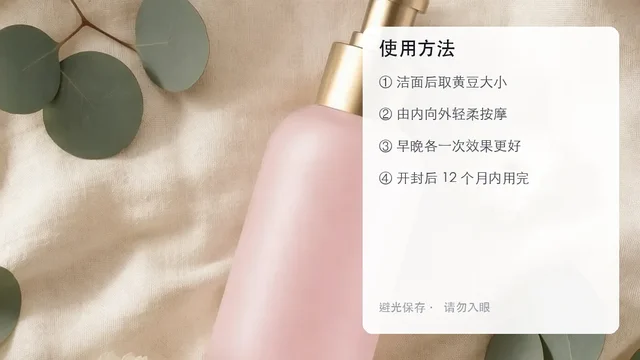
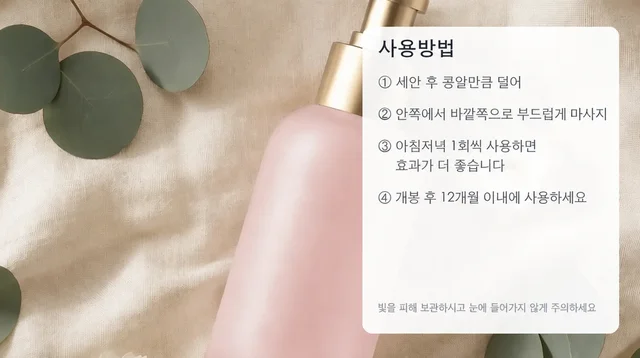
Step-by-step guides
Skincare, appliance and tool instructions keep their numbering and layout
Frequently asked questions about the PixGT image translator
Three steps: OCR finds every line of text and its position, a large language model translates each line in e-commerce tone, and an image-editing model replaces the original text with the translation. The replacement keeps the original font style, size, color and alignment and rebuilds the background behind the old text, so the result looks as if it had been designed in the target language from the start.
16 languages: English, Japanese, Korean, German, French, Spanish, Portuguese, Brazilian Portuguese, Russian, Arabic, Thai, Indonesian, Vietnamese, Malay, Traditional Chinese and Simplified Chinese. That covers Amazon in the US, Europe and Japan, Shopee and Lazada in Southeast Asia, TikTok Shop and Mercado Libre.
No. Pure numbers, prices, model numbers and brand names are kept as they are; only the text that needs translating is translated. Units are written the way the target market expects, for example a decimal comma in German. If you need unit conversion such as centimeters to inches, use the text-editing skill from the "keep editing" row after translation.
Text-heavy images that are painful to re-layout: feature callouts on detail pages, spec comparison tables, size charts, step-by-step instructions, promo posters and A+ infographics. Main images normally must not contain text, so they do not need translation.
The translation is asked to stay close to the original length, and any overflow is wrapped or slightly resized to fit the original area, so spill-over is rare. If you want to reword a line, send the image to the text-editing skill from the generation page and change just that line.
One task translates into one language. For several marketplaces, run the same source image again with a different language from the result page. Batch multilingual export is in development.
Other useful tools
Try the PixGT image translator now
70 free credits when you sign up. Beyond translation, watermark removal, upscaling and product sets live in the same workspace.