Pure white background in one click
Upload the product photo and choose whether to keep a shadow. AI repaints the background to pure white RGB 255, with clean edges on laces, fur and glass, and the product itself unchanged.
Drop or paste an image · JPG / PNG / WEBP, up to 10MB
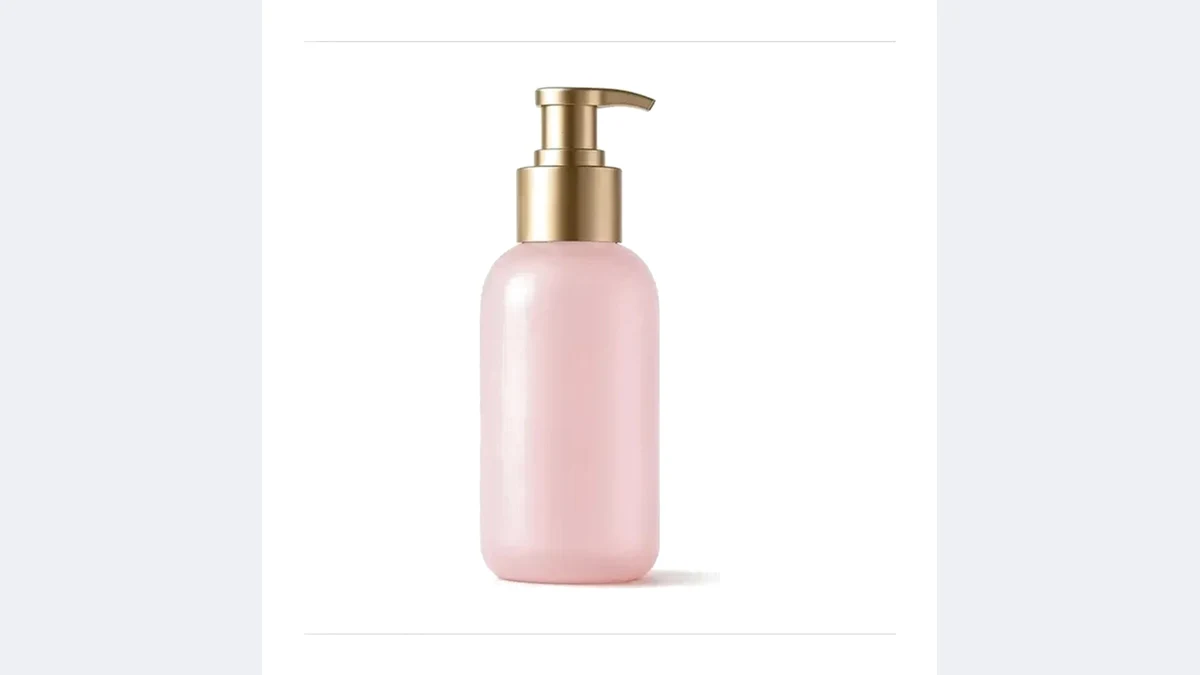 OriginalWhite background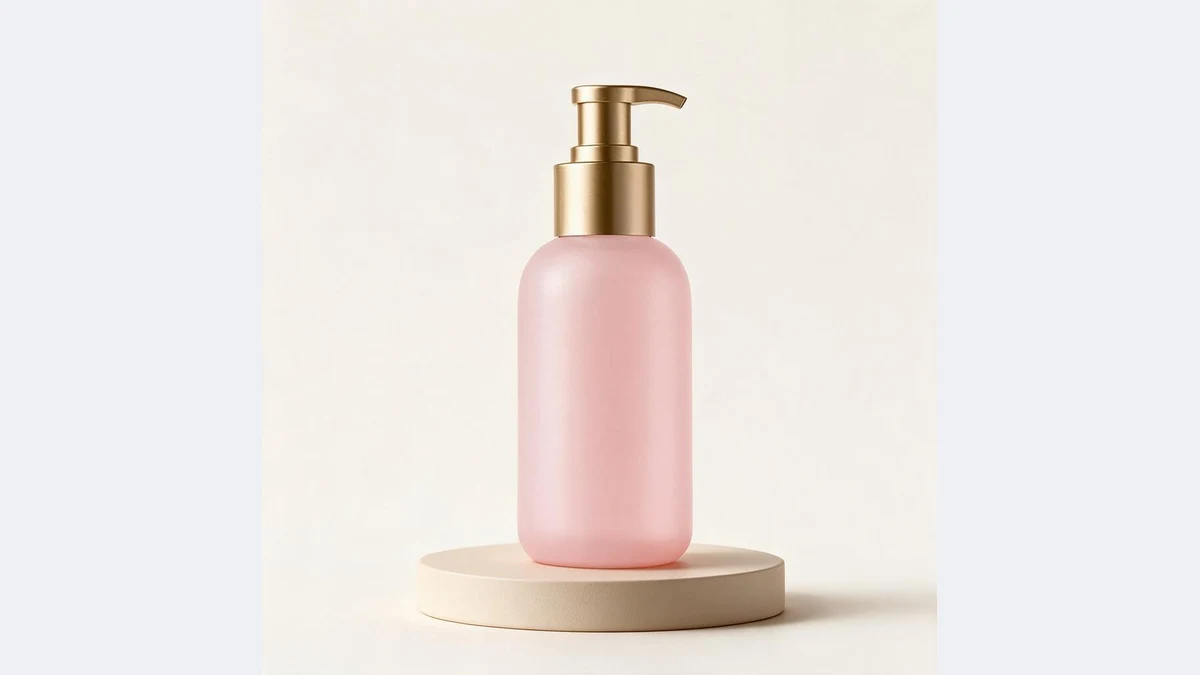
Any background to pure white
Scenes, tabletops, text and watermarks removed together, with clean product edges
OriginalWhite backgroundYour AI white background assistant
No cutout, no studio: one scene photo, pure white in seconds
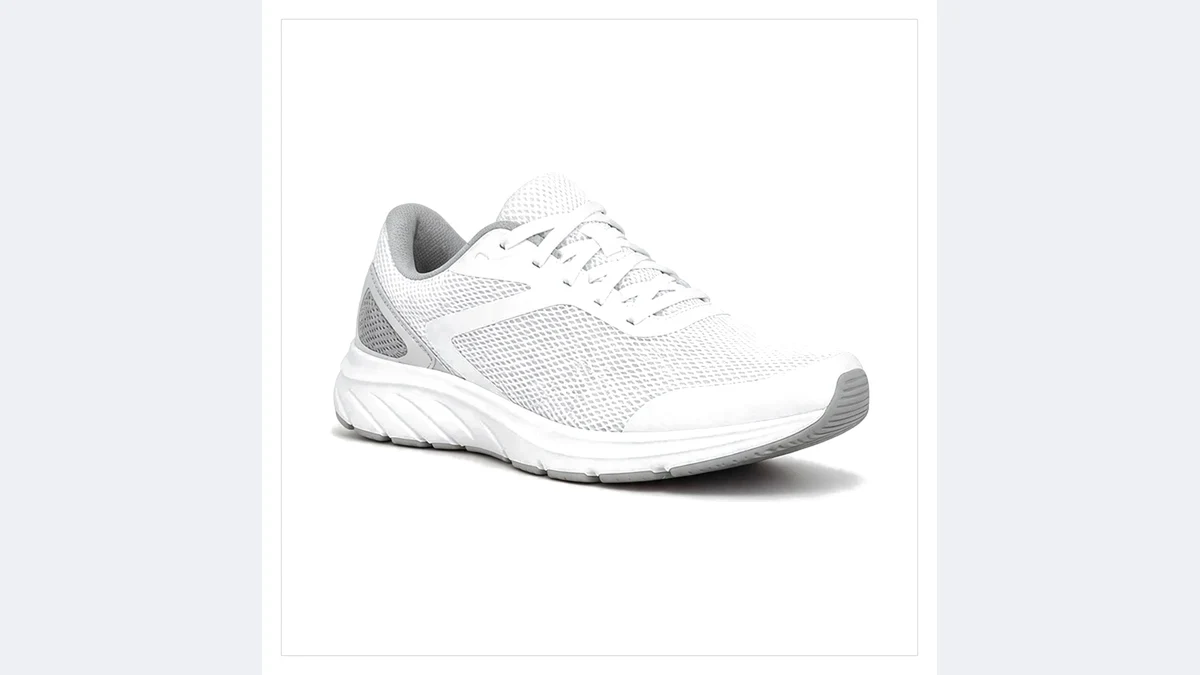 OriginalWhite background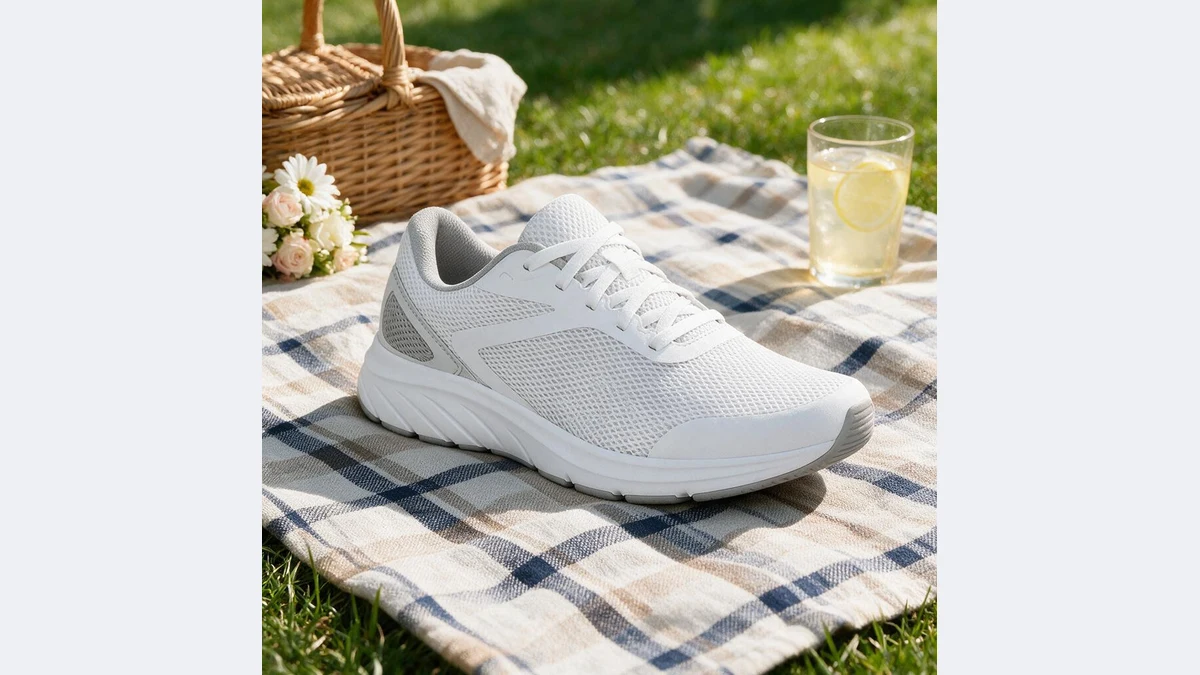
Repainted, not cut out
The model understands the product shape and material, then repaints the background pure white. Laces, fur and glass refraction come out clean with no fringing.
The shadow is regenerated for the product and lands where it should.
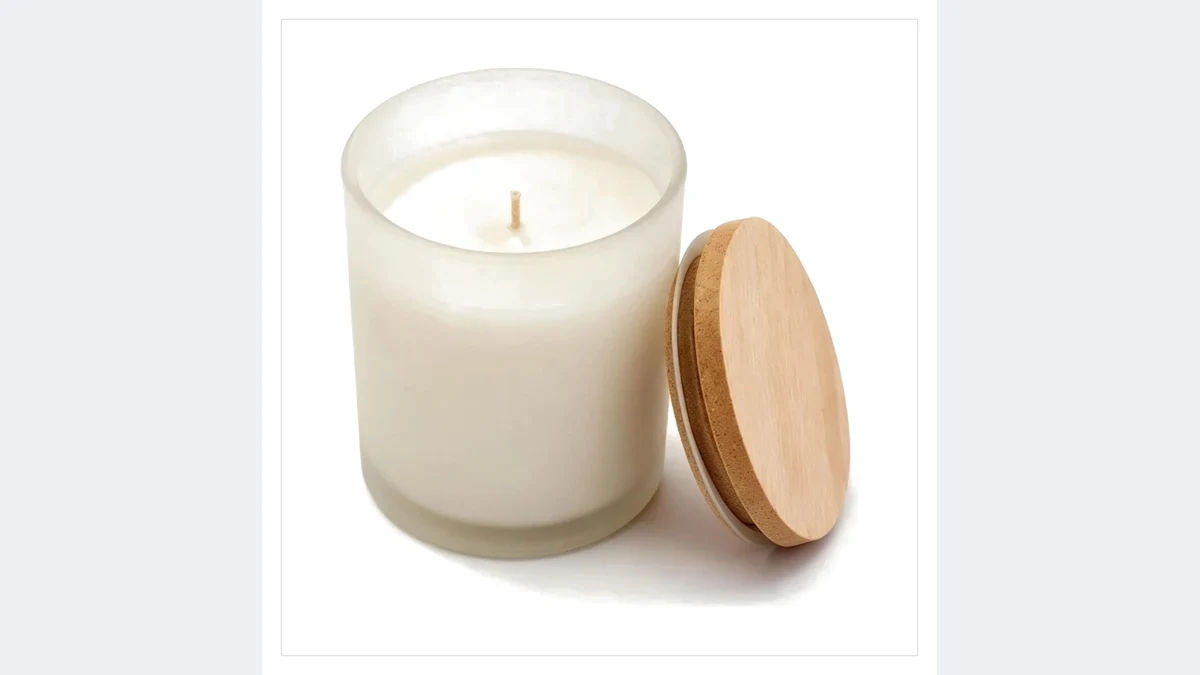 OriginalWhite background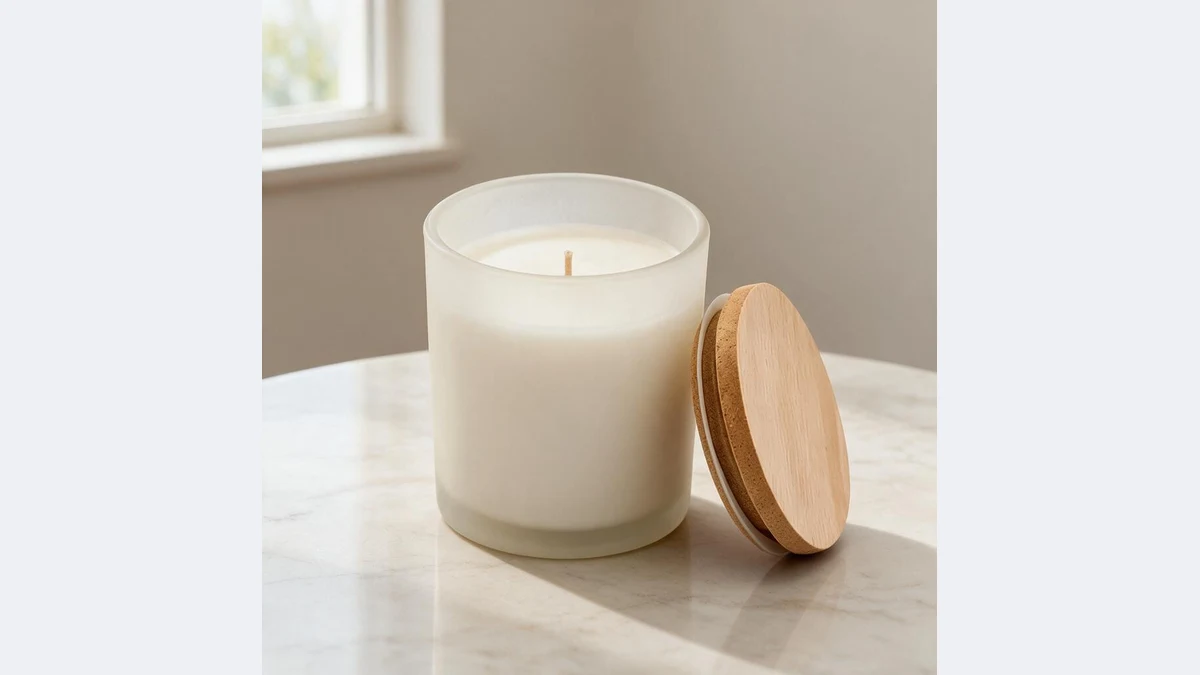
Text, logos and watermarks removed
Overlaid text, badges, watermarks and stickers go with the background, no separate watermark step.
Printed text on the product and packaging stays.
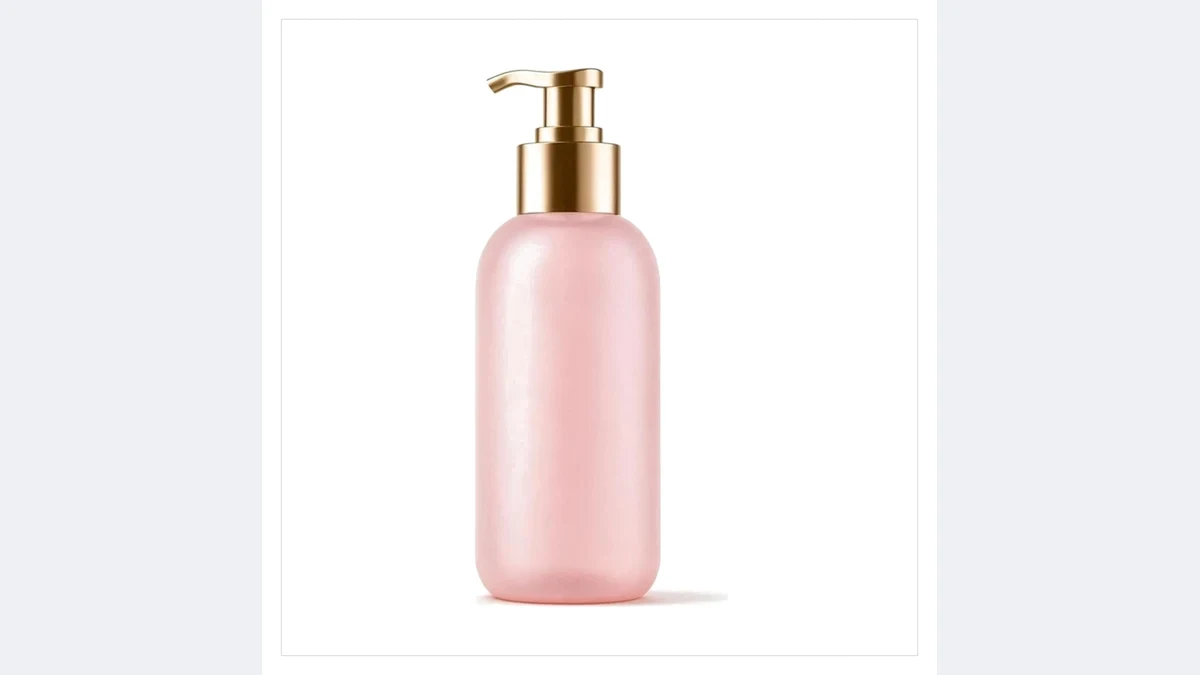 OriginalWhite background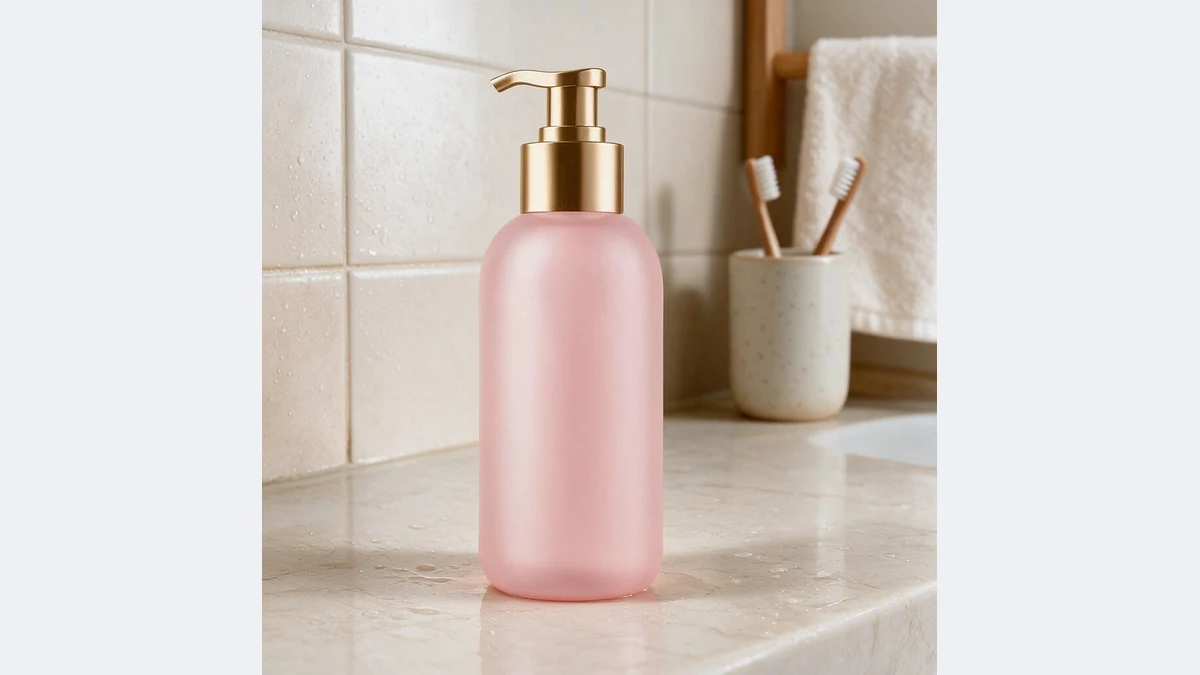
Optional shadow, framing unchanged
A natural shadow adds depth; no shadow suits collages and layered backgrounds.
No cropping or recomposition; for platform pixels, continue with Main Image Compliance.
White backgrounds for every listing
Any product photo whose background is not pure white can be fixed in one step
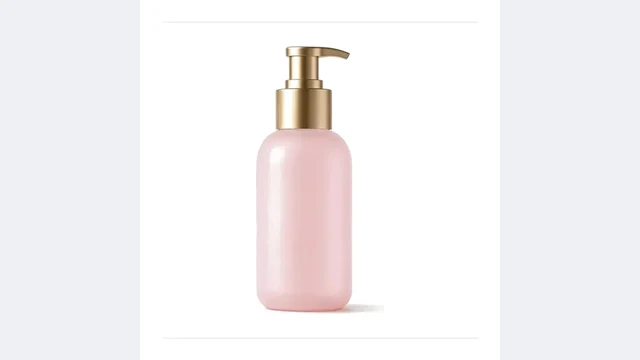 OriginalWhite background
Listing images
Secondary and SKU images that platforms want on white
 OriginalWhite background
Supplier photo cleanup
Watermarked supplier photos turned into clean white backgrounds
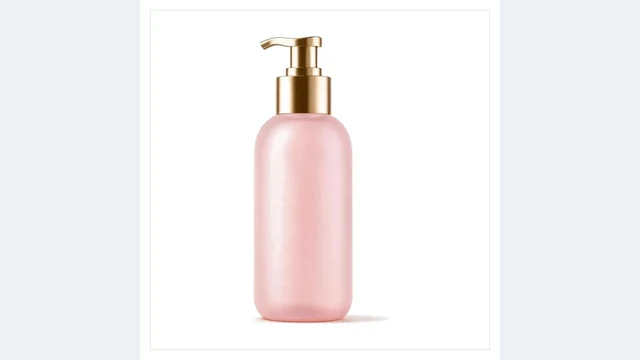 OriginalWhite background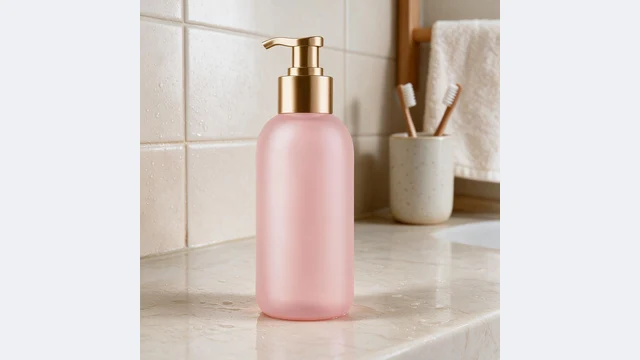
Phone snapshots
Desk and floor snapshots become white background photos
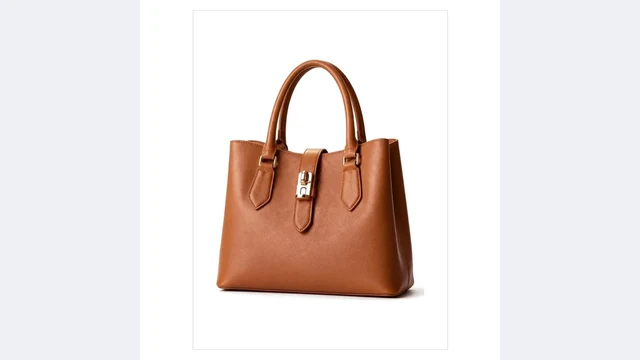 OriginalWhite background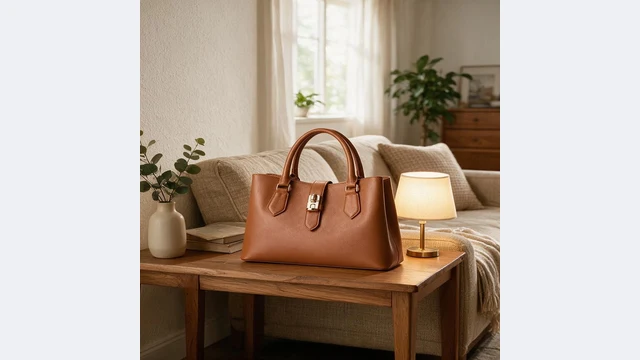
Consistent SKU set
Photos from different sources unified on white
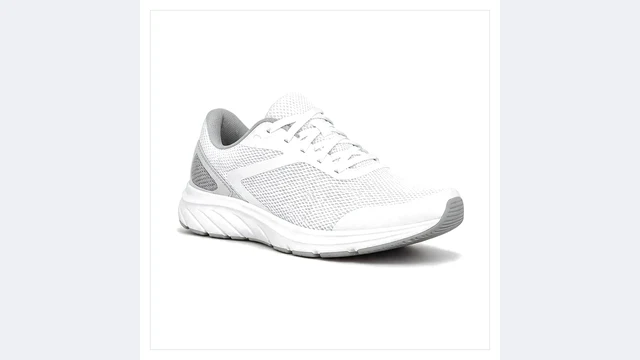 OriginalWhite background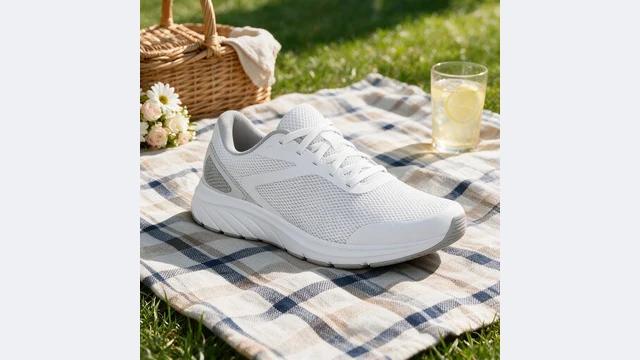
Before scene swaps
White first, then scenes, for the most stable results
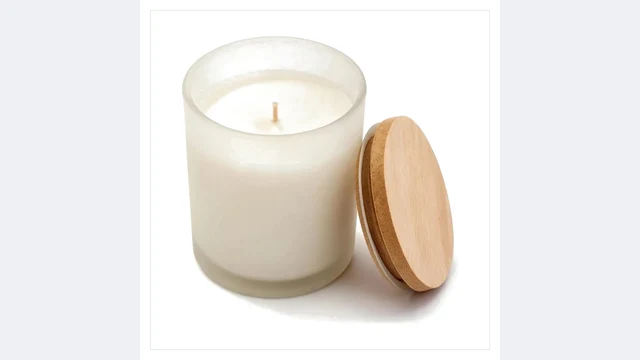 OriginalWhite background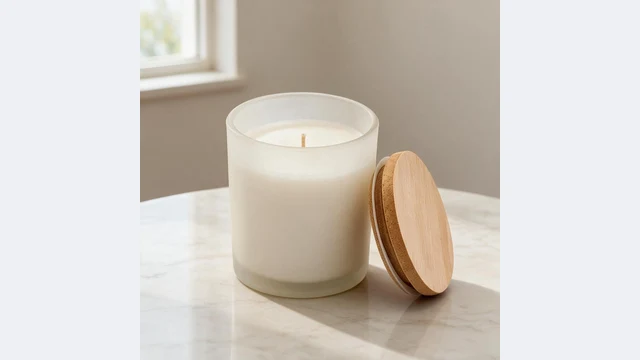
Detail page collages
No-shadow white images for comparison layouts
PixGT white background FAQ
All three share the same engine. White Background does one thing: pure white background with an optional shadow, framing unchanged. Background Remover exports a transparent PNG. Main Image Compliance adds platform cropping to 85% fill and platform pixels. If you only need a white background, use this page.
It depends on use. Marketplaces such as Amazon allow a natural shadow and it adds depth; for collages, layered backgrounds or platforms that require no shadow, choose "No shadow".
No. Instead of deleting pixels, the model understands the product and repaints the background, so lace gaps, fur and glass refraction come out clean.
Yes. Overlaid text, logos, watermarks and stickers go with the background; text printed on the product or packaging stays.
JPG, PNG, WEBP, HEIC and other common formats up to 10MB. Scenes and watermarks in the source are fine.
More tools
Try PixGT white backgrounds now
Sign up and get 70 free credits. Beyond white backgrounds, main image compliance, scenes and watermark removal all live in the same workspace.