Brush it, and it is gone
Upload the photo, pick what to remove or brush over it. AI fills the area from the surrounding background with continuous texture, light and shadow, with no visible edit.
Drop or paste an image · JPG / PNG / WEBP, up to 10MB · brush erase available inside
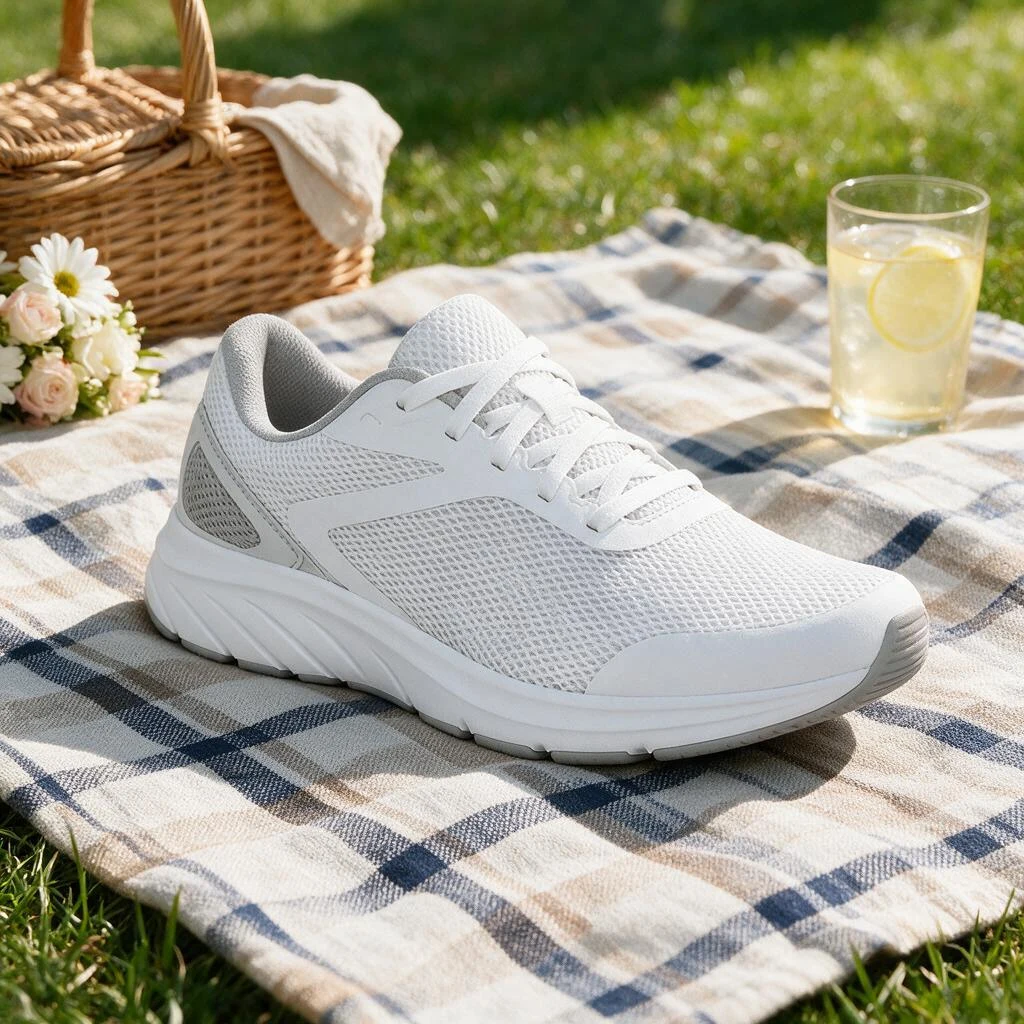
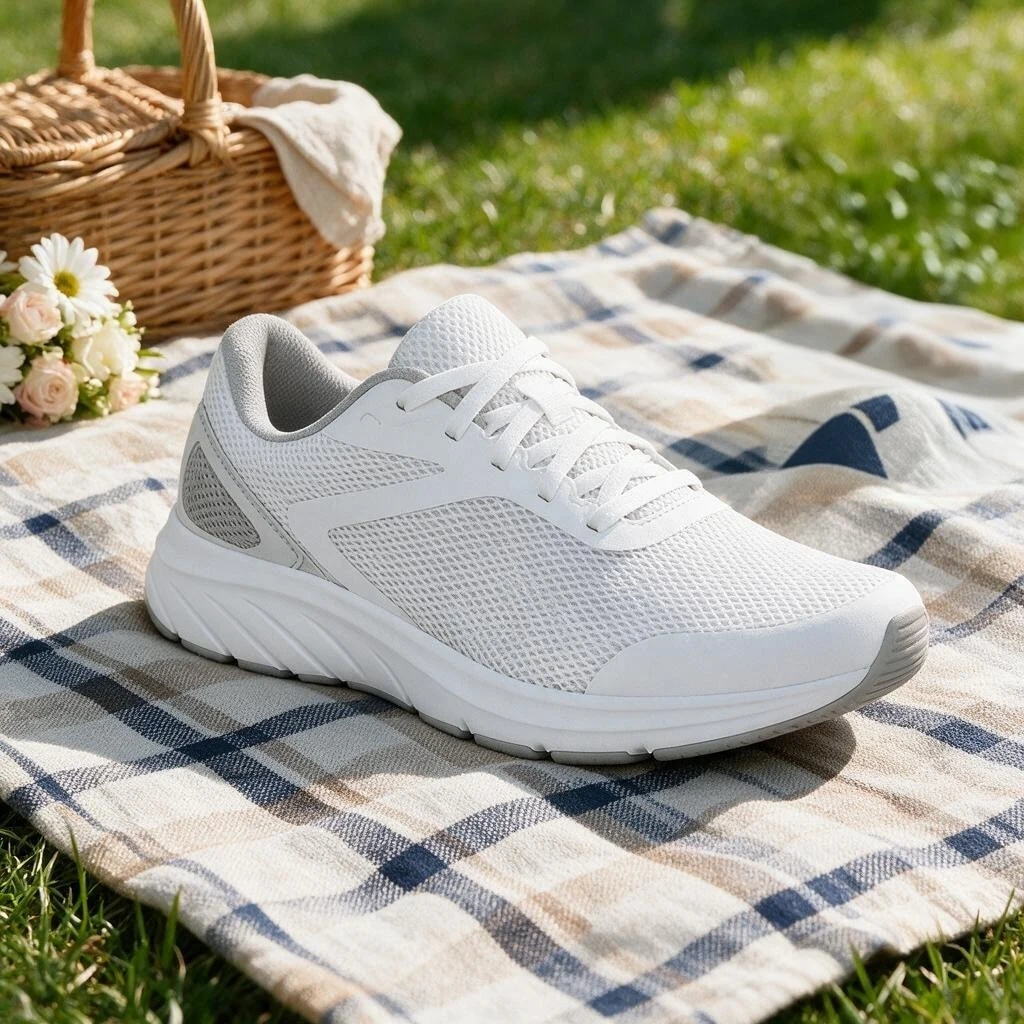
Cups, plants, lamps, gone with a brush
The area is filled from the surrounding background with continuous texture and light
Your AI eraser
No clone stamp: brush it and AI rebuilds the background
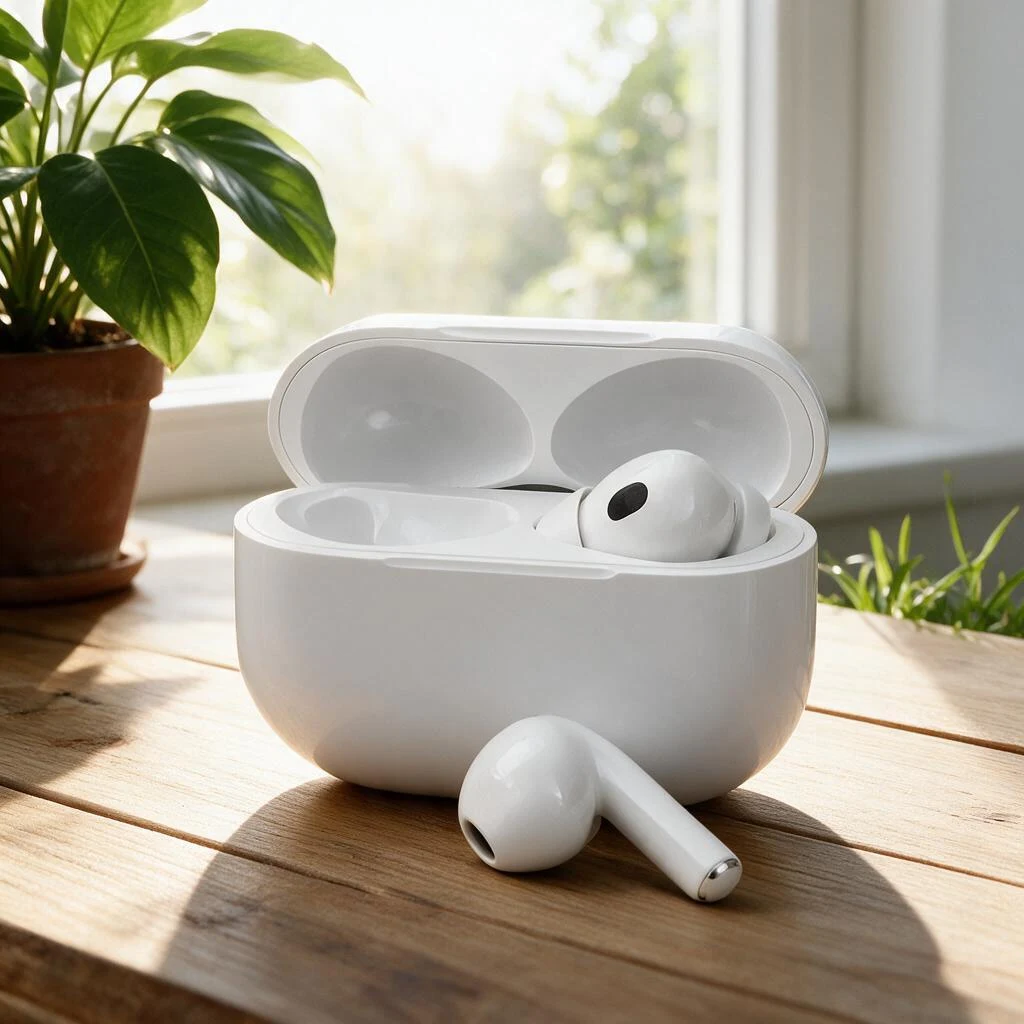
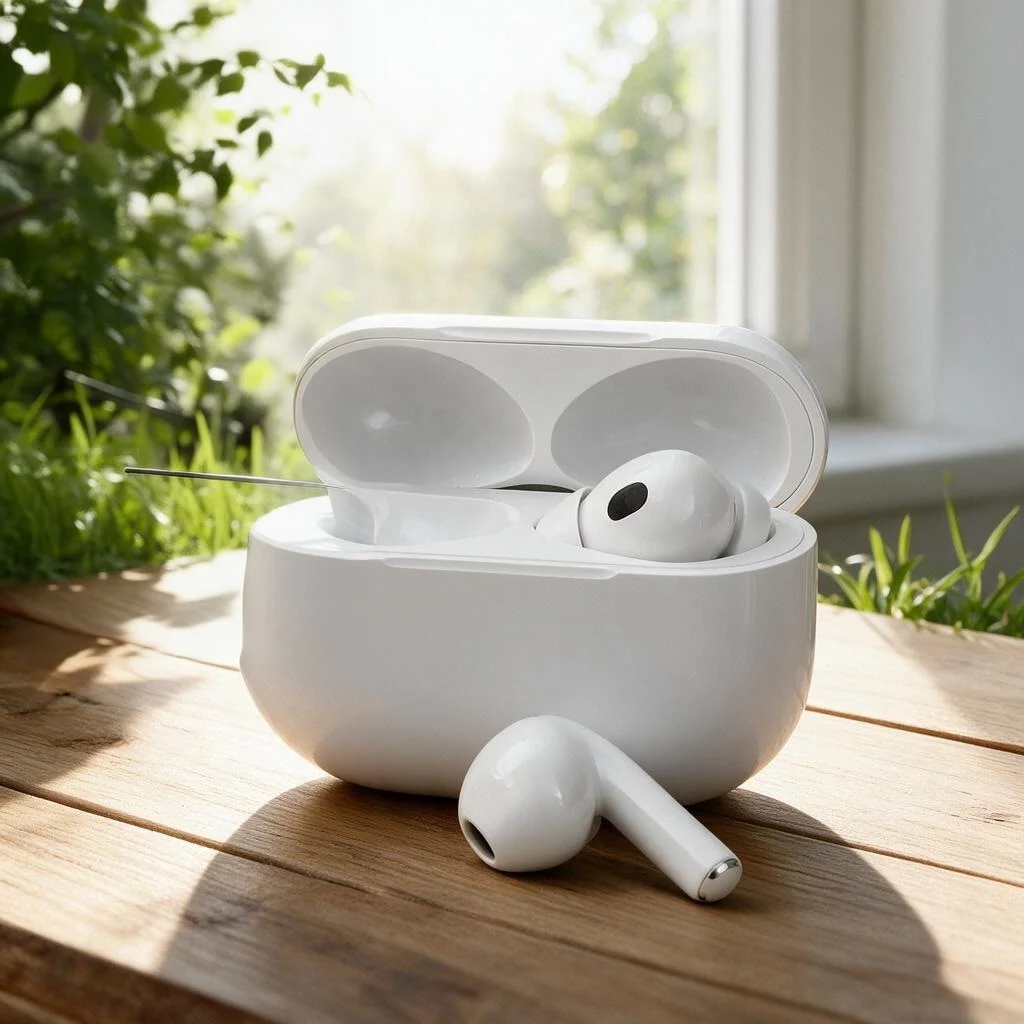
Filled from the background, not blurred
AI reads material, texture, perspective and light around the brushed area. Wood grain, checks and tile joints continue in the right direction; shadows and reflections are recomputed.
The filled region blends with the original even when zoomed in.
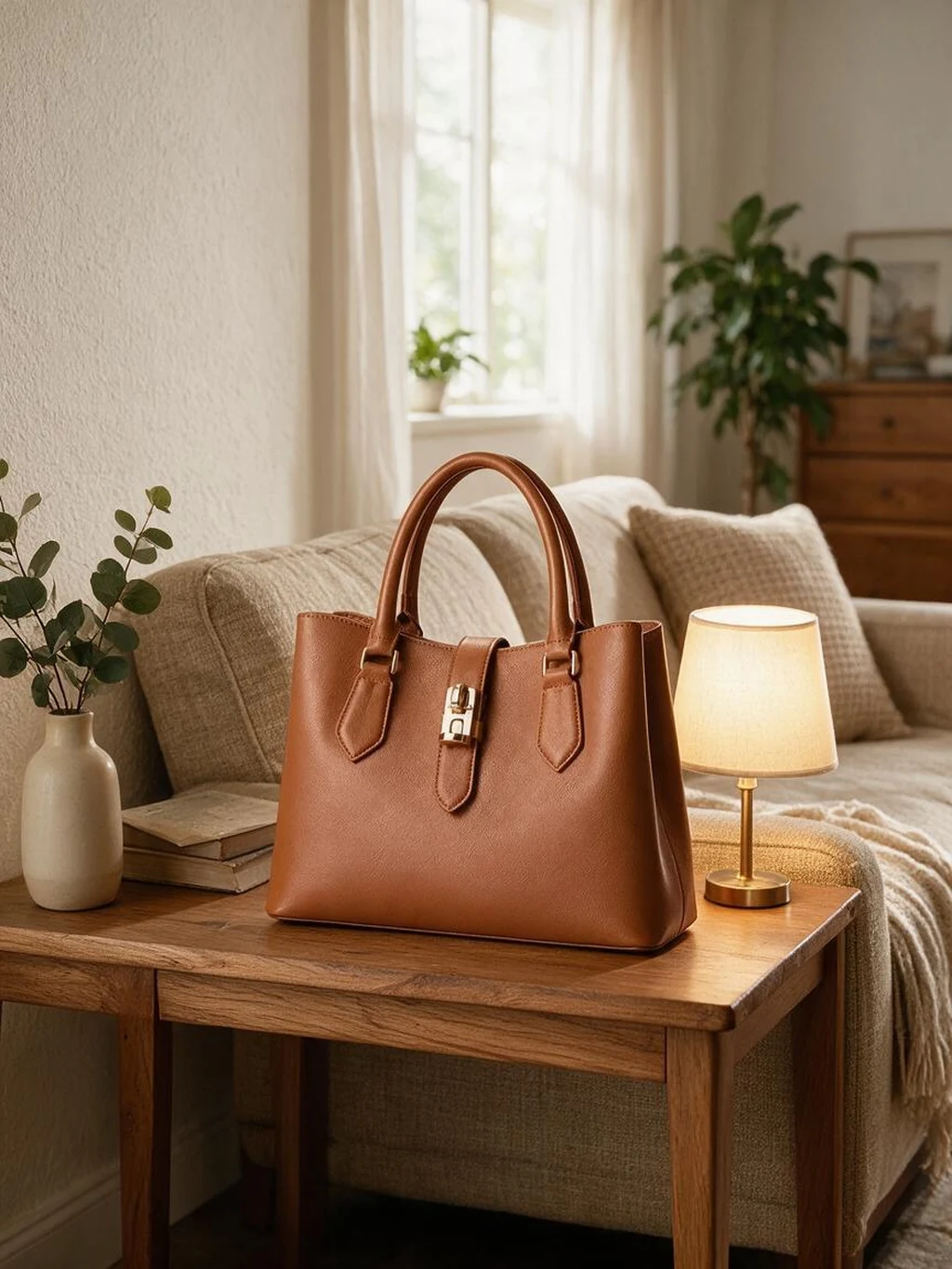
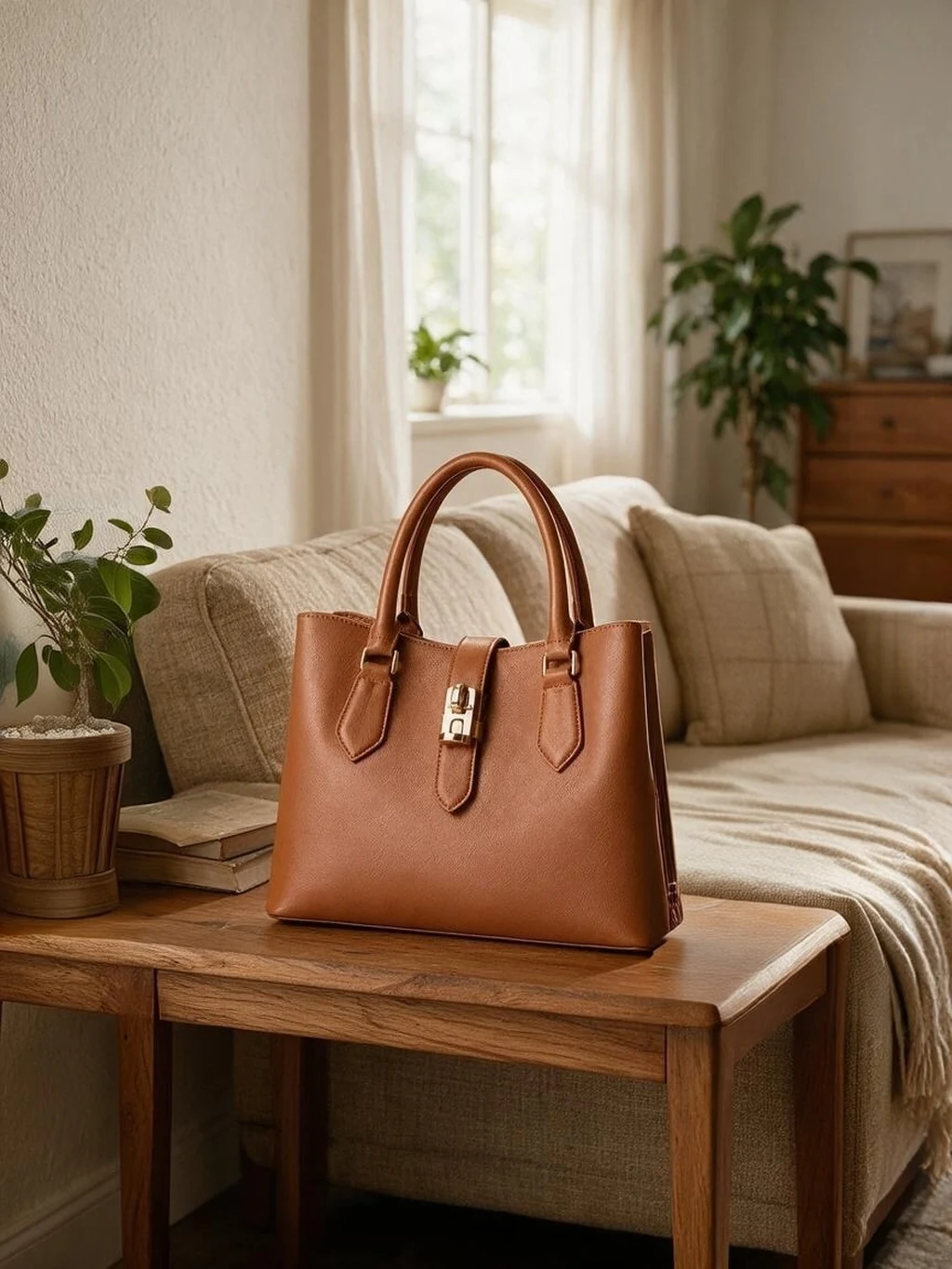
Brush anywhere
In the app, paint over the object with an adjustable brush, undo or repaint, and get the result in seconds.
Paint again on the result if a trace remains.
Or just describe it
Prefer not to brush? Pick "Clutter", "People", "Text and logos" or "Reflections and stains" on this page, or type "remove the glass on the right" in the app, and AI finds and removes it.
Both methods sit in the same screen.
When a small erase saves the shot
Any photo that is almost right except for one extra thing, without a reshoot
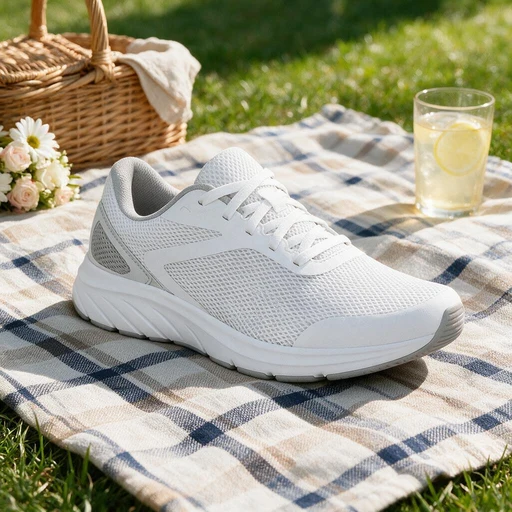
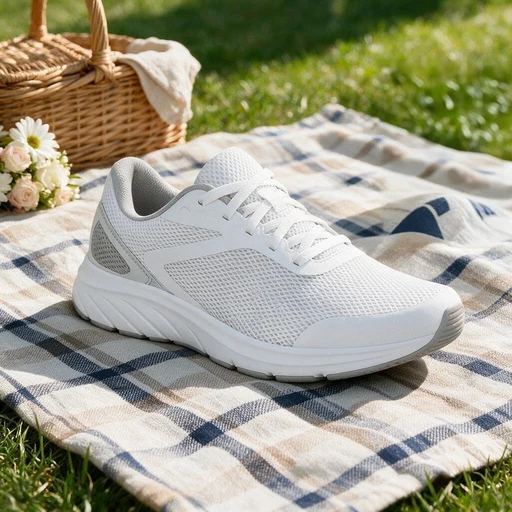
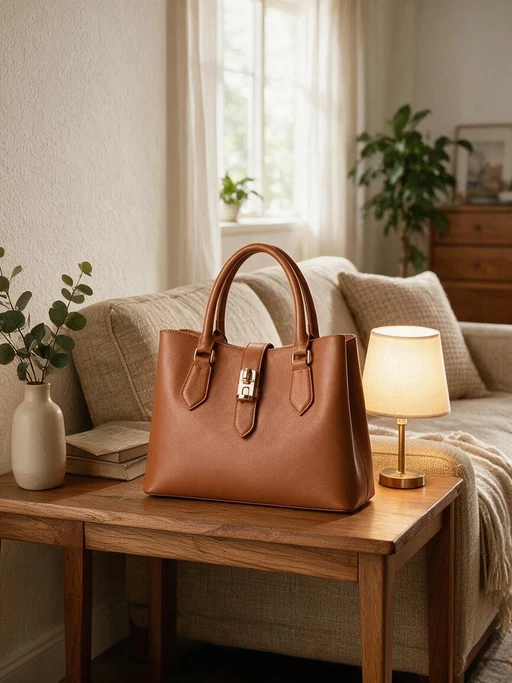
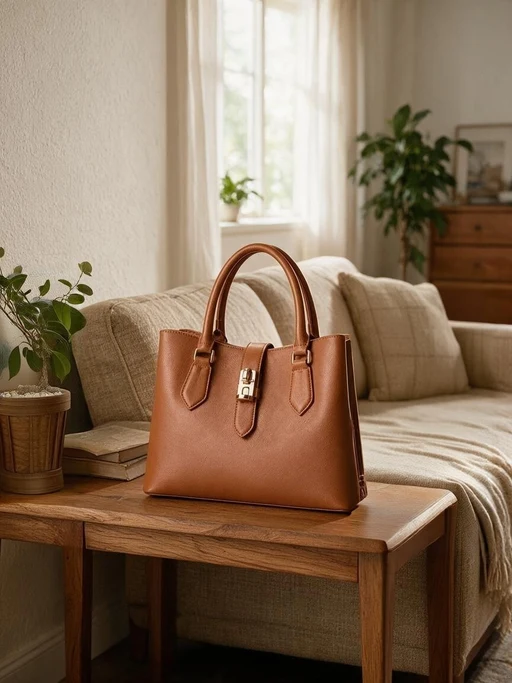
Declutter scene shots
Too many props, stray cups and cables: brushed away
Remove passers-by
People and cars in the background of street shots
Remove tags and labels
Hang tags on bags, stickers on shoes, surface restored
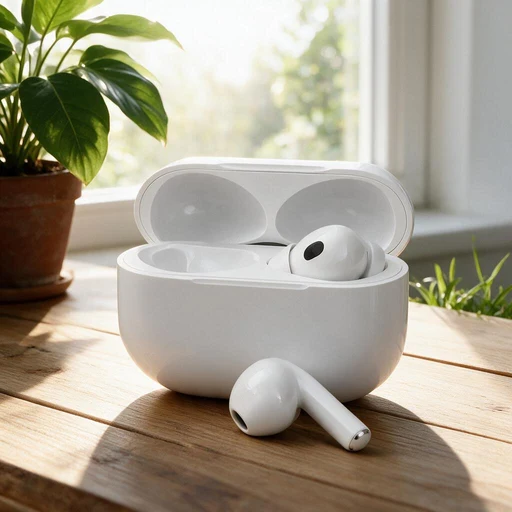
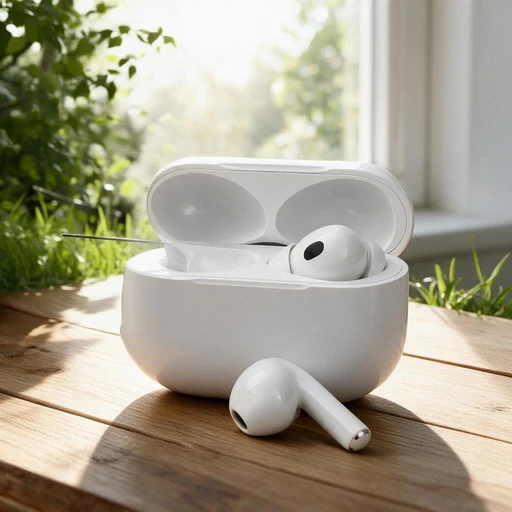
Reflections and stains
Glass glare, table stains and fingerprints
Watermark touch-up
A small trace left after automatic removal, brushed by hand
Fix generated images
Extra fingers and props in AI images, brushed away
PixGT object remover FAQ
Watermark Remover finds text, logos and watermarks on its own. Object Remover removes what you point at: a cup, a plant, a passer-by, a reflection, a cable. Brush over it or describe it and AI fills from the background. Both live in the same screen in the app.
AI reads the material, texture, perspective and light around the brushed area: wood grain direction, tile joints and tablecloth checks continue, and shadows and reflections are recomputed. Smaller objects on regular backgrounds give the most natural results.
In the app, click "Brush erase" under the image, paint over the object (slightly larger than the object is cleaner), then click erase. Results come back in seconds; undo and repaint, or paint again on the result.
Yes, such as a hang tag on a bag or a sticker on a shoe. Brush only the part to remove and AI restores the covered product surface.
Brush erase costs 3 credits per pass, refunded on failure. Description-based removal runs through the watermark remover skill, billed as one generation. Sign-up includes free credits.
More tools
Try the PixGT object remover now
Sign up and get 70 free credits. Beyond erasing, watermark removal, scenes and extending all live in the same workspace.