Online AI Image Upscaler
Supplier thumbnails, photos crushed by chat apps, blurry images from old listings: upload and enlarge 2x or 4x with details restored, ready for marketplace image requirements.
Drop or paste an image · JPG / PNG / WEBP, up to 10MB
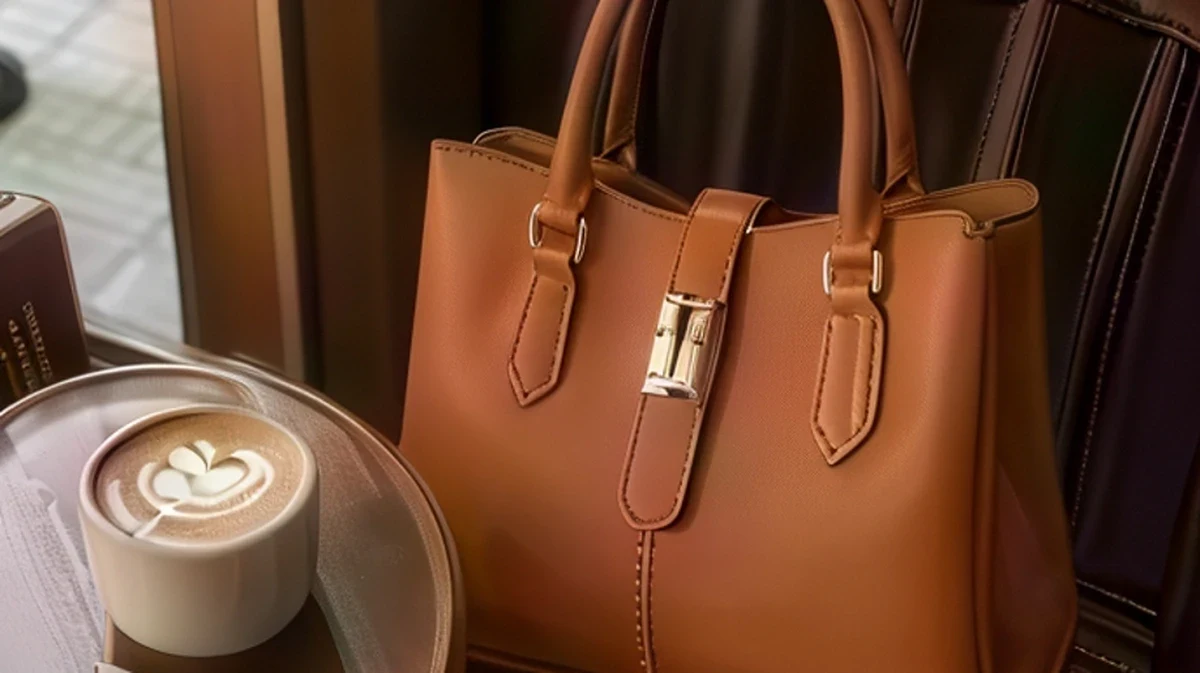 BlurryUpscaled
Sharpen blurry images from any source
Supplier thumbnails, compressed photos, old images, detail crops, screenshots and flat lays all come back with clear textures and edges
BlurryUpscaledYour AI photo enhancement assistant
No reshoot, no chasing suppliers for originals: upload, enlarge, and meet marketplace pixel requirements right away
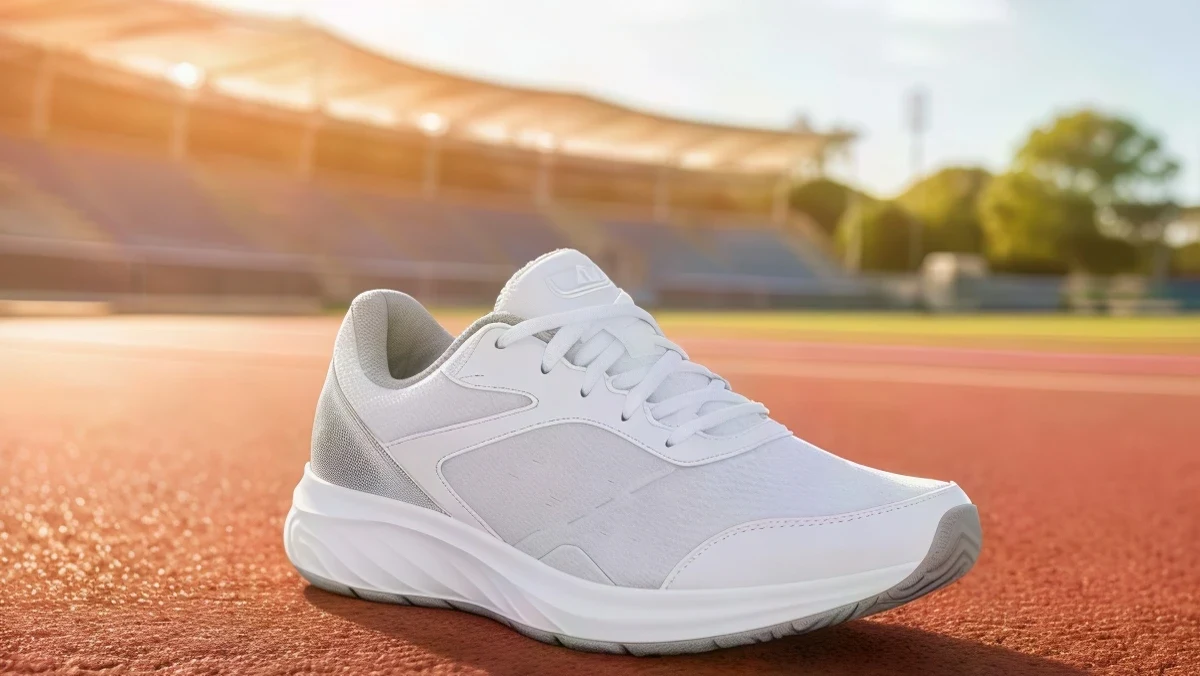 BlurryUpscaled
Generative upscaling restores real detail
Classic upscaling stretches pixels and leaves jagged edges and mush. PixGT first understands the materials and structure in the image, then repaints mesh texture, leather creases and metal highlights.
Zoom into a 4x result and the stitching on a sneaker, the reflection on a bag clasp and the small print on a bottle are legible, not blurry patches.
BlurryUpscaledMeet Amazon and TikTok Shop pixel requirements in one pass
Amazon requires at least 1000 pixels on the longest side for zoom, and TikTok Shop recommends 800 pixels or more. A 300-pixel supplier thumbnail uploaded as-is gets flagged as low quality.
4x turns 300 pixels into 1200; 2x suits 500 to 800-pixel images. The longest side goes up to 4096 pixels, enough for main images, A+ content and detail pages.
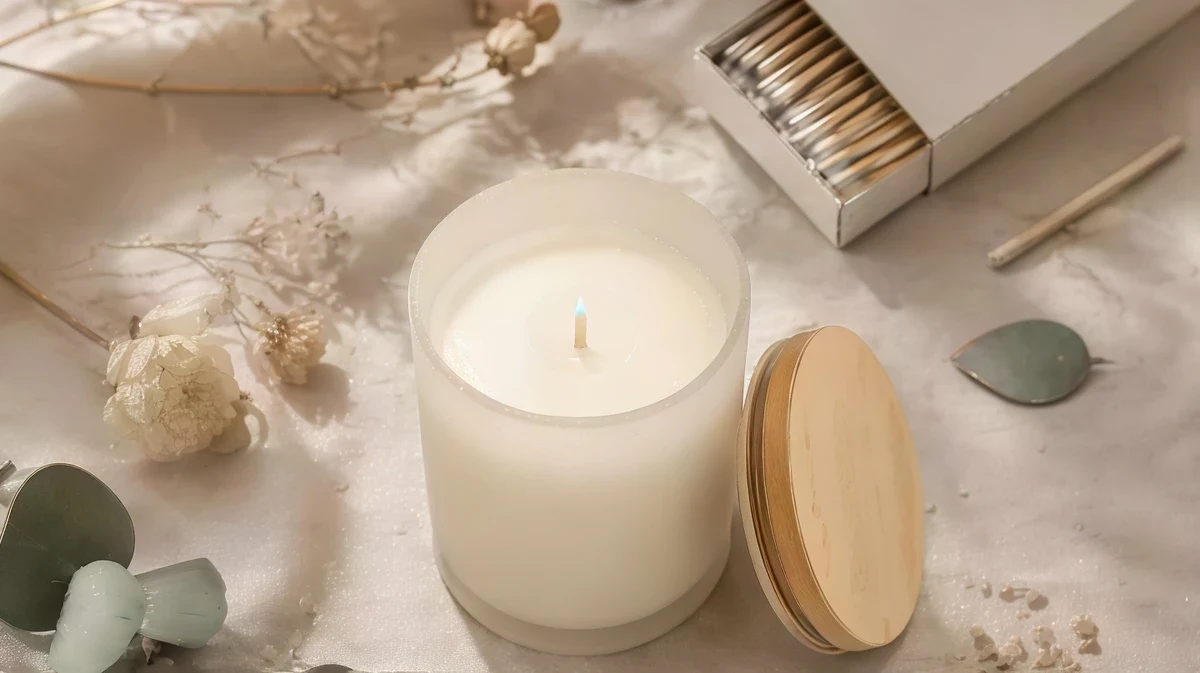 BlurryUpscaled
Colors, proportions and composition stay untouched
Upscaling only adds detail. Product colors, shape and position do not move, and the output keeps the original aspect ratio, so shoppers see exactly the same item.
When the result is ready, send it on to watermark removal, retouching or scene swap with one click. A blurry old photo becomes a listing-ready set in minutes.
Images worth upscaling
Whenever the original is lost and a reshoot is not worth it, try upscaling first
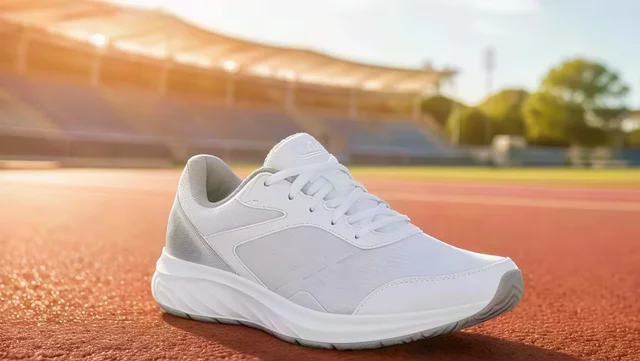 BlurryUpscaled
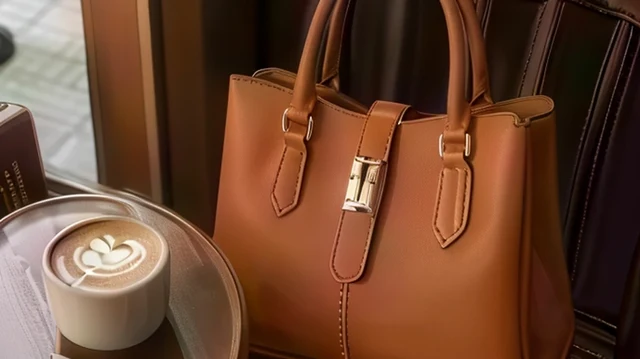
Supplier and 1688 thumbnails
Sourcing pages only give a few hundred pixels; enlarge and use them as main images
 BlurryUpscaled
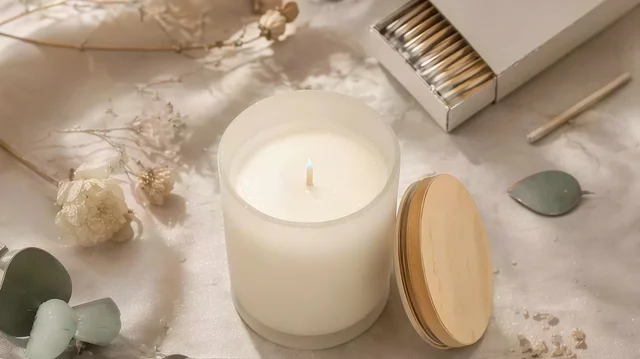
Photos forwarded in chat apps
Images compressed over several rounds get their edges and details back
 BlurryUpscaled
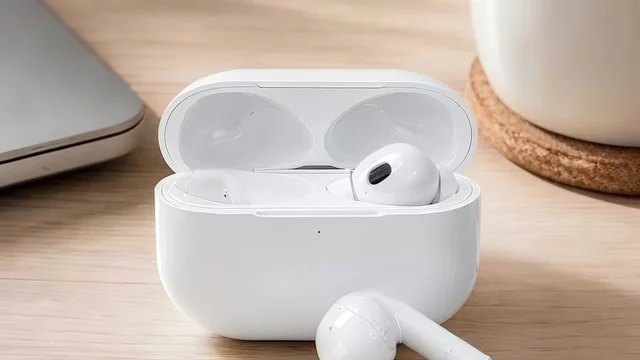
Old listing images
Early listings whose originals are long gone can be relisted after upscaling
 BlurryUpscaled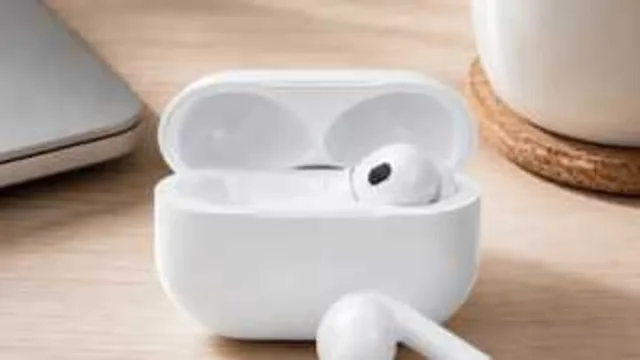
Detail crops
Crop fabric, logos or seams from a larger photo and enlarge them into detail shots
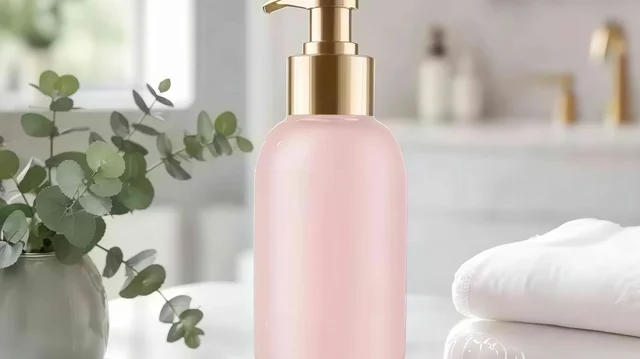 BlurryUpscaled
Screenshots and scans
Screen captures and manual scans come back with clearer text and lines
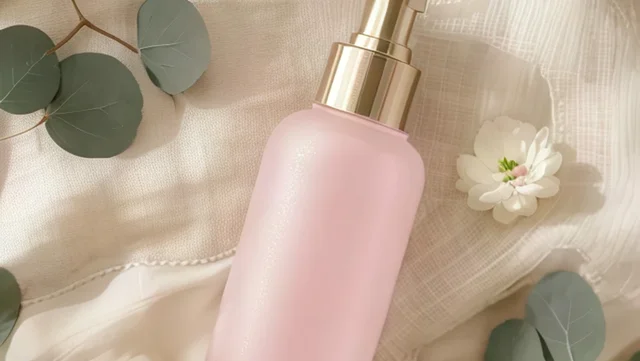 BlurryUpscaled
Flat lays and image sets
Upscale a batch of low-resolution flat lays so the whole set matches in sharpness
Frequently asked questions about the PixGT image upscaler
It uses a generative super-resolution model rather than simple interpolation. The model first understands what is in the photo, such as the mesh of a sneaker, the grain of leather or the highlight on a bottle, then paints the missing pixels back according to that understanding. Edges stay crisp after a 4x enlargement and the textures are realistic instead of smeared or jagged.
2x and 4x are supported. The longest side of the output is capped at 4096 pixels. A 300-pixel supplier thumbnail enlarged 4x becomes 1200 pixels, which meets Amazon's minimum of 1000 pixels on the longest side and TikTok Shop's recommended 800 pixels or more.
No. Upscaling only adds detail. Composition, colors and product shape stay the same and the output keeps the original aspect ratio. Shoppers see the same product, just clearer.
Four kinds come up most often: supplier or 1688 thumbnails of only a few hundred pixels; photos forwarded through WhatsApp or WeChat several times; old listing images whose originals are lost; and detail crops cut from a larger photo. Screenshots, scans and re-photographed prints work too.
JPG, JPEG, PNG, WEBP, HEIC and other common formats up to 10MB per image. Very small inputs are fine, just pick the scale you need. If the input is already large, crop to the area you need first so the result stays under the 4096-pixel limit.
Yes. After a result is ready, the "keep editing" row below it sends the upscaled image straight into watermark removal, retouching, outpainting or scene swap without re-uploading.
Other useful tools
Try the PixGT image upscaler now
70 free credits when you sign up. Beyond upscaling, watermark removal, product sets and model try-on live in the same workspace.