Image Compressor
Product photos under the size limit in one click
Drop a few images; Smart mode uses MozJPEG to find the lowest quality you cannot tell apart from the original, in seconds. Everything runs locally in your browser.
60%
JPG saving measured (MozJPEG q86, visually lossless)
59%
PNG saving measured, 256-color quantization
0
uploads: everything stays in your browser
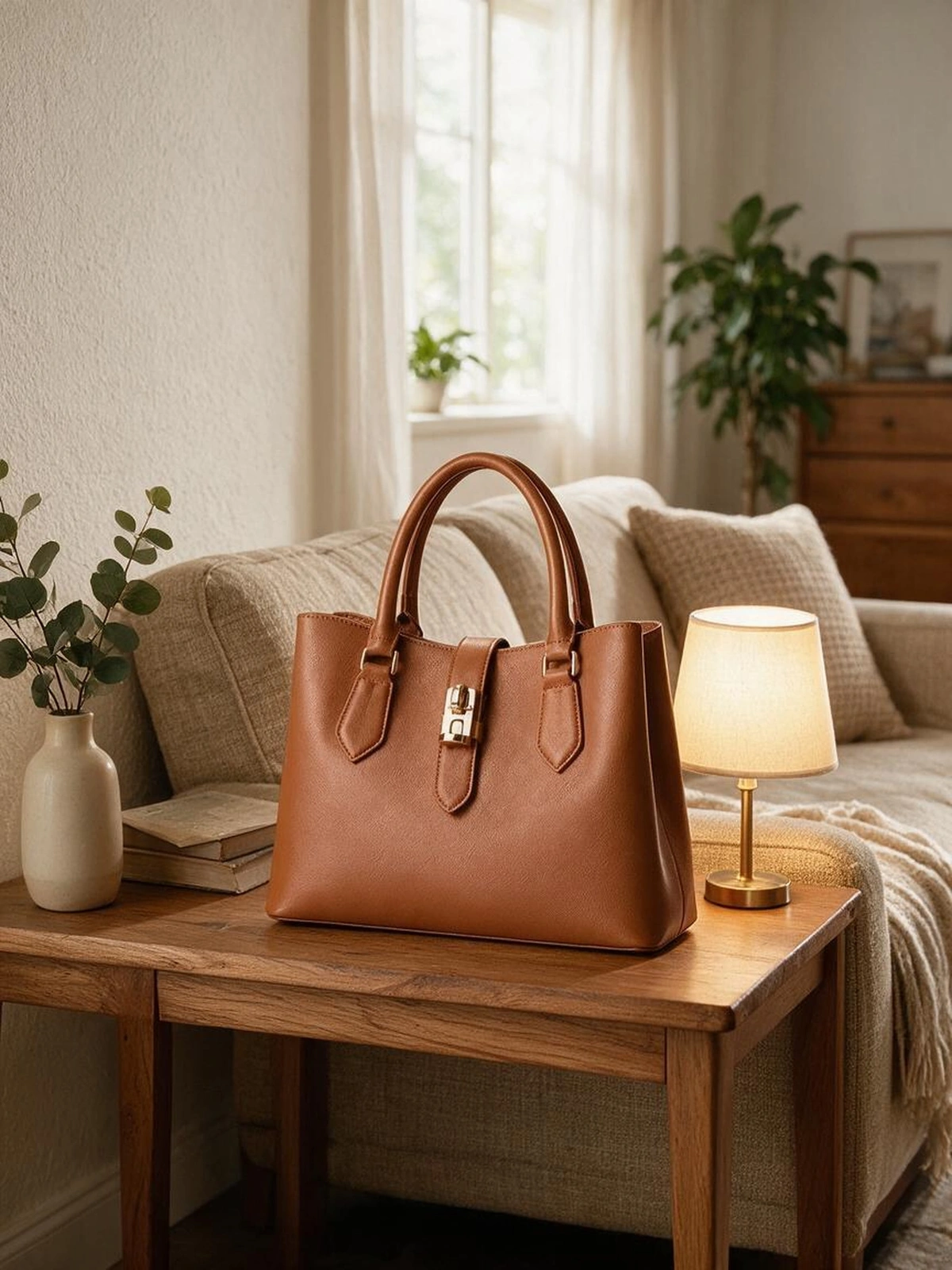 Original 1.11 MBCompressed 456 KB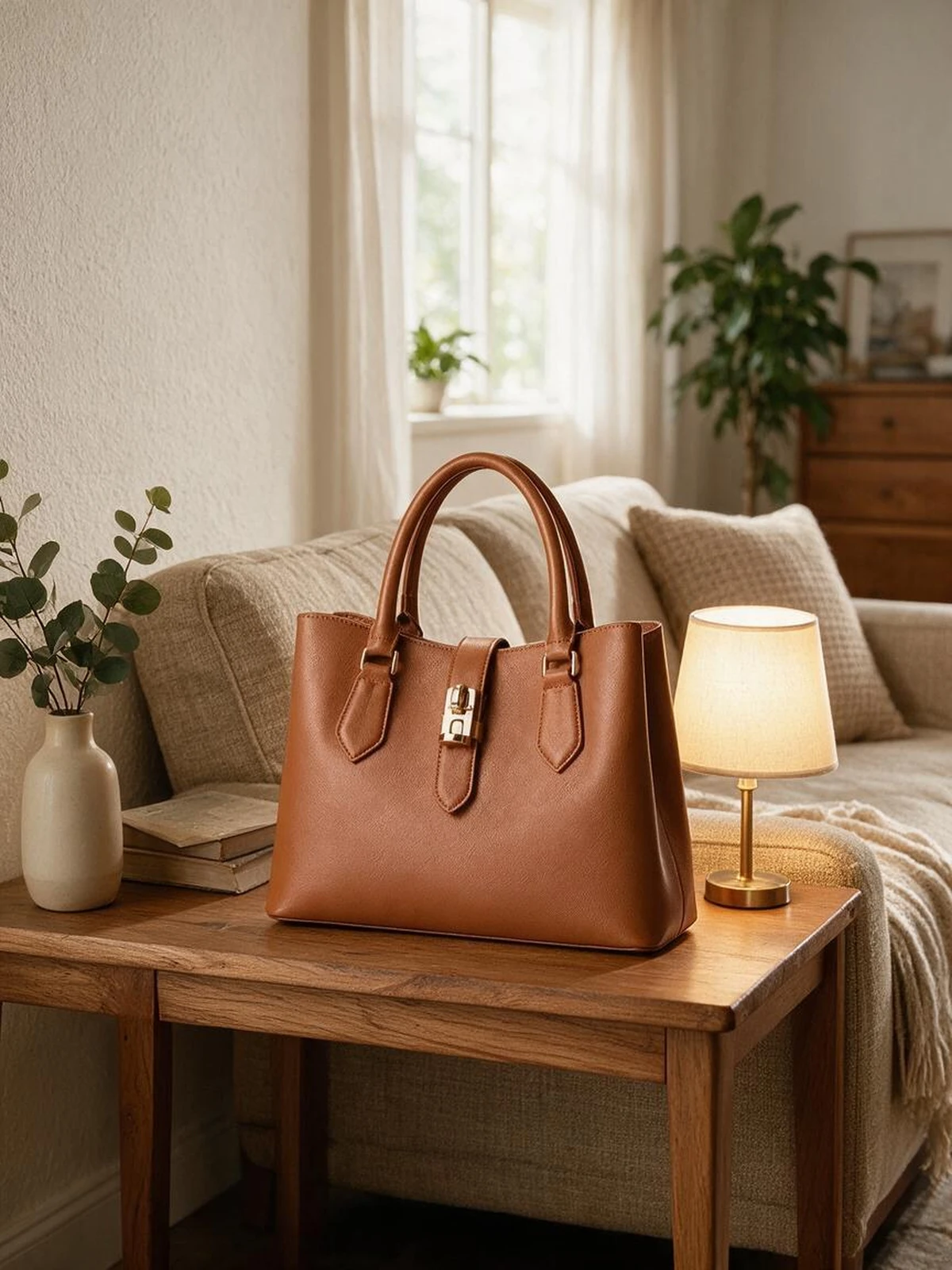
Drop or click to upload images, several at once
JPG / PNG / WEBP / HEIC, compressed locally in your browser, never uploaded
Smart mode uses MozJPEG and searches each image for the lowest quality that stays visually lossless, 30-40% smaller than the browser encoder at equal quality. Images already compressed by a marketplace are kept as-is. Amazon allows 10MB per image, Shopee 2MB, TikTok Shop 5MB.
FAQ
What compression does it use, and how much does it save?
JPG uses MozJPEG (WebAssembly build, the same encoder behind TinyJPG and Squoosh): trellis quantization, progressive scans and optimized Huffman tables, 30-40% smaller than the browser encoder at equal quality. WEBP uses libwebp at its highest effort; PNG uses 256-color palette quantization, the same family as TinyPNG. Smart mode also binary-searches the quality per image, gated by luma SSIM >= 0.995 at 1024px, to find the lowest quality you cannot tell apart. Measured: a 2000-pixel product scene, camera-grade 1.11 MB JPG landed on q86 at 456-494 KB, 57-60% smaller; the same image as a 3.40 MB lossless PNG quantized to 256 colors is 1.40 MB, 59% smaller; two 2048-pixel real product JPGs saved 53% (q74) and 47% (q77). Small images a marketplace already compressed are kept as-is.
Will quality drop visibly?
Smart mode keeps SSIM >= 0.995, so photos usually land between q74 and q86, which is visually lossless. The example on the right is the same image at 1.11 MB and 456 KB; drag the slider and you will not see a difference. In manual mode, detail loss starts to show below q70.
What are the marketplace size limits?
Amazon allows up to 10MB per image, Shopee 2MB, TikTok Shop 5MB, Temu 3MB. Always follow the current platform rules.
Are my images uploaded?
No. The encoders run as WebAssembly inside your browser; images never leave your computer and are gone when you close the page.
My image is small and blurry, what then?
Compression only reduces size, not sharpness. Run small supplier or legacy images through Image Upscaler at 2x or 4x first, then compress.
Is HEIC supported?
Safari and recent Chrome decode HEIC directly. Other browsers may not; export to JPG on your phone first.