One model shoot, a local face for every market
Pick the target market and upload your existing model photo. The model becomes a local face while the clothes, pose and scene stay untouched. A listing-ready localized image in under a minute.
Drop or paste an image · JPG / PNG / WEBP, up to 10MB
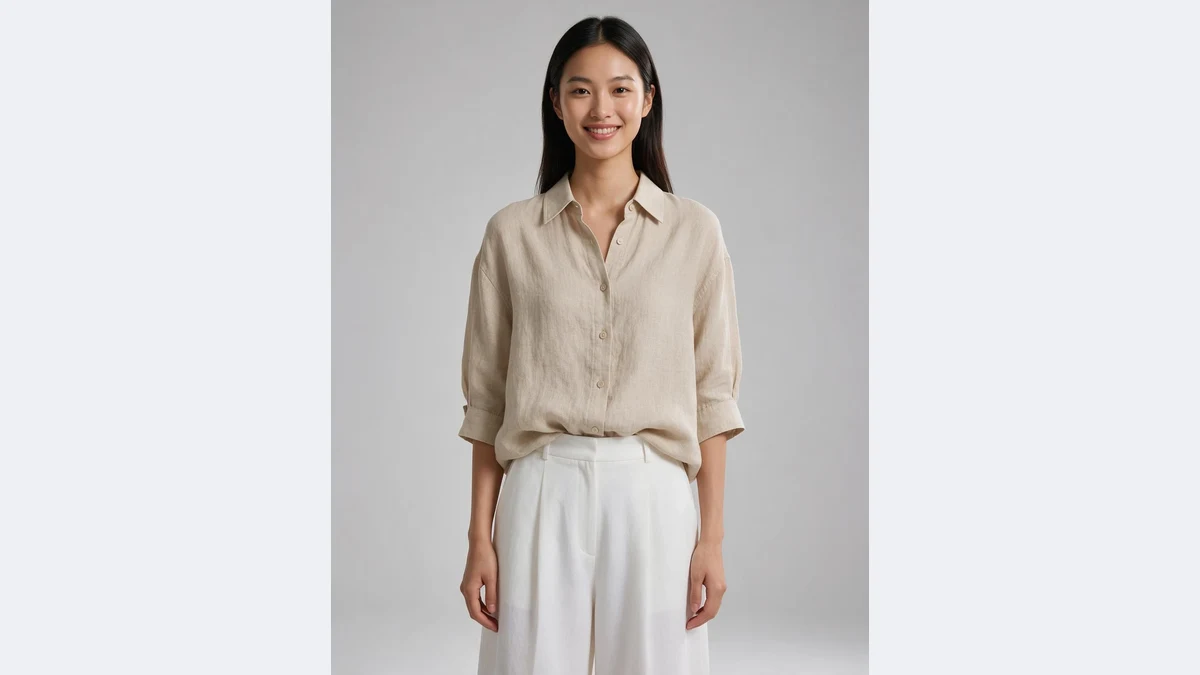
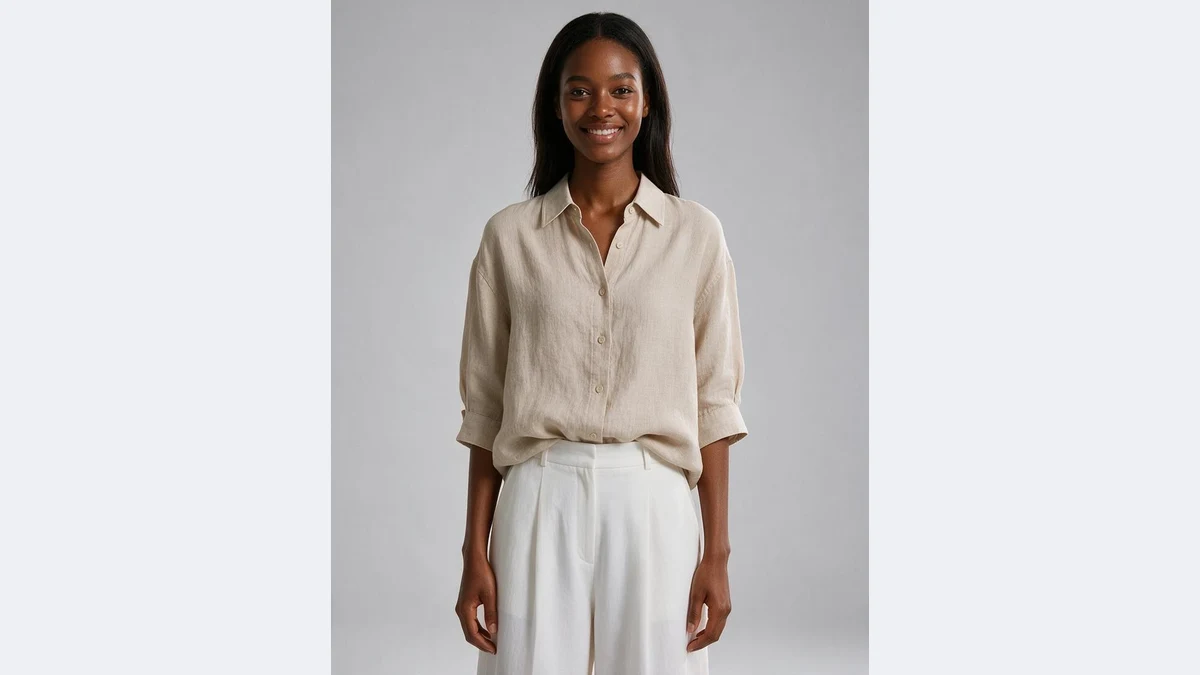
Pick the market, get a local model
The same photo swapped to Caucasian, Southeast Asian, Middle Eastern and Latino models, with identical clothes, pose and studio light
Your AI model localization assistant
No casting, no reshoot: upload the model photo you already have, pick the market, and get the same shot with a local face
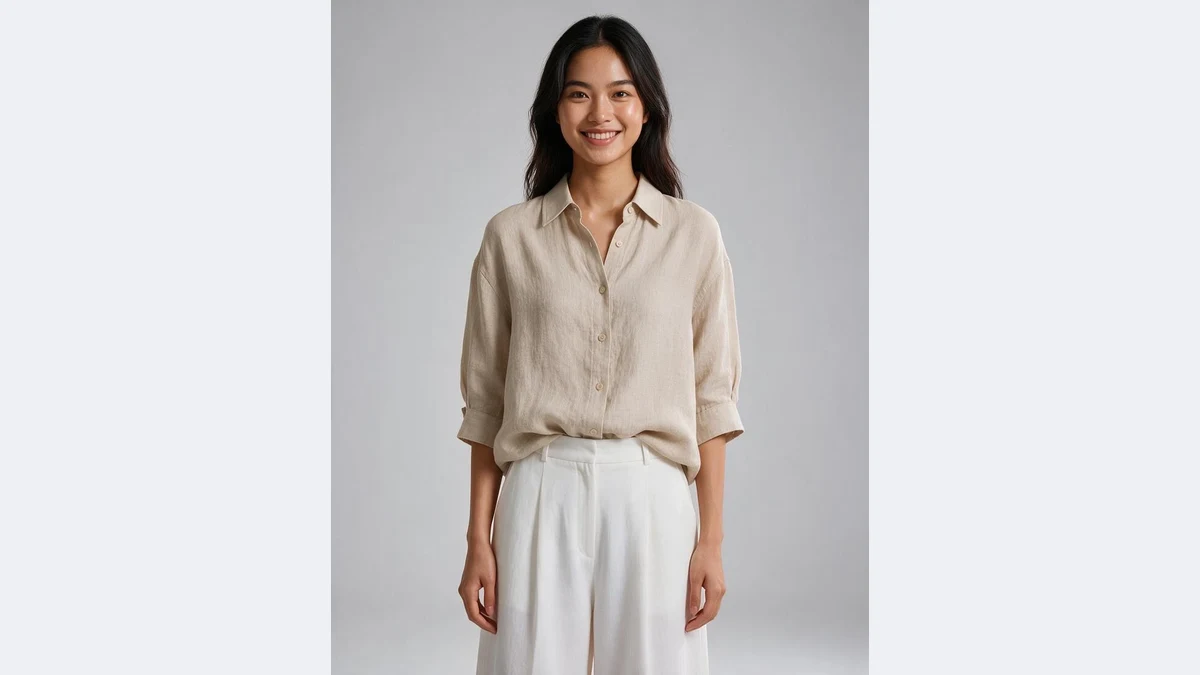
Only the person changes, the outfit and pose stay
The model locks the garment and body from the original first, then repaints the face, skin tone and hair. Collar shape, buttons, fold lines and the drape of the trousers match the source, so buyers still see the exact item you sell.
Hands, stance and gaze direction are preserved as well, so a localized set sits next to the originals without looking like a different shoot.
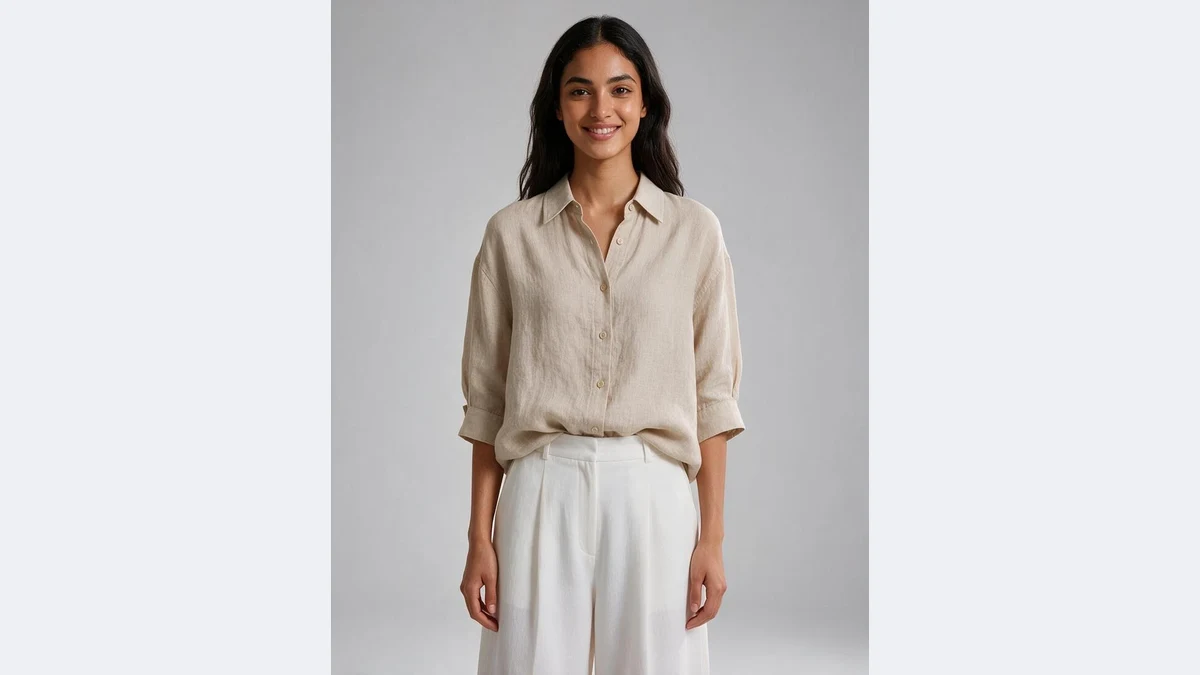
Six ethnicities for the main export markets
Caucasian, Southeast Asian, Middle Eastern, Latino, African and East Asian, matching Amazon US and EU, Shopee and TikTok Shop in Southeast Asia, Middle Eastern marketplaces, Latin America and Africa.
One source photo can become a version for each market, so the same SKU is shown with a local face on every storefront instead of one model for the whole world.
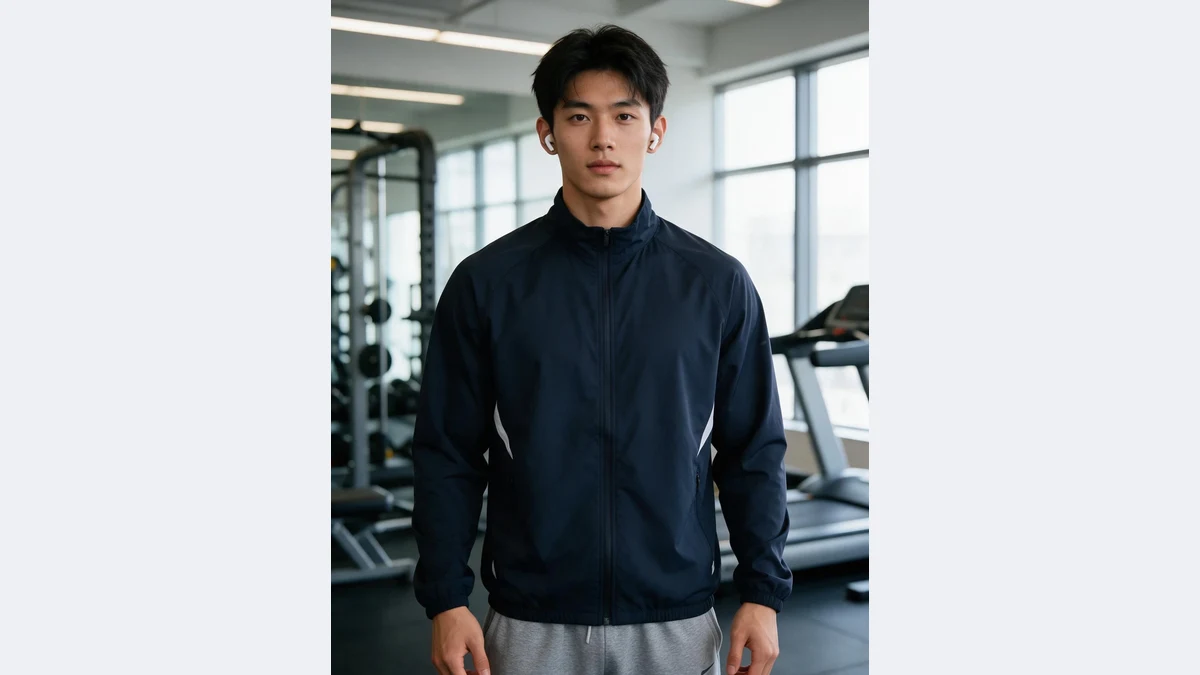
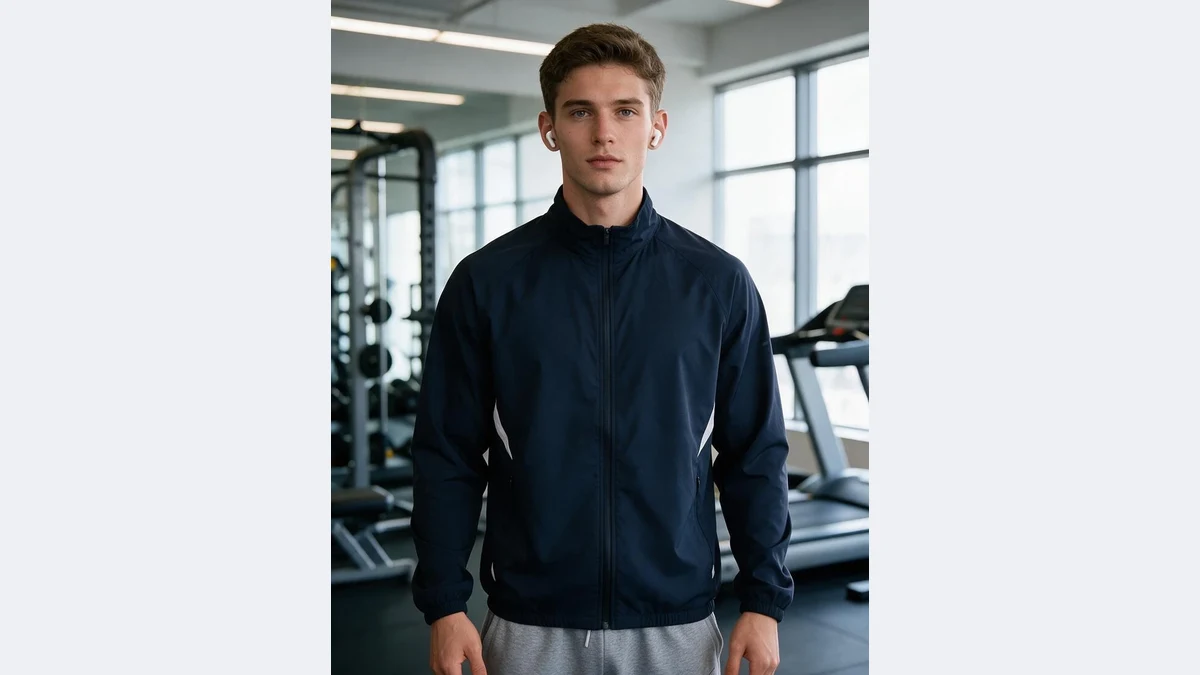
Studio shots, lifestyle scenes, menswear and womenswear
Not limited to plain studio backgrounds: gyms, street shots and home scenes work too. Background and lighting are kept, and the new skin tone is matched to the ambient light.
Menswear, womenswear, tops, bottoms, full and half body are all supported. Gender and age group follow the original by default, so a male model stays male.
Localize these in one click
Any apparel, footwear or accessory photo that has to sell in more than one market, without a reshoot
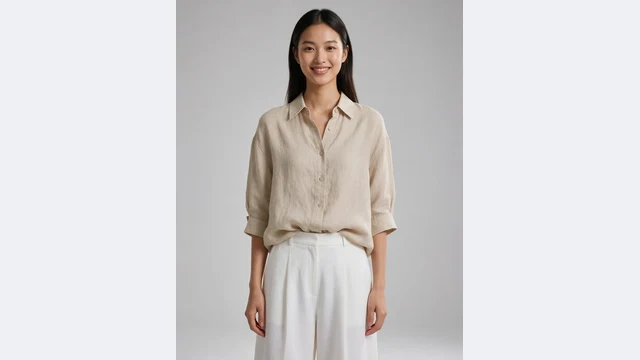
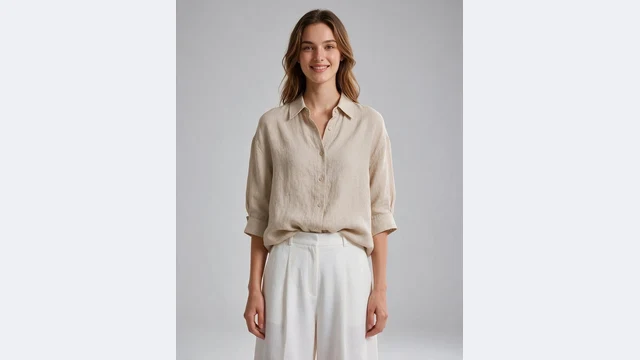
One shoot, many storefronts
A local-model version each for Amazon US/EU, Shopee Southeast Asia and the Middle East
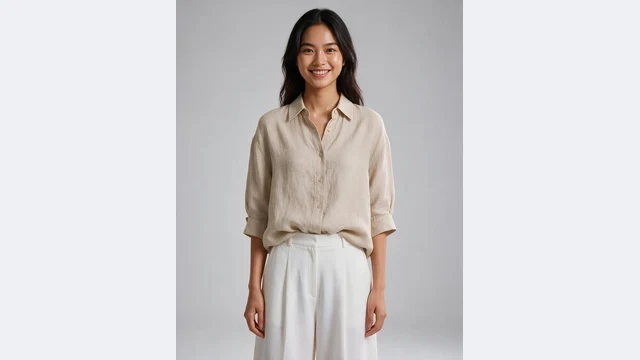
Localize supplier photos
East Asian model photos from your supplier, swapped to your market before listing
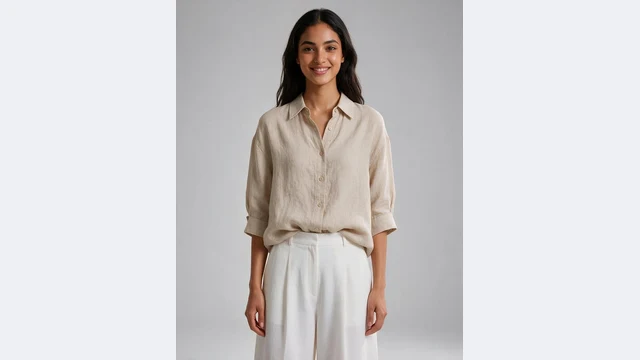
Middle East storefronts
A Middle Eastern model to match local taste and platform preference
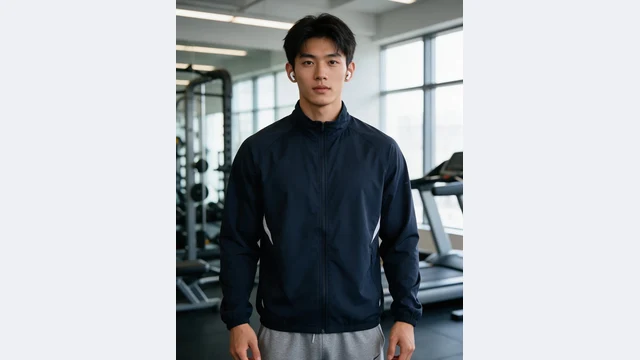
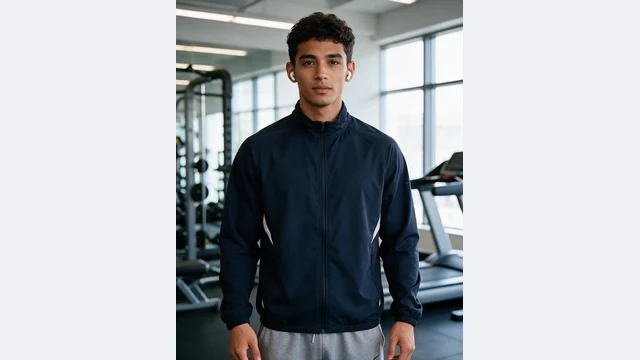
Sportswear abroad
Gym-scene menswear swapped to Latino and Caucasian models
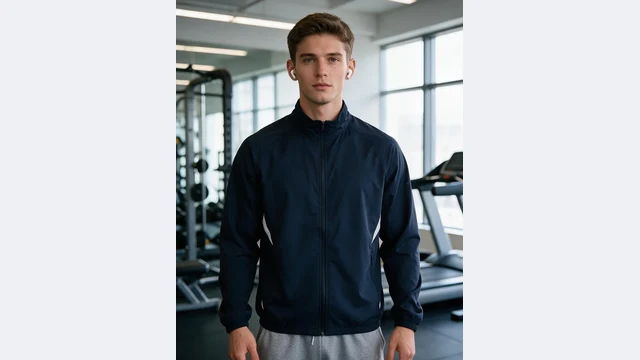
Ad A/B tests
Run the same creative with several ethnicities and see which market responds
Multilingual stores
English, Spanish and Arabic storefronts each with a local model on the same item
PixGT model localization FAQ
No. AI replaces only the face, skin tone and hair. The garment's cut, color, print, folds, styling and the body pose are kept from the original, and so are the scene and lighting. That is the difference from generating a new model photo: you are selling this garment, so it has to stay identical.
Caucasian, Southeast Asian, Middle Eastern, Latino, African and East Asian, covering Europe and North America, Southeast Asia, the Middle East, Latin America, Africa and East Asia. Menswear and womenswear both work; gender and age group follow the original photo. For finer control such as a specific hairstyle or age, open the full workspace and use "Describe".
Any photo of a real person wearing the garment: full body, half body, seated or walking. A clearly visible face gives the best result; profiles, back views and group shots work less well. JPG, PNG, WEBP and HEIC up to 10MB.
This page is the one-click version and picks a random model for the chosen market each time. To use one consistent face across a set, open the full workspace, choose Model Swap and pick the same face from the model library or upload a reference.
Yes. The model is an AI-synthesized person who does not correspond to any real individual, so there are no likeness rights involved. AI-generated model images are accepted as product images on Amazon, TikTok Shop, Shopee and most marketplaces; a few categories that require real photography follow the platform's rules.
Usually 20 to 60 seconds per image, billed as one generation. Sign-up comes with free credits, enough to try a few images first.
More tools
Try PixGT model localization now
Sign up and get 70 free credits. Beyond model swaps, try-on, main image compliance, image translation and product sets all live in the same workspace.