White background to real scene in one click
Pick a scene and upload the product photo. AI places it on a marble tabletop, wooden desk or outdoor grass with matching light and shadow, and the product itself does not change.
Drop or paste an image · JPG / PNG / WEBP, up to 10MB
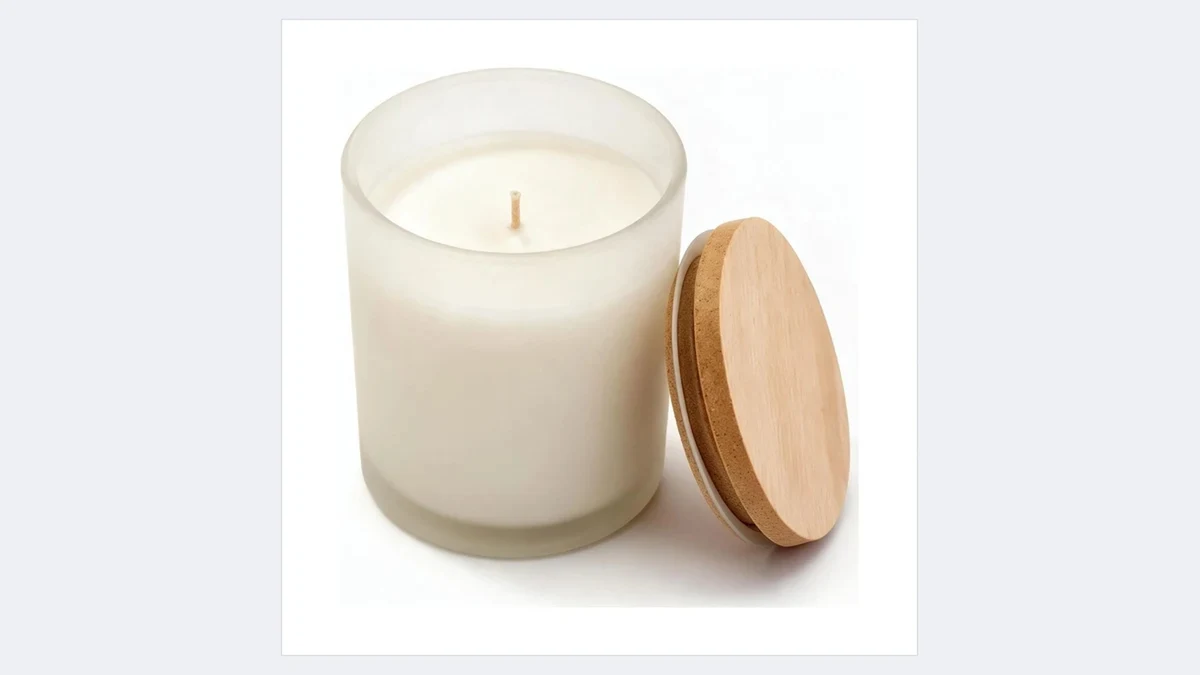
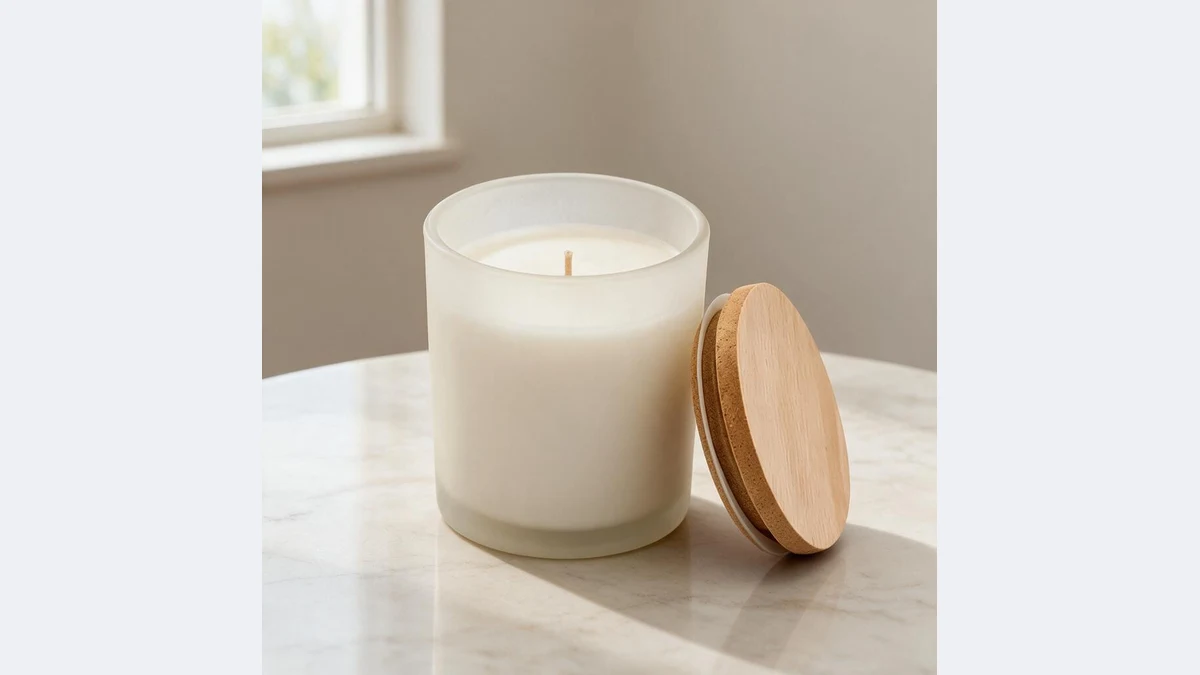
Pick the scene, the product goes in as-is
The same white background photo becomes marble, wood, outdoor and bathroom scenes in seconds, with natural light and shadow
Your AI product scene assistant
No set building, no location shoot: one white background photo, any scene you want
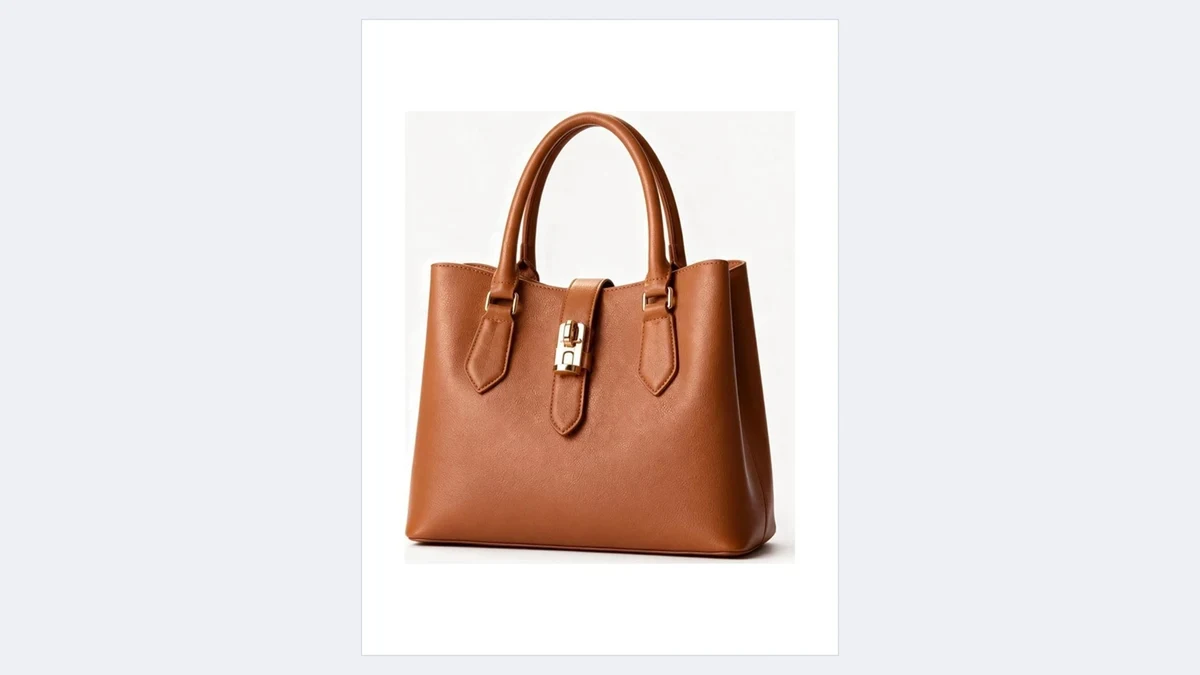
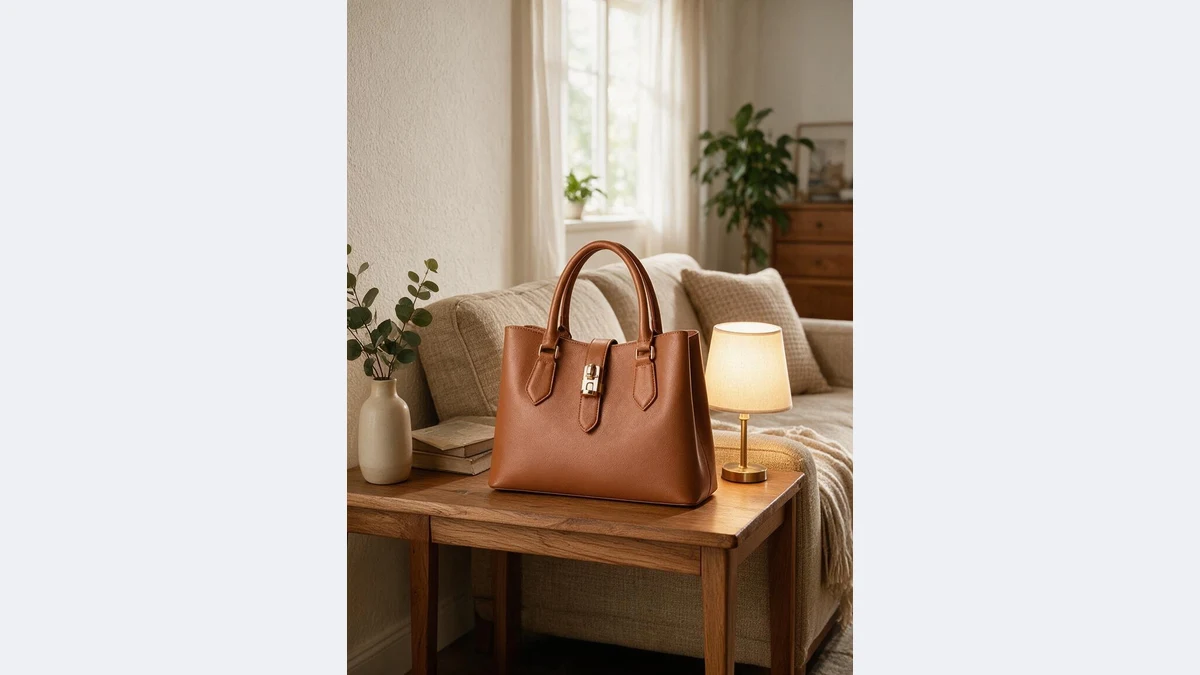
Light and shadow follow the scene
After placing the product, AI regenerates shadows and reflections for the scene light: contact shadows on the table, environment reflections on glass and metal. It is not a paste job.
Warm living room light, morning light on wood, midday sun on grass: color temperature changes with the scene.
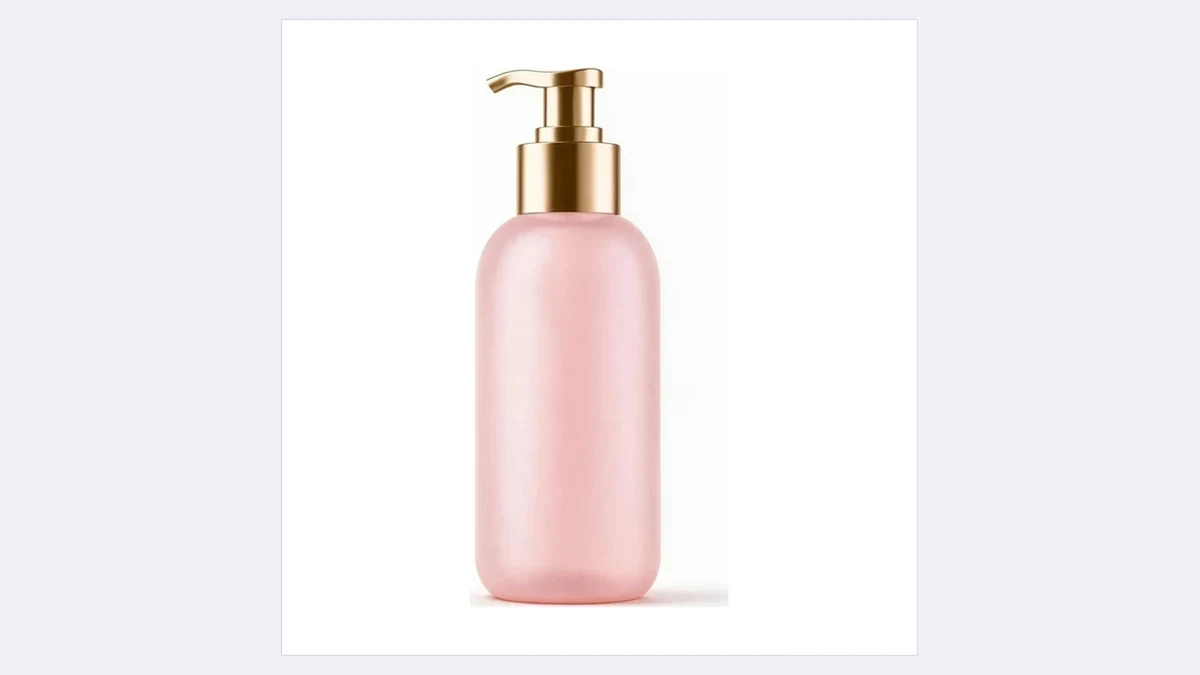
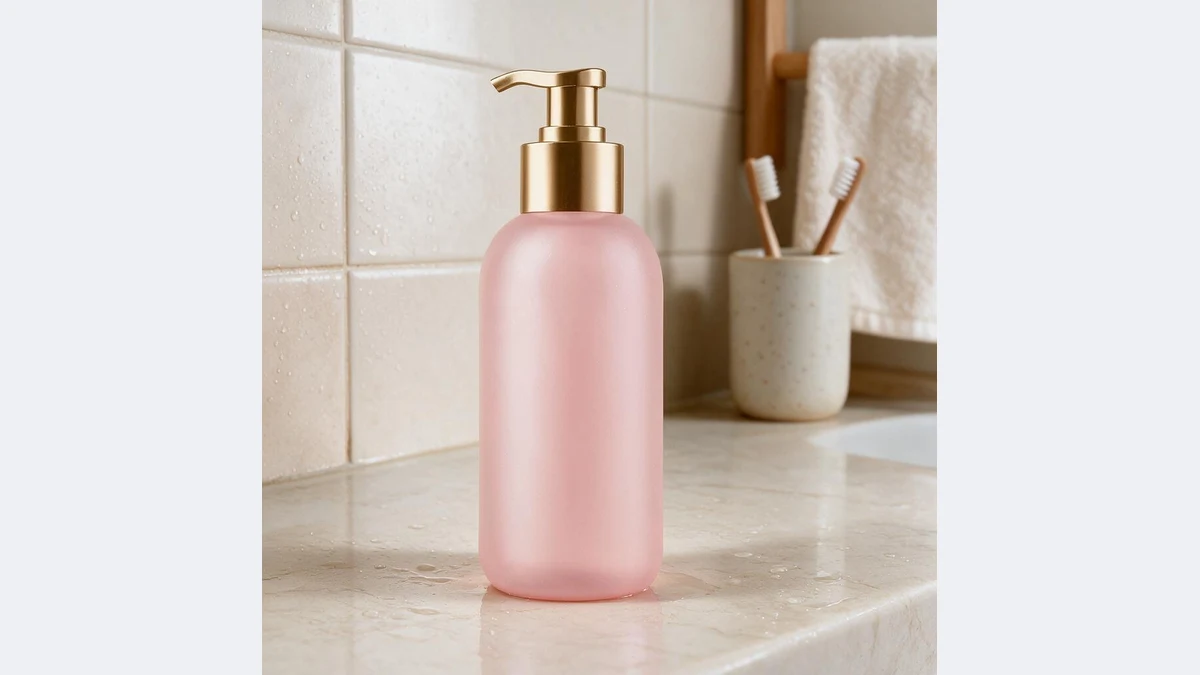
Not a pixel of the product changes
The model locks the product first and paints the background around it. Color, print and texture match the original, so buyers see exactly what you sell.
Photos with a simple background are recognized too, no manual cutout needed.
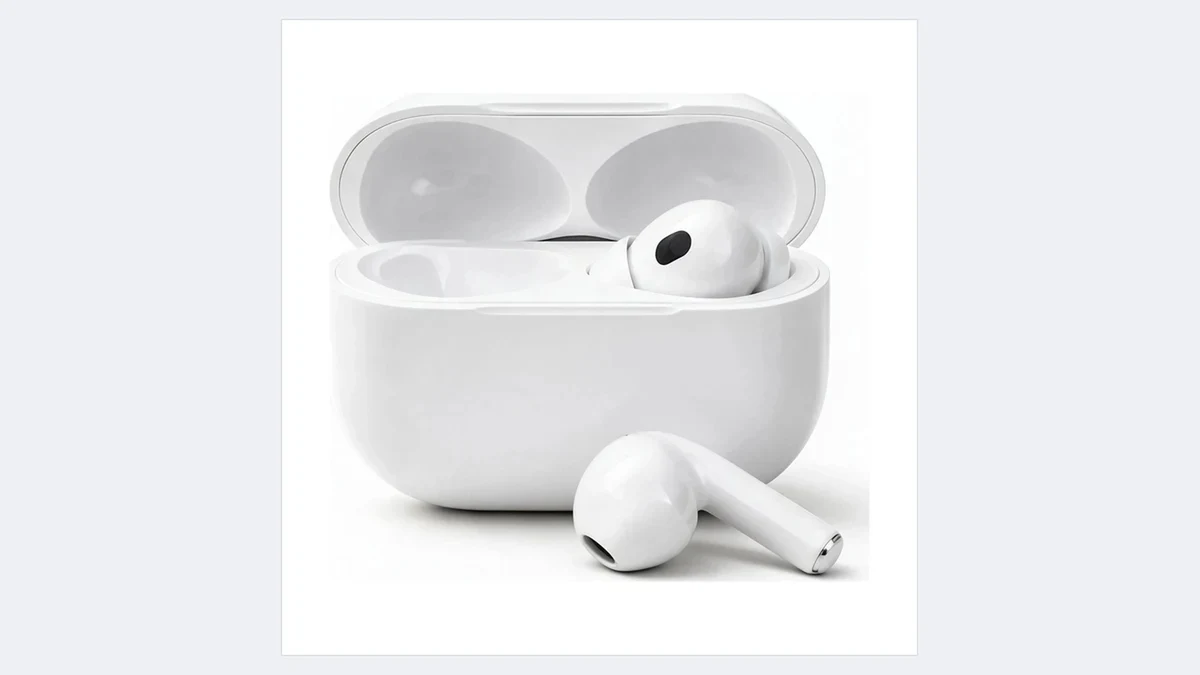
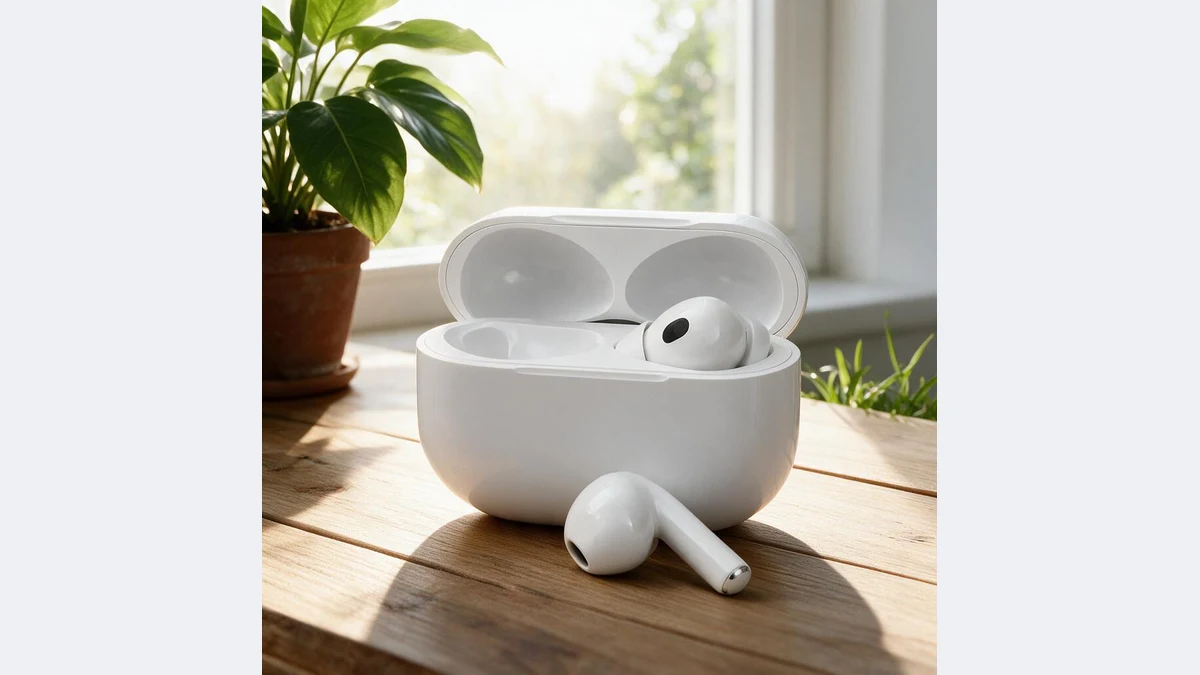
Seven scenes sellers use most
Marble, wood, outdoor, studio, bathroom, kitchen and living room cover the scenes beauty, home, food, electronics and fashion sellers reach for most.
Run the same photo through a few scenes and the lifestyle section of your detail page is done.
Scenes for every listing
Any product that only has a white background photo can skip the location shoot
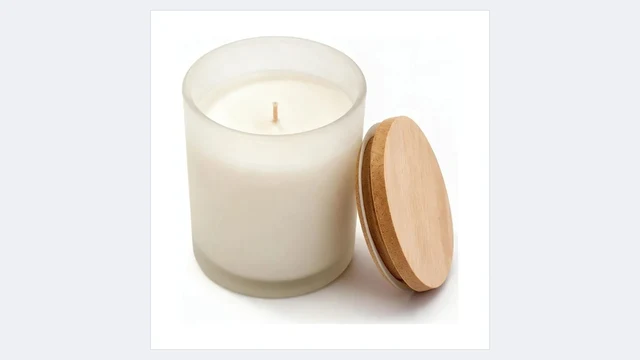
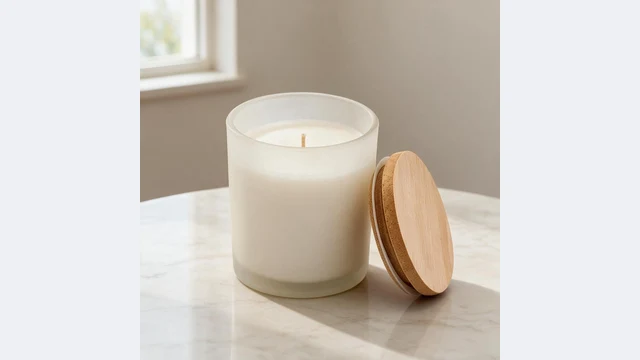
Detail page scene set
One white background photo into four or five scenes for the lifestyle section
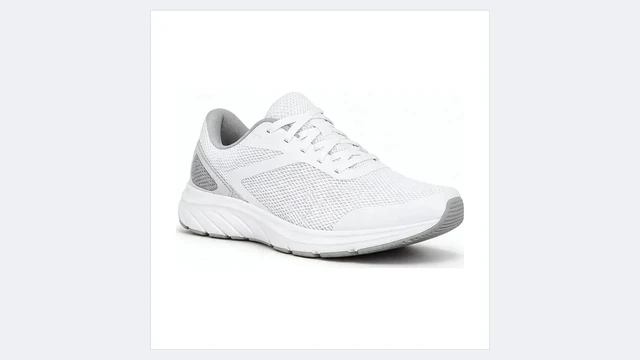
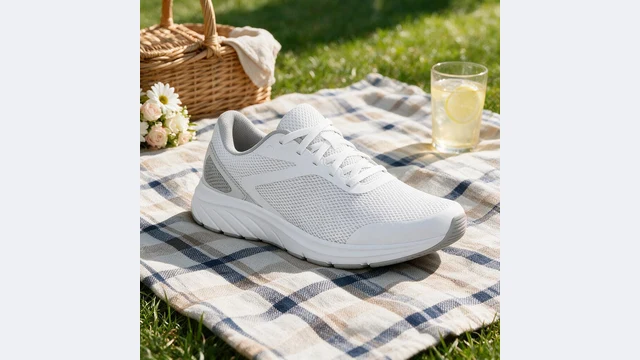
Ad creatives
The same product in different scenes to test which one clicks
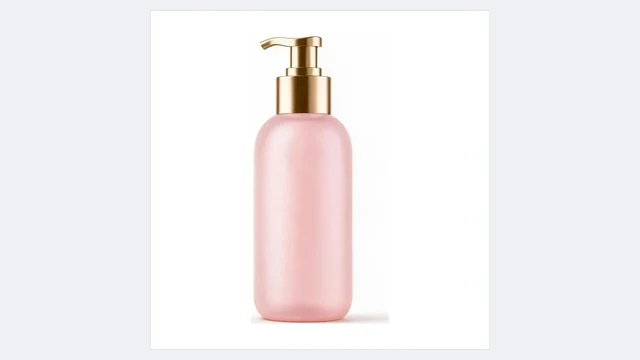
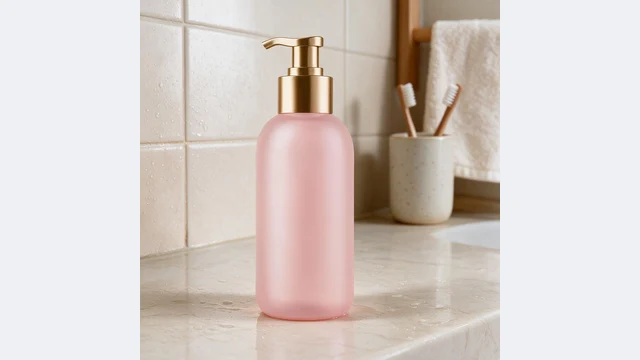
Beauty and personal care
Bathroom, vanity and sink scenes that show the product in use
Home fragrance
Living room, bedroom and dining scenes that set the mood

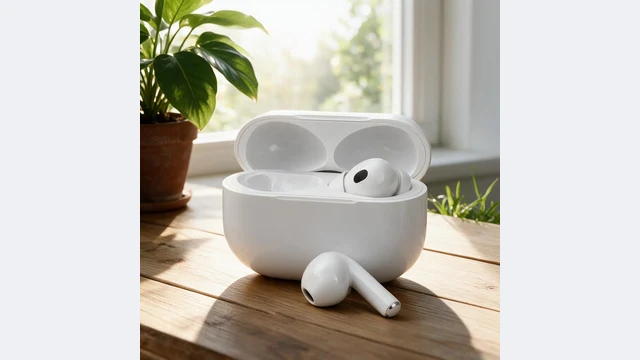
Electronics accessories
Wooden desks and cafe tables that bring out the finish
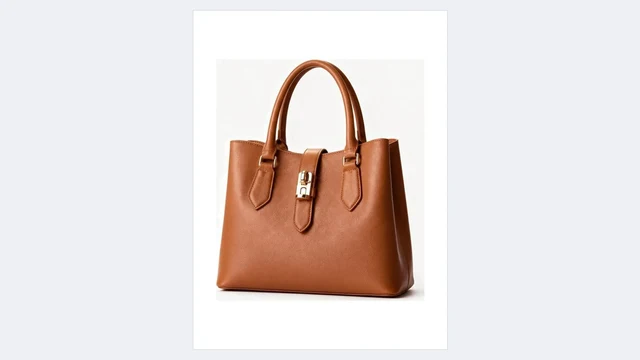
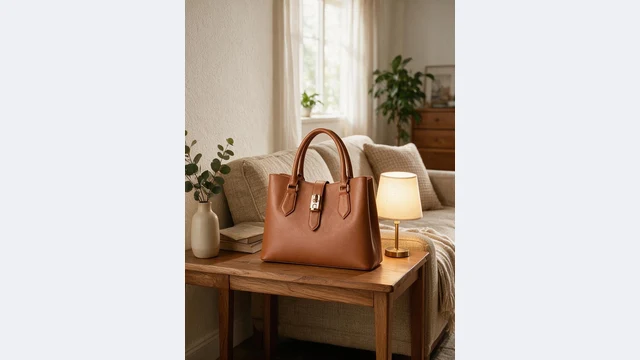
Bags and accessories
Street, grass and living room scenes for social covers
PixGT product scene FAQ
No. AI only repaints the background, lighting and shadow. Shape, color, material and printed text are kept from the original; the shadow is regenerated for the new light.
Seven presets that e-commerce sellers use most: marble tabletop, wooden desk, outdoor grass, minimal studio stand, bathroom counter, kitchen counter and living room side table. In the full workspace you can also describe any scene, upload a reference or pick from the scene library.
Not necessarily. White background photos give the most stable result, but photos with a simple background also work because AI isolates the product first. Run it through Background Remover first for the cleanest cut.
One per run on this page. To get a set of scenes for one product, open Product Scene in the full workspace and use multi-image mode.
Yes, as secondary images, detail page images, ads and social posts. Main images usually require pure white; use Main Image Compliance for those.
More tools
Try PixGT product scenes now
Sign up and get 70 free credits. Beyond scenes, main image compliance, extending, recoloring and hand-held shots all live in the same workspace.