Not enough canvas? AI paints the rest
Pick a direction and upload the image. AI continues the background, material and lighting outward with no visible seam. Portrait to landscape or square to 3:4 in one step.
Drop or paste an image · JPG / PNG / WEBP, up to 10MB
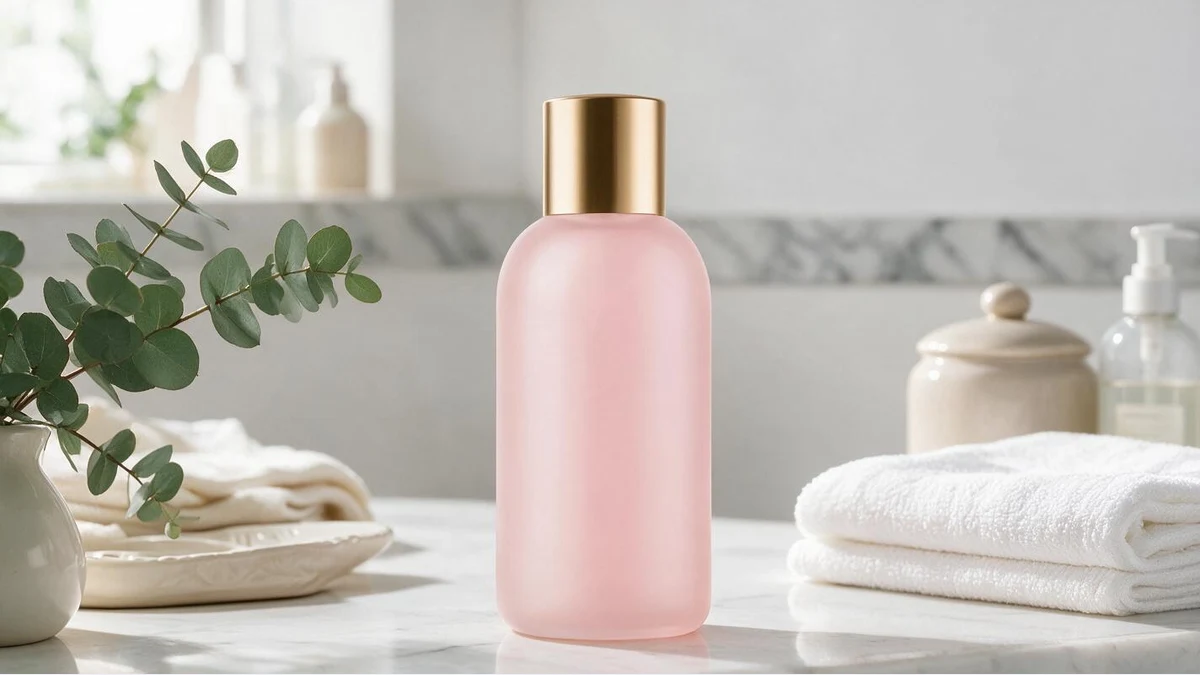 OriginalExtended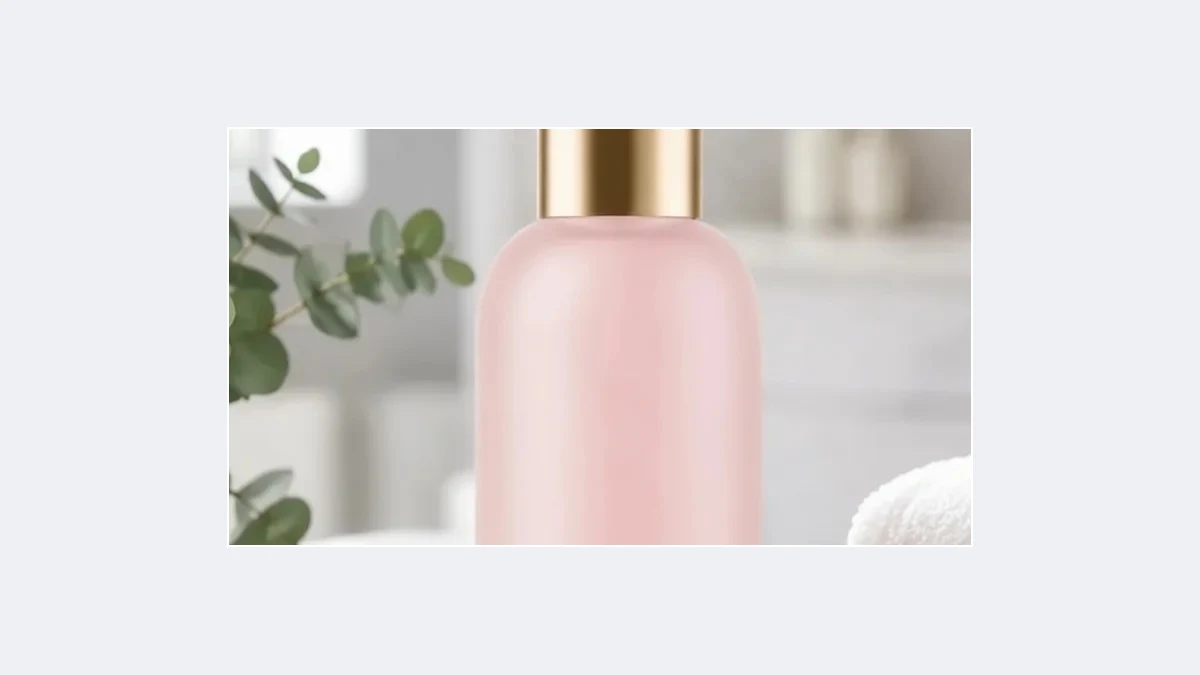
Natural in every direction
Tabletop, wall and floor continue from the original; the product does not move
OriginalExtendedYour AI image extender
No reshoot, no stock backgrounds to stitch: when the frame is too small, paint outward
OriginalExtendedFollows the original perspective and light
AI reads the material, vanishing points and light direction at the edges. Extended wood grain runs the same way, wall gradients continue and shadows land where they should.
No seams and no tiled-texture look.
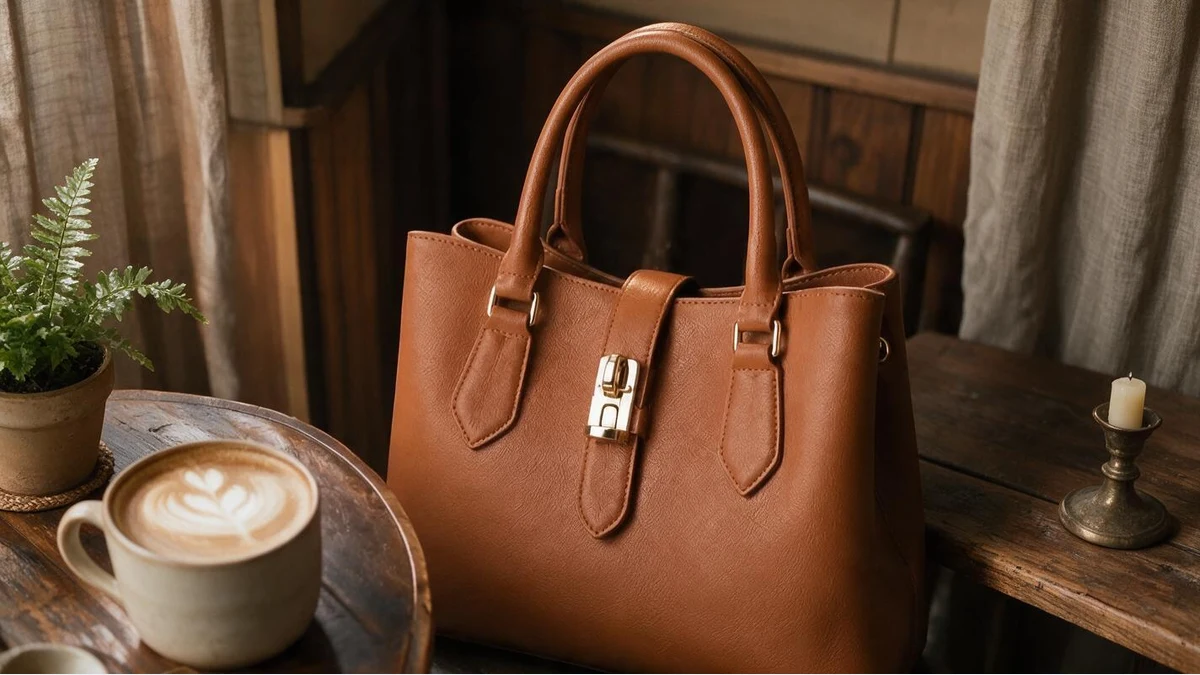 OriginalExtended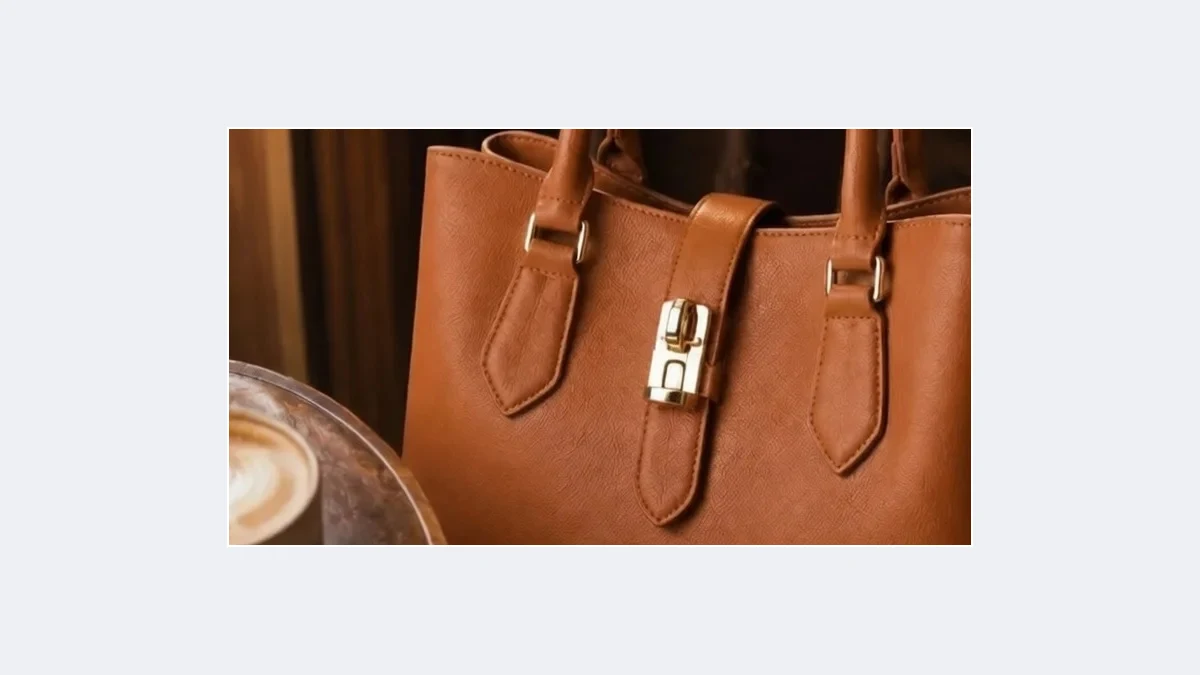
Three directions, switch as needed
All sides for tight crops; left and right for portrait to banner; top and bottom for landscape to 3:4 or 9:16.
The full workspace also lets you set a target ratio.
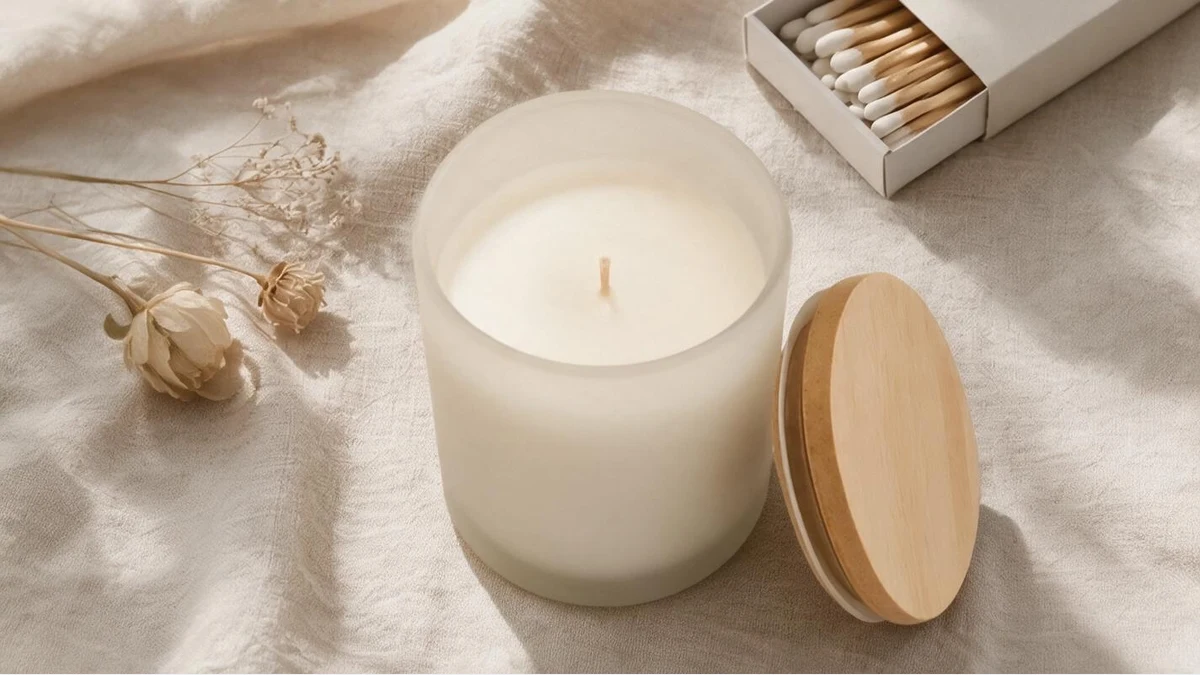 OriginalExtended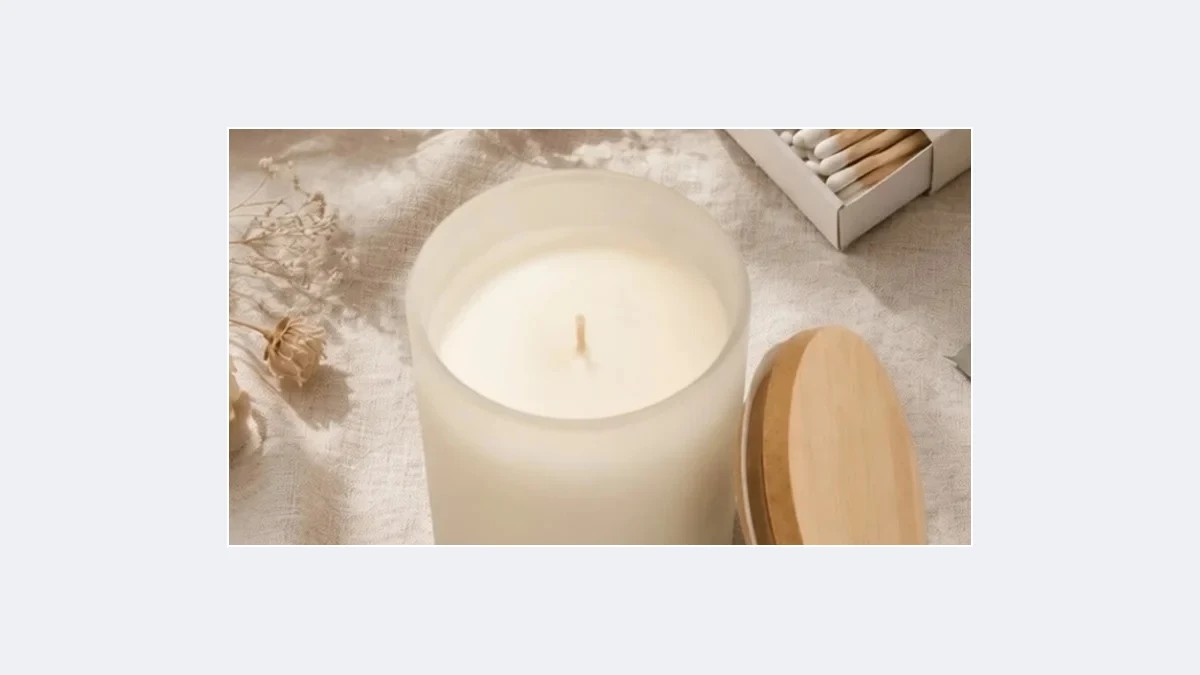
Product and subject untouched
Only the empty area is painted. Original pixels, product, text and logos are left as they are.
Chain into scene, upscale or main image afterwards.
When extending saves the shot
Any image with the wrong ratio or a frame that is too tight, without a reshoot
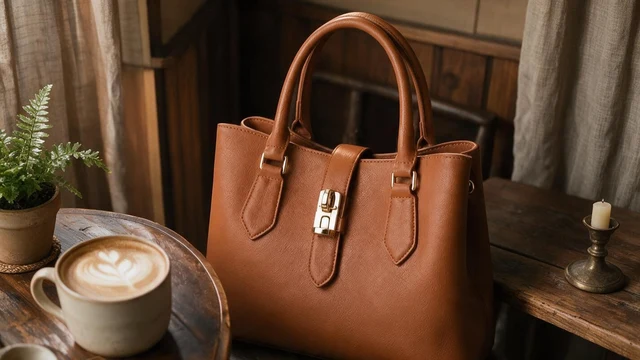 OriginalExtended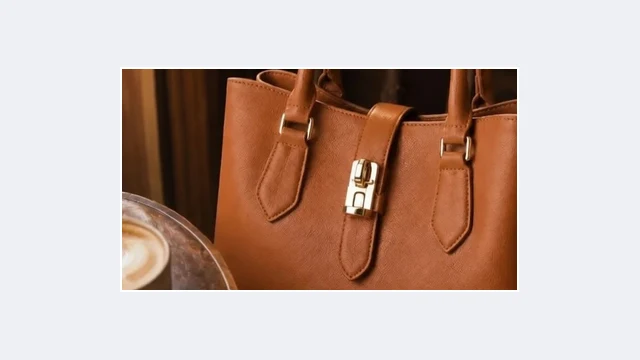
Portrait to banner
Detail page headers and store banners need 16:9; you only have portrait
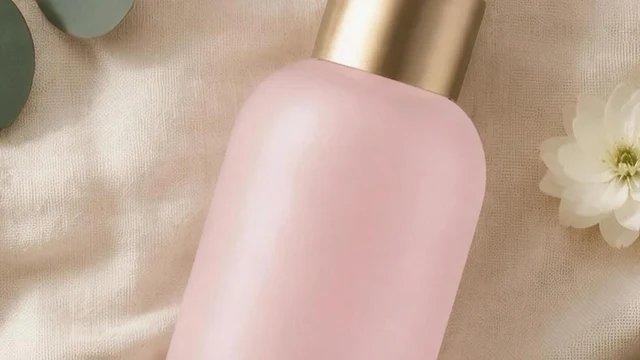 OriginalExtended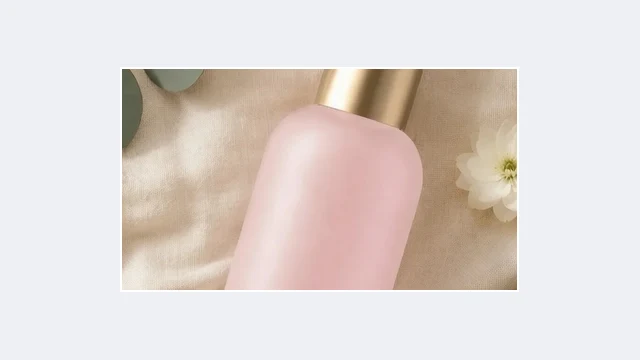
Square to 3:4
TikTok Shop and social covers need portrait; extend the square white background shot
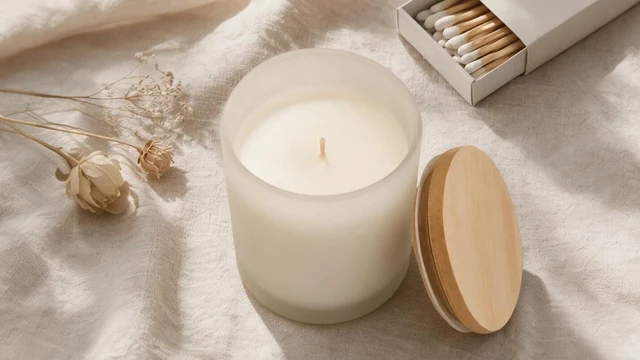 OriginalExtended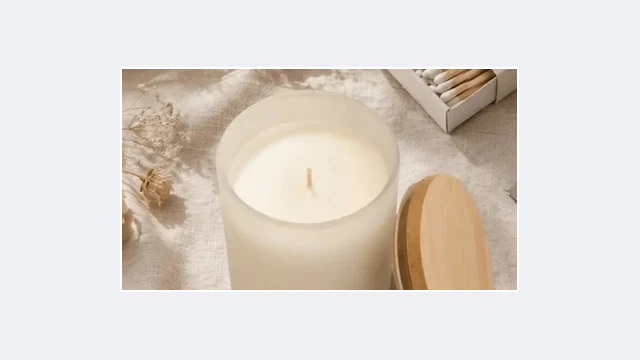
Tight product crops
Products touching the edge get a ring of background before listing
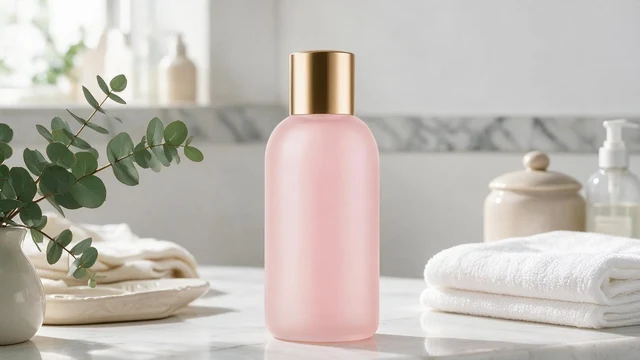 OriginalExtended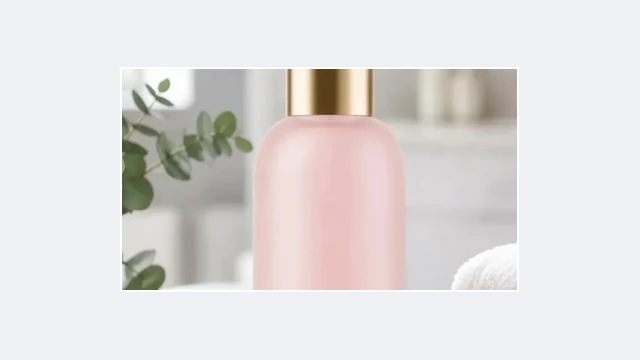
Ad placement sizes
One creative extended into every placement size
OriginalExtendedBigger scenes
Complete the environment around the subject for a wide scene shot
OriginalExtendedRoom for copy
Extend up or down to make space for headlines
PixGT image extender FAQ
AI continues the background, material, perspective and lighting from the edges of the original: wood grain direction, wall gradients and ground shadows carry on with no seam. The product itself is untouched.
This page extends one ring in the chosen direction, roughly 1.5x the area for all sides. For a specific target ratio such as 1:1 to 16:9, open Extend in the full workspace, set the ratio and run several rounds.
Yes. By default the background continues naturally; in the full workspace you can describe the new area, for example "continue the wooden table and the plants outside the window".
Continuous backgrounds such as tabletops, walls, floors and sky are the most reliable. Complex objects cut off at the edge are completed as well as possible; review the result.
The overall pixel size grows; the original region keeps its resolution. To enlarge the whole image, run Image Upscaler afterwards.
More tools
Try the PixGT image extender now
Sign up and get 70 free credits. Beyond extending, upscaling, scenes and main image compliance all live in the same workspace.