One shoe photo, real on-foot shots
Pick the framing and upload the shoe photo. AI puts the shoe on a model, close-up, half body or full body, and every detail matches the original.
Drop or paste an image · JPG / PNG / WEBP, up to 10MB
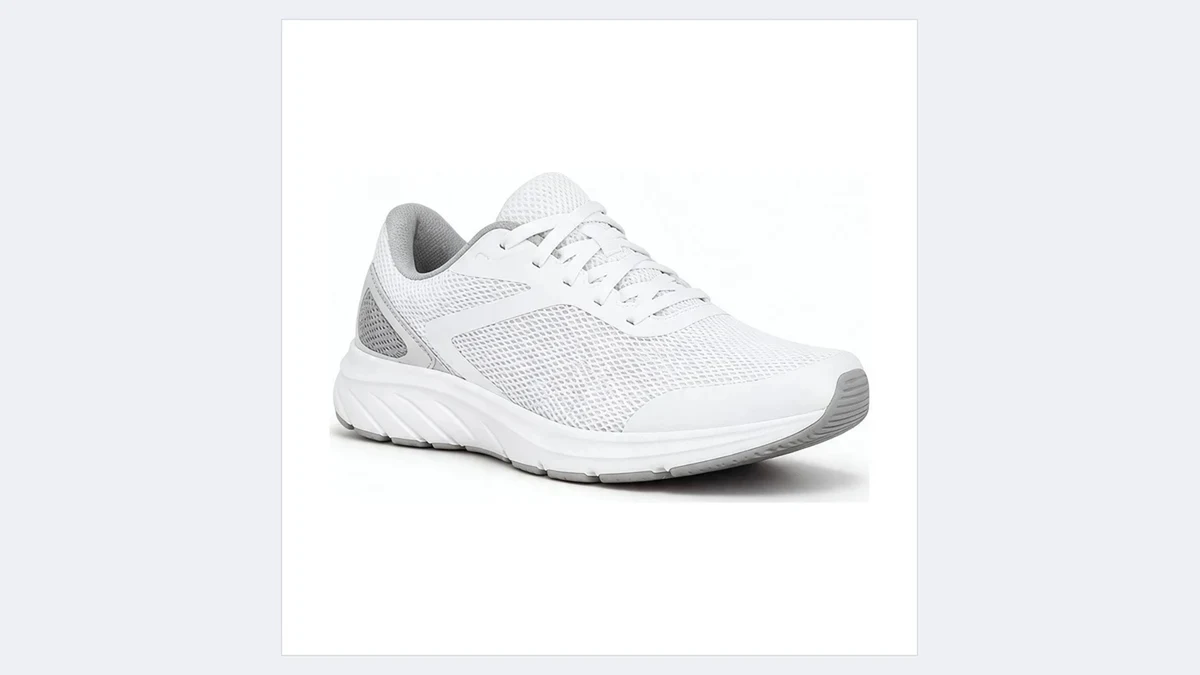
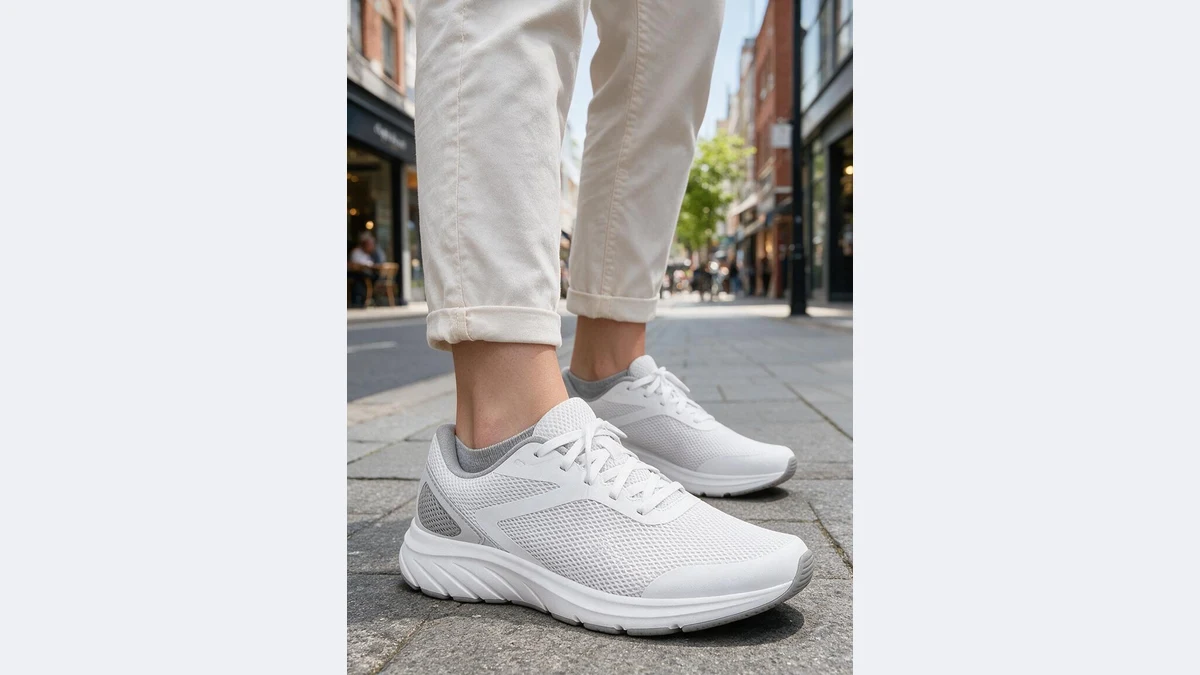
Close-up, half body or full body
The same shoe in three framings, details matching the original
Your AI on-foot shot assistant
No model, no location: one shoe photo, every on-foot shot
Shoe details reproduced
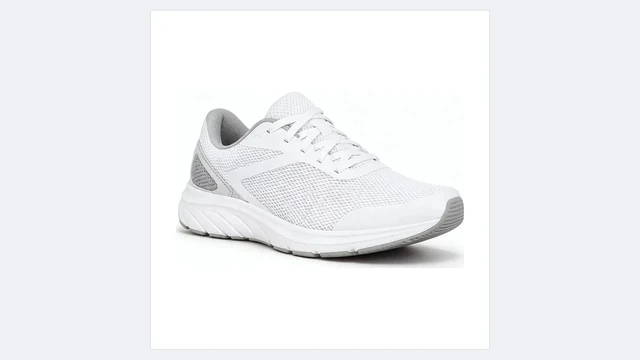
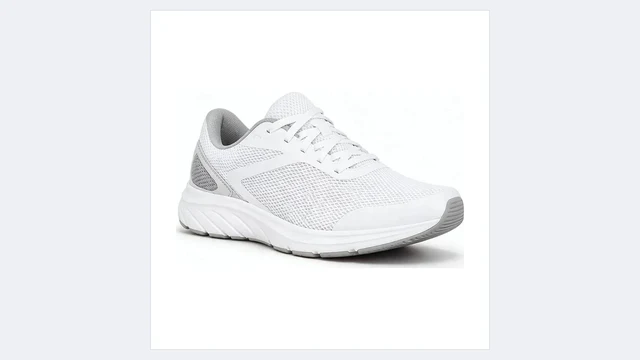
Style, colorway, lacing, outsole pattern and side logo all follow the original, and the shoe flexes the way a worn shoe does.
The shoe buyers see on foot is the one in your main image.
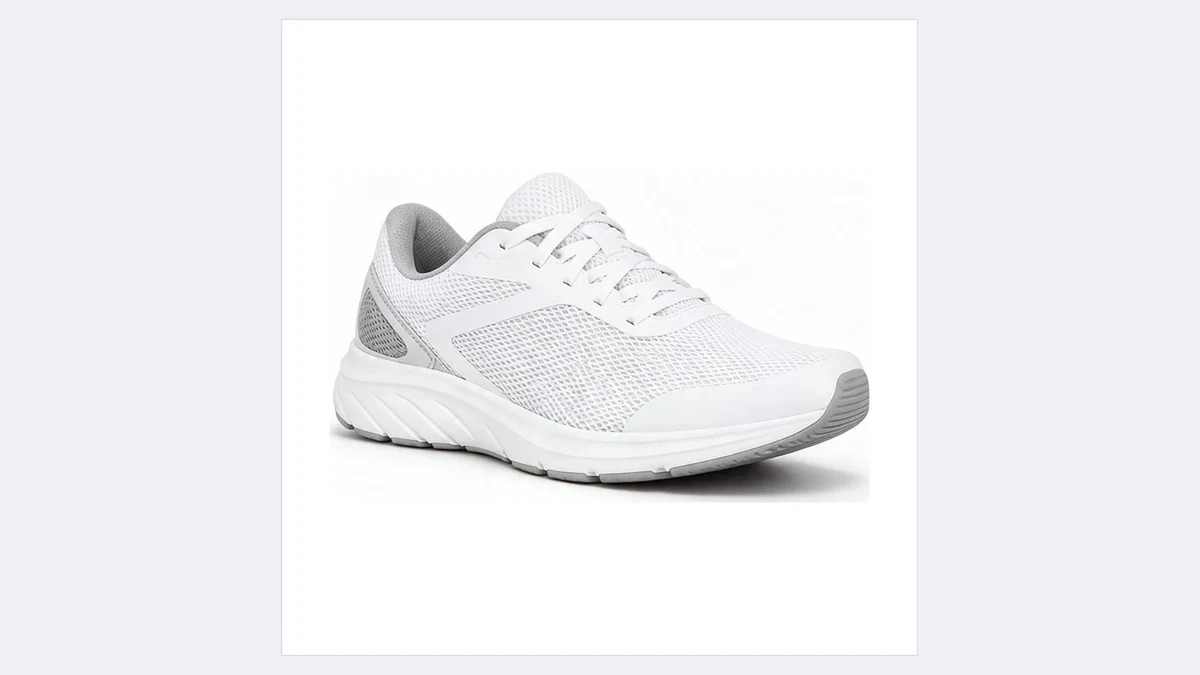
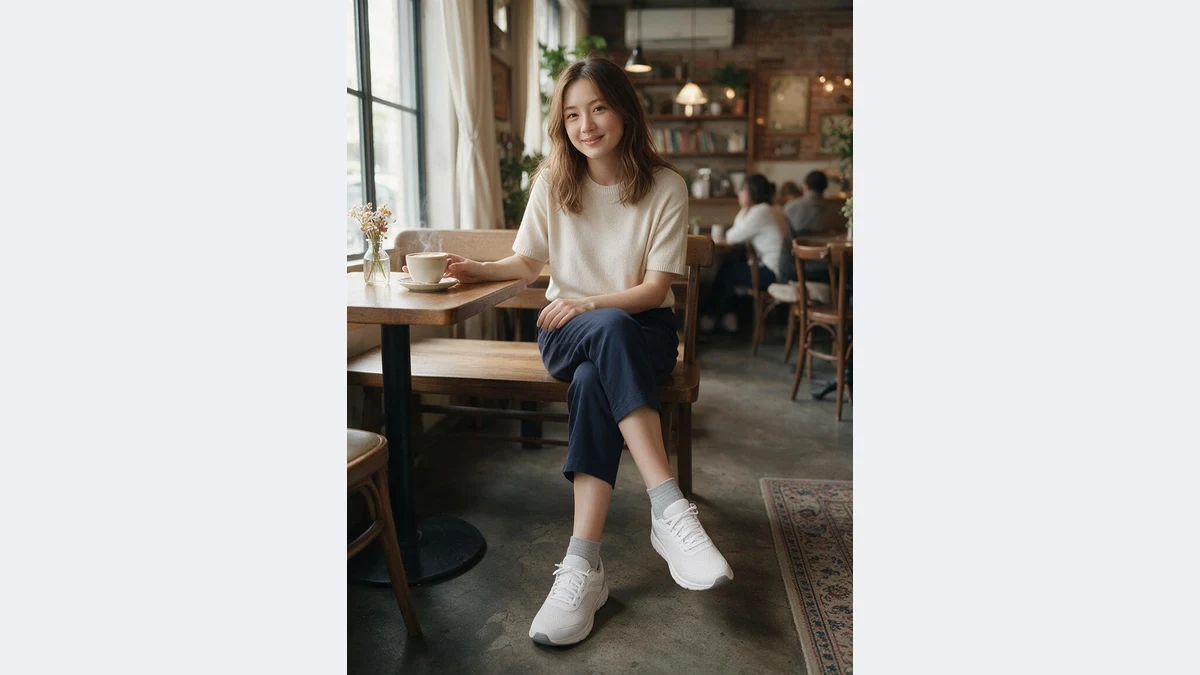
Outfit and scene matched automatically
AI pairs trousers, socks and scene with the shoe type: sneakers with casual trousers on the street, dress shoes with suit trousers in an office, sandals with summer wear by the sea.
No styling needed, or specify it in the full workspace.
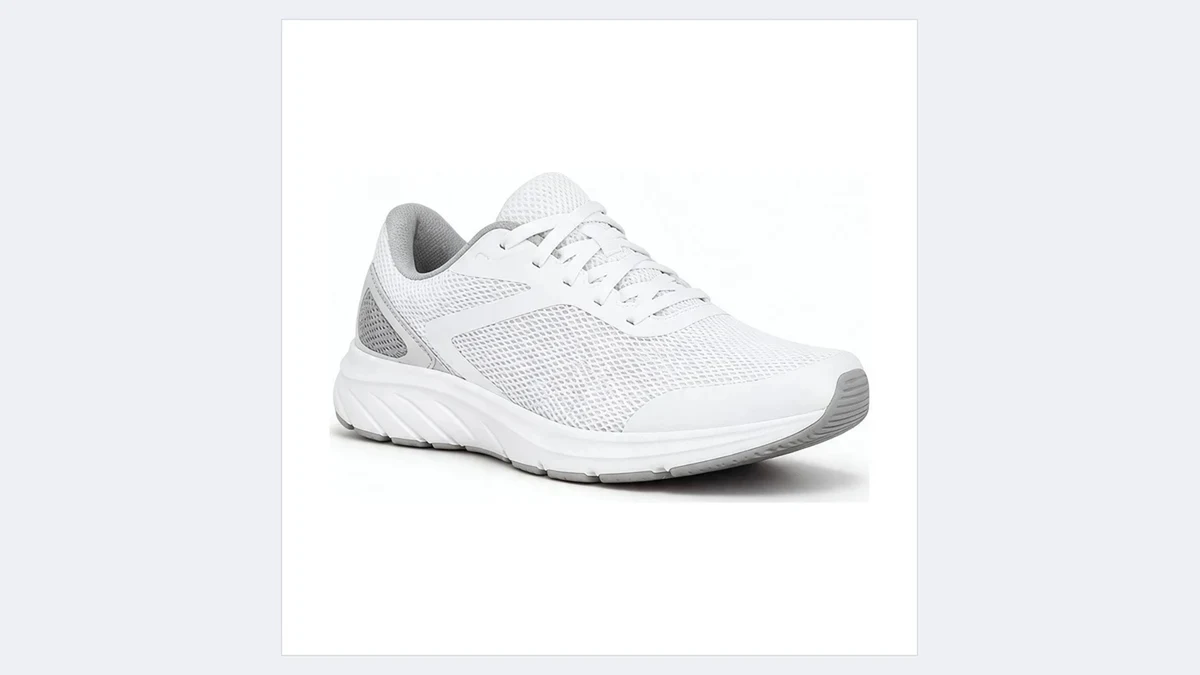
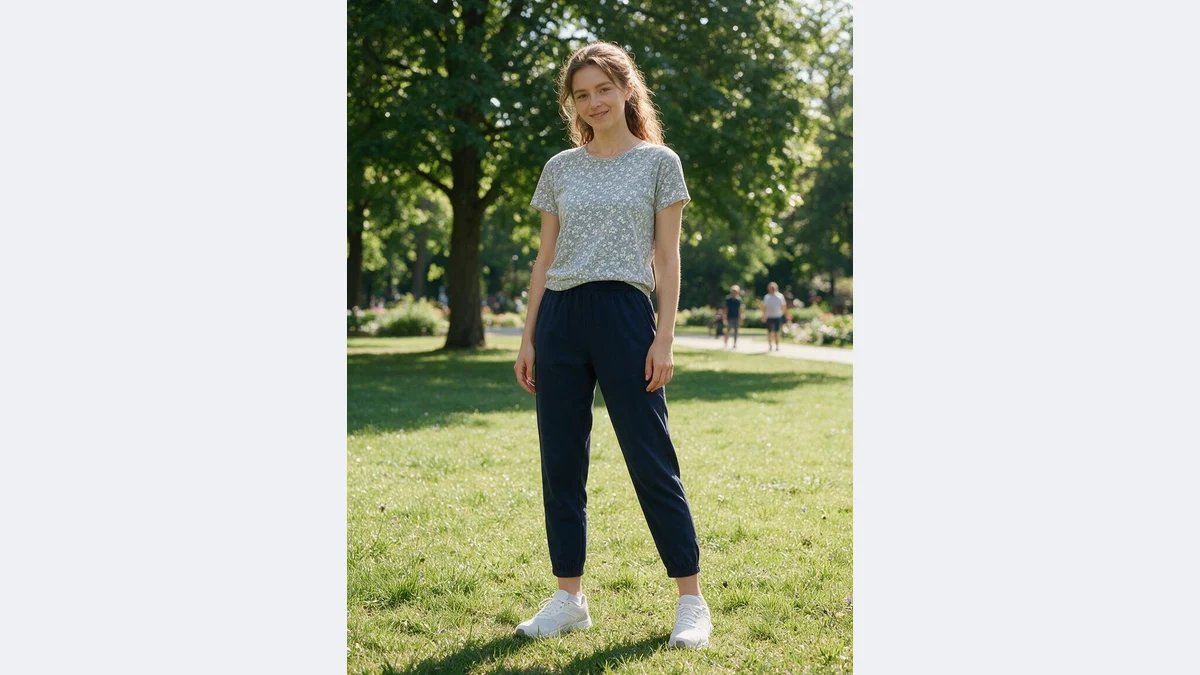
Three framings in one go
Close-up for secondary images, half body for the detail page, full body for social and ads. One shoe, three framings, done.
Members can batch several shoes.
On-foot shots for every shoe
Any shoe that only has a white background photo can skip the model shoot
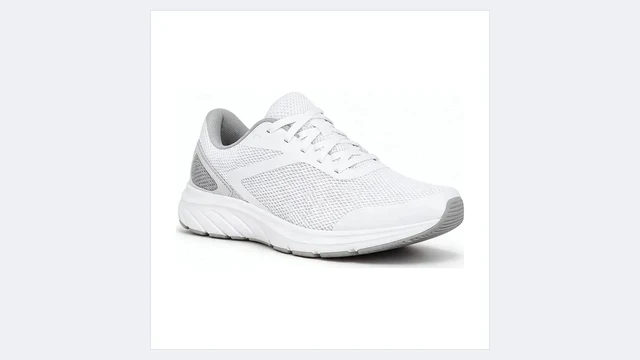
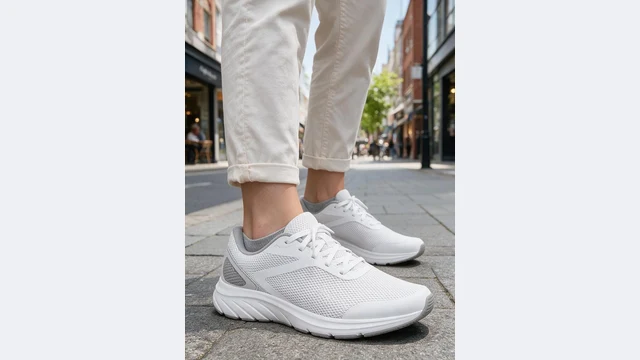
Sneaker secondary images
An on-foot close-up next to the main image lifts conversion
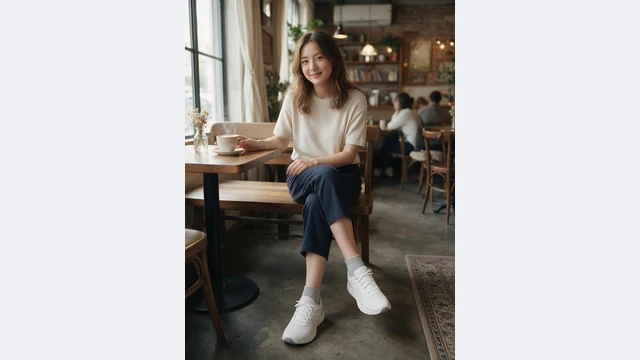
Detail page outfit shots
Half body shots show how the shoe pairs with an outfit
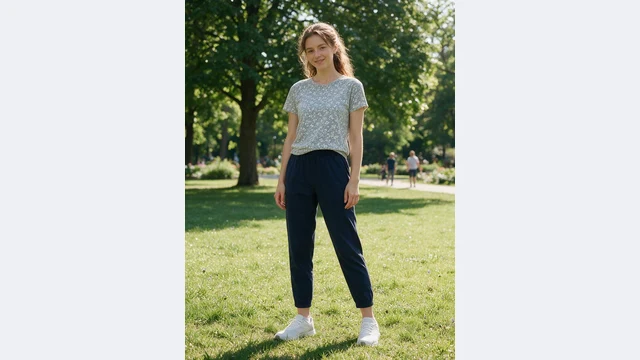
Social and ads
Full body street-style shots ready to post or run
Colorways on foot
An on-foot shot for every recolored version
DTC product pages
White background, on-foot and scene shots make a complete page
Pre-launch testing
List with on-foot shots before samples arrive
PixGT shoes on feet FAQ
No. AI uses your shoe photo as the reference: style, colorway, lacing, outsole pattern and logo placement are reproduced, just worn on a foot with matching trousers and a scene.
On this page the model is random. In the full workspace, Shoe Try-On lets you pick from the model library, upload a reference, describe gender, ethnicity and age, or upload your own model photo.
One photo is enough; a side or 45-degree view works best. If you have two (left and right, or two angles), upload both in the full workspace for a closer match.
Close-up shows the shoe detail for secondary images; half body adds outfit context for the detail page; full body suits social and ads. Generate all three and the set is complete.
Dress shoes, boots, sandals, heels and slippers all work. AI matches outfit and scene to the shoe type.
More tools
Try PixGT shoes on feet now
Sign up and get 70 free credits. Beyond on-foot shots, recoloring, scenes and main image compliance all live in the same workspace.